NEW CLIENT ONBOARDING

By
Anuj
Automate Client Onboarding: 9 Workflow Automations That Save Teams 10+ Hours a Week
Onboarding in B2B SaaS is a make-or-break moment.
Get it right, and you accelerate time-to-value, build trust, and lay the foundation for customer retention and expansion.
Get it wrong through delays, miscommunication, or missed onboarding steps, and you risk frustrated customers, early churn, and a damaged reputation.
For many mid-market and enterprise teams, the client onboarding process remains chaotic.
Customer Success Managers juggle spreadsheets, Implementation Specialists chase updates across Slack and email, and new clients constantly ask, “Where are we in the process?”
As onboarding volume grows, manual onboarding habits compound inefficiency, forcing companies to hire more people just to keep up.
Executive tension: Onboarding teams often know the problem. “We can’t scale this without losing quality,”
One VP of Implementation confides. “Each CSM handles onboarding differently, and we have no visibility into who’s falling behind.”
The good news?
Modern onboarding automation software has evolved beyond basic task lists.
Today’s best tools, like Projetly, a client-centric, AI-powered platform built specifically for customer onboarding automation, offer client onboarding workflow automations that eliminate repetitive tasks and bring structure without rigidity.
According to Forrester, organizations that implement structured customer onboarding automation see a 70% faster time-to-value, helping teams build trust and accelerate revenue growth.
Here are nine onboarding best practices to automate your customer onboarding. Battle-tested strategies that help teams reclaim 10–15+ hours per week per team member, improve delivery predictability, and consistently deliver a scalable, high-quality onboarding experience.
Related Blog: Blueprint for Seamless Remote Customer Onboarding
1. Automate Project Creation the Moment a Deal Closes
Manual work, like project setup, wastes hours every week. Sales closes a deal, someone creates a project, assigns team members, applies a template, and notifies stakeholders. Multiply that across dozens of customers, and inefficiency piles up.
Automation fix: Integrate your CRM (e.g., HubSpot or Zapier). When a deal moves to “Closed-Won,” a fully configured automated client onboarding process is created automatically. Templates, team assignments, milestones, and welcome sequences are applied without delay.
Time saved: 1–2 hours per new customer. For 20 new clients a month, that’s 20–40 hours reclaimed.
Learn how to automate your onboarding project creation and speed up your entire client onboarding process.
2. Recurring Tasks for Consistent Check-Ins
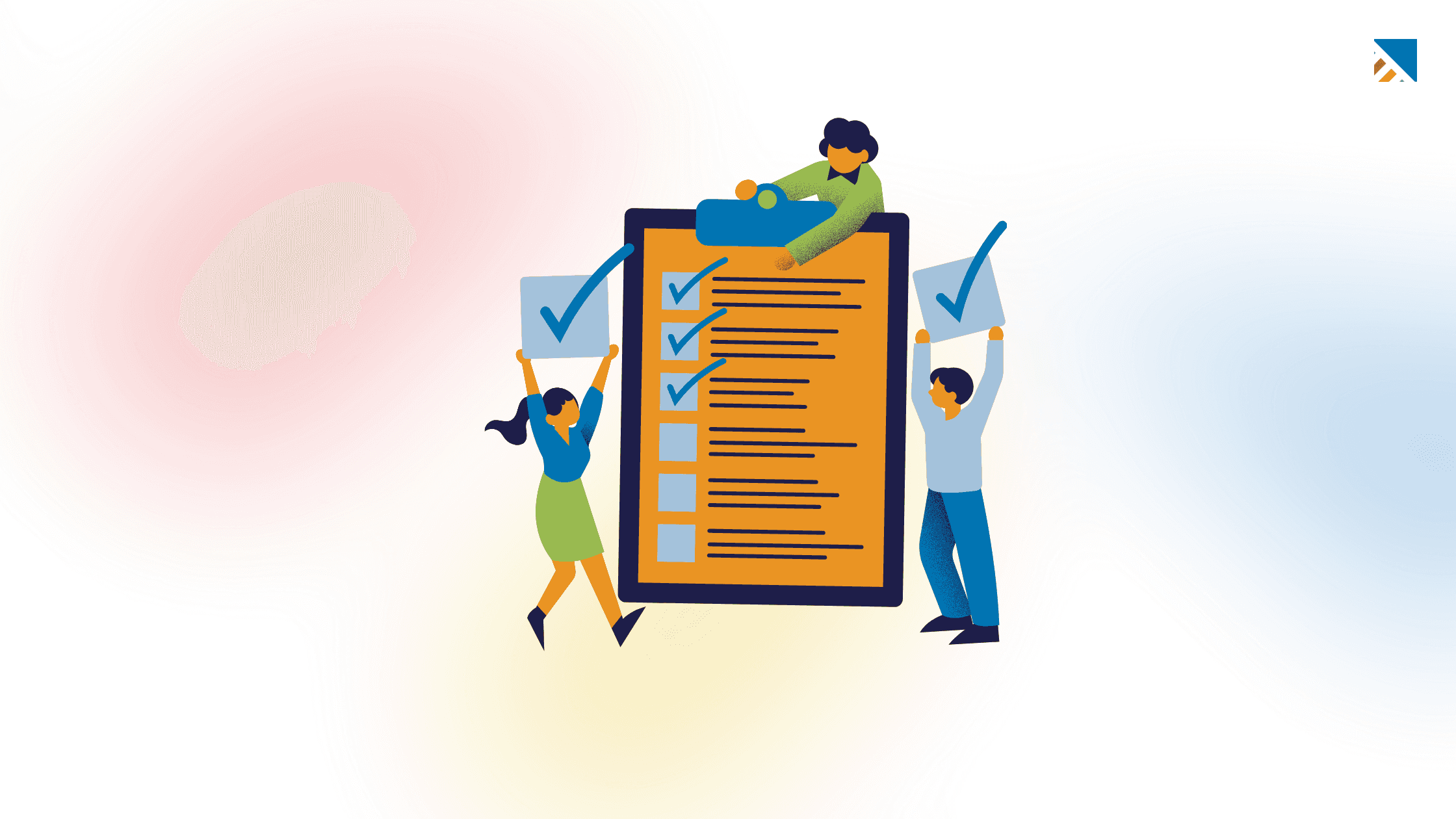
Weekly syncs, monthly business reviews, and quarterly health checks are essential but easy to forget. Teams scramble to schedule calls or prepare agendas.
Automation fix: Set recurring onboarding tasks once, and the system generates them automatically. Weekly standups, client check-ins on day 30, or QBRs 90 days post-kickoff? Define once, automate forever.
Time saved: 2–3 hours per week.
Scale insight: Teams maintain consistency across accounts, and no one falls through the cracks. This onboarding workflow ensures predictable onboarding goals are met.
3. Automated Post-Onboarding Surveys
Gathering feedback manually is painful. Teams forget to send surveys or chase responses via email.
Automation fix: Trigger onboarding automation surveys automatically when a project reaches “Complete.” Use a drag-and-drop builder to create branded surveys, then collect insights directly in your dashboard for real-time customer feedback.
Recent customer retention data shows that onboarding programs combining automation with human touchpoints can deliver up to 30% better 90‑day retention rates compared to fully automated experiences.
Time saved: 45–60 minutes per project.
Benefit: Early risk signals emerge instantly, letting teams intervene before churn happens. Customer onboarding automation improves client success outcomes and satisfaction.
4. Intelligent Task Reminders and Smart Nudges
Overdue tasks silently stall onboarding timelines. Without ownership and escalation, dependencies pile up, and clients grow impatient.
Automation fix: Dynamic reminders alert the right people based on task due dates and dependencies. Overdue by one day? Send a friendly nudge. Three days? Escalate internally. Client tasks overdue? Notify them via their portal.
Time saved: 1.5–2 hours per week.
Scale insight: Ensures predictable timelines across dozens of accounts without manual chasing. This is a prime example of how to automated onboarding process efficiently.
5. AI-Powered Meeting Notes and Follow-Up Tasks
Kickoff calls, discovery sessions, training sessions, and meetings generate dozens of action items, but transcribing notes and assigning tasks eat hours.
Automation fix: AI Copilot transcribes calls, summarizes points, extracts action items, and assigns tasks automatically. Meeting minutes are posted directly to the project for full transparency.
Time saved: 2–3 hours per meeting.
Discover how AI can help you automate your onboarding follow-ups without losing the human touch.
6. Automated Welcome Sequences and Owner Introductions
First impressions set the tone, yet many teams send delayed or generic emails.
Automation fix: Trigger a branded welcome email series when a project is created. Include an overview, milestones, team introductions, and client portal details.
Time saved: 45–90 minutes per onboarding.
Executive impact: Every new client experiences consistent onboarding from day one, reducing frustration and early churn. This is why automation in the onboarding process matters.
Related Blog: Customer Onboarding Playbook for Customer Success Managers
7. Seamless Support Handover and Completion Notifications
Onboarding ends, and support teams start from scratch if client information is siloed.
Automation fix: Generate client onboarding automation handover summaries automatically, complete with decisions, open items, and client context. Notify clients of next steps and new points of contact.
Time saved: 1–2 hours per project.
Operational insight: Reduces miscommunication between teams and ensures clients never feel lost.
8. Daily and Weekly Project Digest Emails
Alignment suffers when teams constantly ping each other: “What’s blocking this project?”
Automation fix: Automated digests summarize project health scores, overdue tasks, milestones, sentiment trends, and escalation flags. Stakeholders stay informed without logging in constantly.
Time saved: 2 hours per week.
Benefit: Improves operational predictability and accountability across accounts. This is an essential part of onboarding automation.
9. Real-Time Client Portal Updates and Self-Service Access
Clients hate waiting for status reports.
Automation fix: Give clients a branded portal with live tracking, milestone views, task completion, and file access. Automate invites and permission settings on project creation.
Time saved: 1.5–2 hours per week per CSM.
Scale insight: Maintains a consistent, transparent onboarding experience for every customer.
Why is Client Onboarding Automation Important?
Across a typical team of 5–10 onboarding specialists handling 15–30 new customers monthly, these nine automations save 50–100 team hours per week, the equivalent of one to two full-time hires without adding headcount.
But the benefits go beyond onboarding time:
Predictable timelines via clear dependencies and ownership
Higher client satisfaction with proactive communication
Better early-warning insights with health scores and sentiment trends
Scalability without chaos
Studies indicate that automating your client onboarding processes significantly improves customer retention, with some reports noting up to a 25% reduction in churn among SaaS users who experience effective onboarding.
Where Humanized Onboarding Breaks Without the Right System
Even with video and personal touches, onboarding can fail if there’s no structured automated customer onboarding process:
Videos are scattered across tools
No visibility into who watched or completed the steps
Inconsistent task ownership
No early warning when clients disengage
Teams use onboarding platforms like Projetly to automate client onboarding inside a structured, trackable onboarding journey, keeping the human touch without losing control or scale.
Explore examples of onboarding automation in action.
Frequently Asked Questions
1. How much time can workflow automations save my team?
Depending on team size and volume, automated workflows can save 10–15+ hours per week per team member.
2. Can I combine video and automation in onboarding?
Yes. Video humanizes the customer experience, while workflow automation ensures tasks, milestones, and follow-ups happen reliably.
3. Will automation replace my CSMs?
No. IT automates repetitive tasks, freeing CSMs to focus on high-value customer relationship management.
4. How does automation reduce churn?
By creating predictable timelines, capturing early engagement and customer data, and providing visibility into at-risk accounts, teams can intervene before clients disengage.
5. Can I track customer engagement with automated systems?
Absolutely. Customer onboarding software like Projetly provides real-time dashboards, health scores, and portal activity tracking to monitor onboarding progress and spot risks.
6. How do I maintain personalization at scale?
Structured client onboarding automation workflows allow you to embed personalized onboarding experiences within automated processes, delivering a human experience at scale.
7. What’s the ROI of onboarding workflow automations?
ROI comes from time savings, reduced churn, faster onboarding, and increased customer satisfaction. Teams often reclaim 50–100 hours per week and standardize onboarding without hiring additional staff.
8. How do I choose the right client onboarding automation tool?
Choose a client onboarding automation tool that helps you automate the onboarding process while improving outcomes.
Look for a platform that:
Accelerates time-to-value with clear onboarding milestones
Surfaces customer health early through automated feedback.
Reduces early churn with structured workflows and visibility.
The best tools balance automation and human touch, helping teams automate client onboarding without losing accountability or customer experience.
Related Blog: A Guide to Customer Health Score Metric & How to Calculate It?
Final Thoughts: Automate Your Customer Onboarding Without Losing the Human Touch
Successful B2B customer onboarding is no longer just a checklist; it’s a strategic lever for retention, expansion, and operational efficiency.
With automated onboarding flows, AI-powered automated tools, structured processes, and client-facing portals:
Teams reclaim hours every week
Clients experience consistent, guided onboarding experiences
Leaders gain visibility and predictability across accounts
Humanized onboarding is essential, but without the right automation and structure, it can fail at scale. Platforms like Projetly let teams automate their customer onboarding while keeping the human touch personal, measurable, and repeatable.
Learn how to automate your customer onboarding and streamline every step of your onboarding process with Projetly.
You may also like

A Guide to Project Management Professional Certification

Laugh Your Way to Productivity: 50 Workplace Quotes

50 Funny Workplace Memes That’ll Brighten Your Workday.
What Does a Customer-First Mindset Mean? Explained in 2025

What It Takes to be a Great Customer Success Manager in 2025