Your clients and partners deserve more than email updates. Give them a dedicated portal to track progress, access documents and collaborate with your team in real time.
Give every client a dedicated view of their deal and onboarding progress from day one.
Partners access shared documents, track milestones and collaborate without needing internal access.
Your team keeps the internal workspace private while clients and partners get full visibility into what matters to them.
Reduce status update requests and manual follow-ups with a self-serve portal for every stakeholder.

1
Deal and Project Visibility
Clients see their deal progress, project milestones and associated documents without accessing your internal workspace.
Full transparency at every stage keeps clients informed, confident and engaged from first demo to go-live.
On track
Deal value
$124K
Target
Aug 28
Stage progress
Discovery
100%
Implementation
64%
Launch
28%
Project status
Current phase
Kick-Off
Healthy
Scope brief
Signed
Project plan
Updated
Live
A
Banner
Logo
Message
2
Portal Branding and Customization
Every client portal is fully branded with custom banners, logos and welcome messages tailored to each customer relationship.
A branded consistent experience builds trust and makes every client feel like they are getting a white glove service.
3
Custom Widget Library
Build a personalized portal experience with custom widgets including training videos, documents, text and to-do lists.
Every client gets a tailored content experience that guides them through their deal or onboarding journey step by step.


4
Milestone and Task Tracking
Clients and partners track milestones and tasks in real time so everyone stays aligned without status calls or update emails.
Collaborate directly inside each task with dedicated chat and file sharing so all communication stays organized and in context.
5
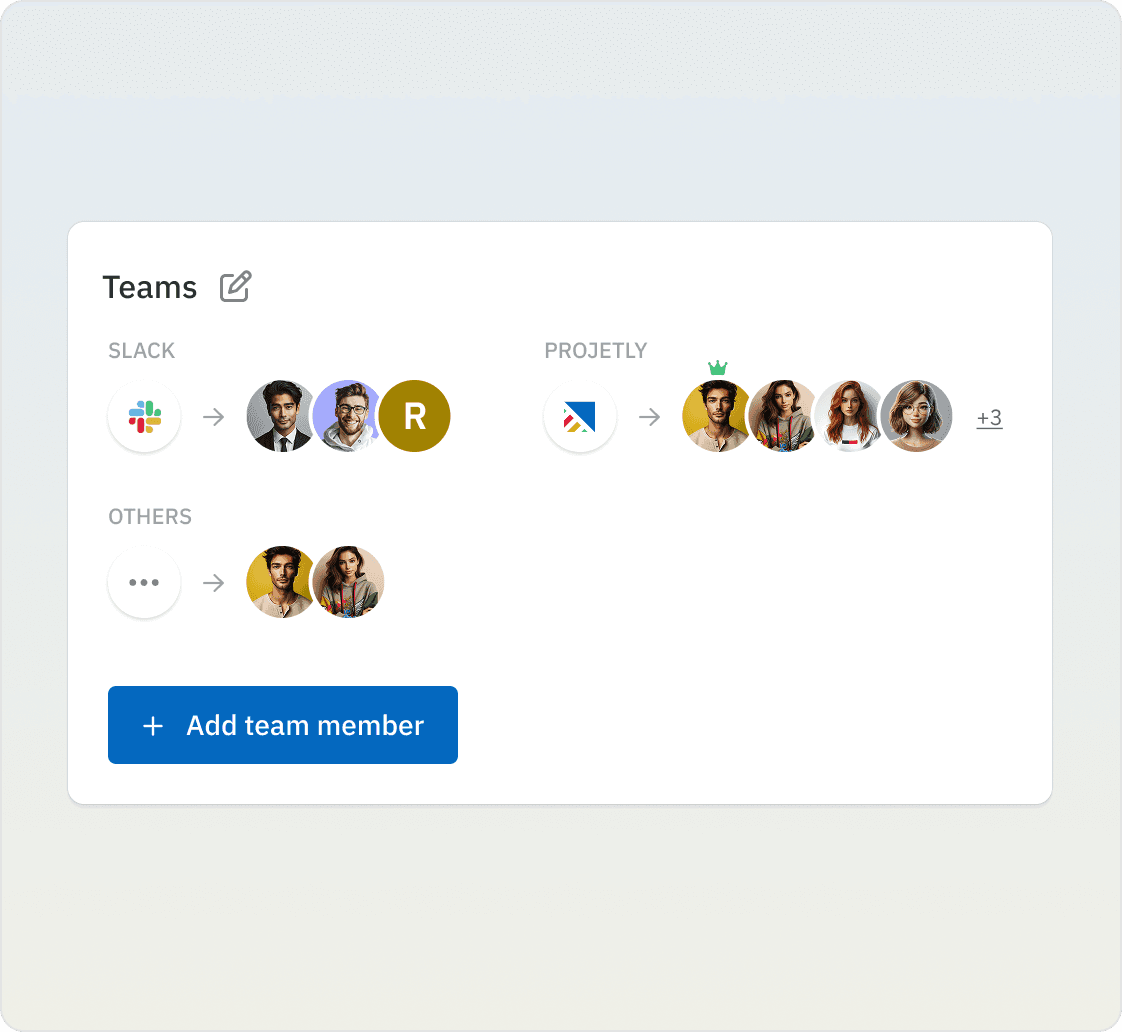
Team Collaboration and Invites
Clients and partners can invite their own team members so the right people are always involved at every stage of the deal or project.
Broader team access means faster decisions, fewer bottlenecks and a more collaborative experience for everyone involved.

6
Controlled Access and Permissions
Set granular access controls so each client and partner sees only the information relevant to their deal or project.
Keep sensitive documents, pricing and internal communications protected while maintaining full transparency with external stakeholders.


What Changes When Clients Get Their Own Portal
Give every client a dedicated branded space from first demo to successful go-live.
Bring customers and partners into your sales and onboarding journey as active participants.
Cut status calls and manual follow-ups with a self-serve portal every stakeholder can access.
Make every client feel like they are your only client with personalized branded portal experiences.
How can clients and partners access the portal?
Clients and partners access their dedicated portal through a secure link. They do not need a Projetly account and only see the information that has been shared with them keeping your internal workspace completely private.
Can the portal be customized for each client?
Yes. Every portal can be fully branded with custom banners, logos, welcome messages and account manager or project manager contact details so each client gets a personalized experience.
What can clients do inside the portal?
Clients can track deal and project progress, view milestones and tasks, access shared documents, collaborate via task level chat and file sharing, and invite their own team members to join the portal.
What types of content can be added to the portal?
You can add custom widgets including training videos, video series, documents, text blocks and to-do lists so every client gets the right content at the right stage of their journey.
How secure is the client and partner portal?
Projetly gives you granular access controls so you decide exactly who sees what. Sensitive documents, pricing and internal communications stay protected while clients get full visibility into what is relevant to them.
Can clients and partners collaborate with their own team inside the portal?
Yes. Clients and partners can invite their own team members into the portal so all relevant stakeholders on their side can track progress, complete tasks and collaborate without going through a single point of contact.
