Project Management

By
Dhruv

A Guide to a Successful Software Implementation Project Plan (2026)
Rolling out new software across an organization is rarely as straightforward as it looks on paper. Even well-funded teams with experienced project managers hit unexpected walls, scope creep, data migration headaches, end-user resistance, and timelines that quietly slip week after week.
The difference between implementations that succeed and those that stall often comes down to one thing: how thorough and realistic the project plan was before a single line of code was touched.
This guide walks through what a software implementation project plan need to contain in 2026, why certain elements get skipped (and why that always comes back to bite teams), and how to build a plan your stakeholders will follow.
Start a Free Trial, Build your first implementation plan in minutes
What is a Software Implementation Project Plan?
A software implementation project plan is a structured document, or set of documents, that maps out how an organization will transition from its current state to a new software environment. It goes well beyond a simple task list or timeline.
A solid plan defines who is responsible for what, what "done" actually looks like, how risks will be handled, and how the team will communicate when things go sideways.
Think of it as the operating manual for your implementation. Without it, teams often make decisions reactively rather than proactively, which is exactly when implementations go over budget, miss deadlines, or get quietly shelved.
Why Software Implementation Projects Still Fail in 2026
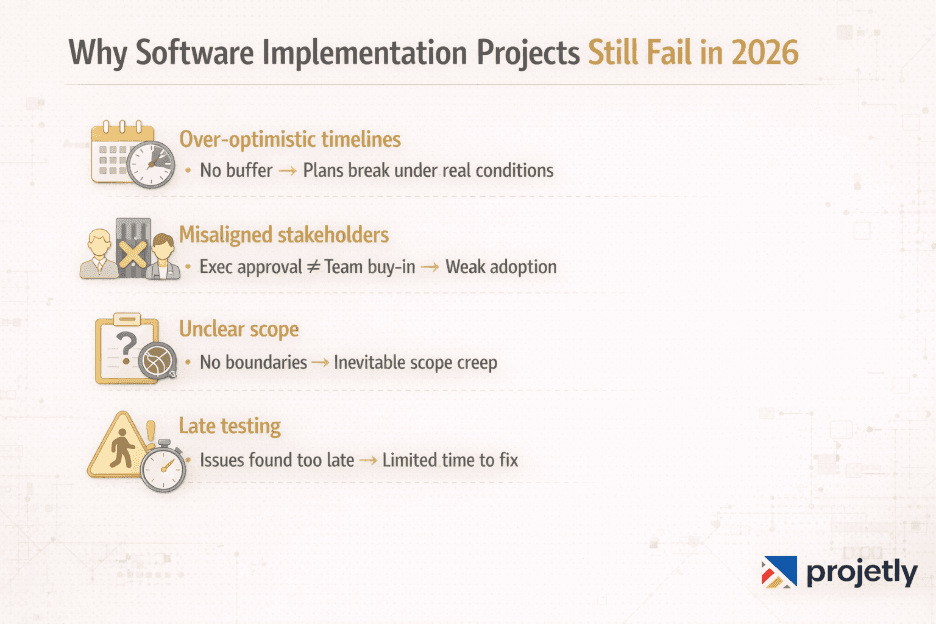
Before diving into what plans succeed, because the same patterns keep showing up regardless of the software category, team size, or industry.
The plan was too optimistic from the start: Timelines built around best-case scenarios fall apart the moment reality intervenes. Buffer time isn't a luxury; it's a structural necessity.
Stakeholders weren't genuinely aligned: Executive sign-off isn't the same as organizational alignment. If department heads aren't bought in at the working level, adoption will be fragile even after a technically "successful" go-live.
Scope was never properly locked: When a project begins without a tight definition of what's included and what isn't, scope creep becomes almost inevitable. Every "small" addition carries a compounding cost.
Testing happened too late: Teams that treat testing as a final phase rather than an ongoing activity tend to discover critical issues right before launching, when there's the least room to fix them.
Understanding these failure modes is genuinely useful when building your plan, because a good plan is partly just a systematic defence against them.
Key Components of a Software Implementation Project Plan
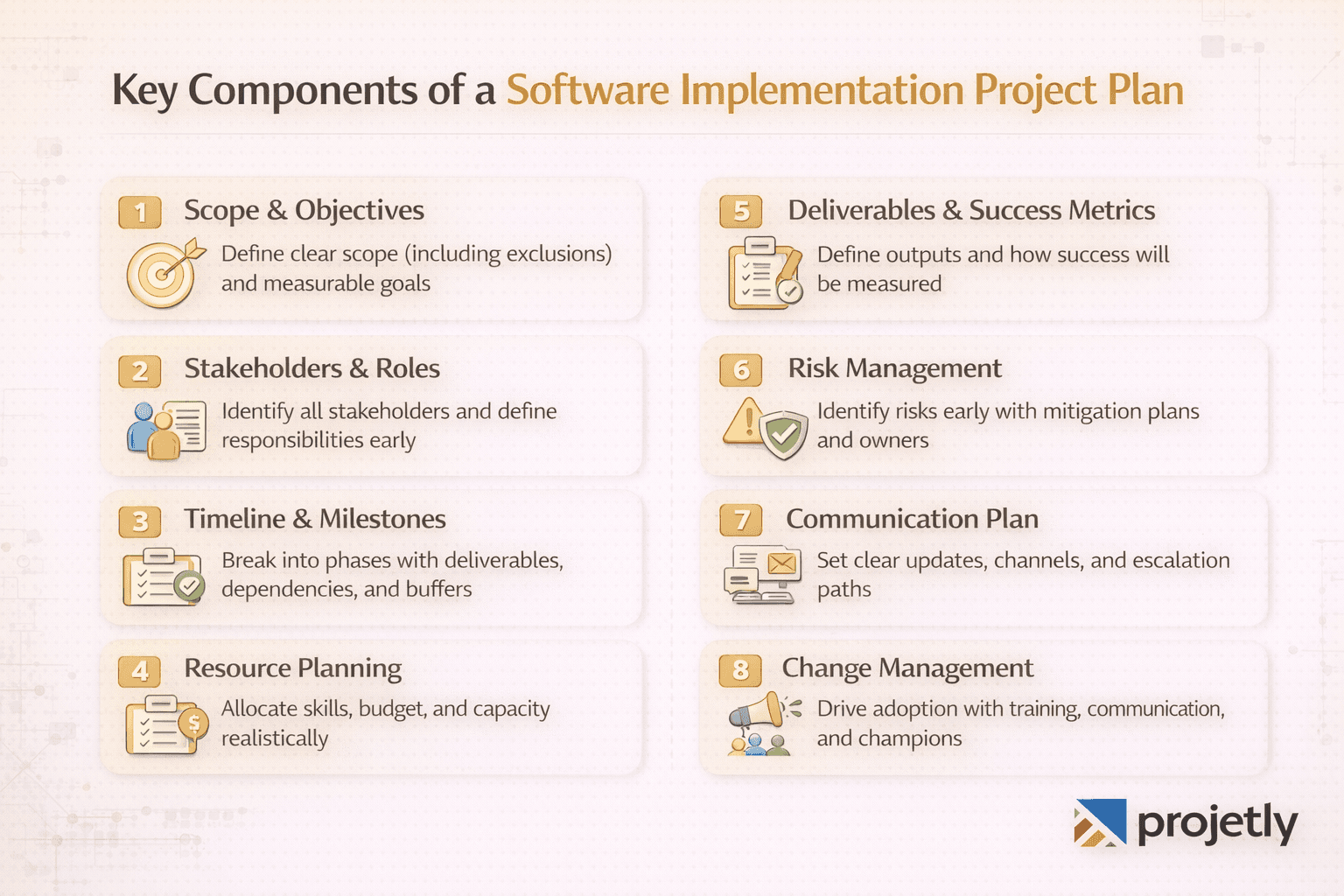
1. Project Scope and Objectives
The scope definition is the single most important early decision in any implementation. Vague scope language, phrases like "improve reporting capabilities" or "streamline customer workflows, creates ambiguity that different people will resolve differently, and not always in compatible directions.
Effective scope documentation names the specific business processes the software will support, the systems it will integrate with, the data it will own, and, critically, what it will not cover. That last part is often left out and almost always regretted.
Objectives should be measurable. Not "improve sales team productivity" but "reduce time spent on manual pipeline updates by 30% within 90 days of go-live." Measurable objectives give you something to evaluate at the end and help everyone stay oriented during the messy middle of implementation.
2. Stakeholder Identification and Role Definition
Software implementations touch more people than most project sponsors initially expect. The obvious stakeholders, the project manager, the IT team, and the vendor, are just the starting point. Implementation teams typically also need active involvement from:
Executive sponsors who can remove organizational blockers and make resourcing decisions
Department leads and subject matter experts who understand current workflows and can spot gaps between what the software does and what the business actually needs
End users who will live with the system daily and whose adoption is the ultimate measure of success
Data owners who understand what data exists, where it lives, and how clean it actually is
Compliance or legal reviewers in regulated industries where the software touches sensitive data
Each of these groups has different communication needs, different stakes in the outcome, and different ways they need to be engaged throughout the project. Mapping this out early prevents the common failure mode of discovering a critical stakeholder's concerns in week ten of a twelve-week implementation.
Start a free trial today with Projetly.
3. Project Timeline and Milestones
A realistic timeline is built backwards from the go-live date, but also tested forward from the current state. Both directions matter.
Break the implementation into clearly defined phases. For most enterprise software projects, these phases look something like: discovery and requirements gathering, system configuration and customization, data migration and validation, testing (unit, integration, and user acceptance), training, and go-live with hypercare support.
Each phase should have:
A clear start and end date
Defined deliverables that indicate completion
Dependencies mapped out explicitly (what has to be done before this can start?)
Review and sign-off checkpoints so the project doesn't drift silently
Build buffer into your timeline deliberately, not as an afterthought. A practical rule: for every month of implementation planned, add at least one to two weeks of contingency time. This isn't pessimism; it's how experienced teams consistently hit their deadlines.
4. Resource Allocation
Resource gaps are one of the most predictable ways implementations slow down or fail. The plan should specify not just headcount but the specific skills required at each phase, because the skills needed during system configuration are different from those needed during user training or data migration.
Budget planning in 2026 has to account for more than just software licensing. Factor in:
Internal team time (often underestimated because it's not a line item)
Third-party implementation partners or consultants
Data migration tooling and validation effort
Training development and delivery
Post-go-live support and hypercare staffing
Contingency budget (typically 15–20% of total project cost)
Resource planning also means being honest about what your team can absorb while still running the business. Implementation work on top of day-to-day responsibilities is a real constraint that optimistic plans tend to ignore.
Have questions? Contact us today.
5. Project Deliverables and Success Criteria
Deliverables are the tangible outputs the project produces at each stage. They might include completed requirements documentation, configured system environments, data migration scripts, training materials, test plans and results, and cutover runbooks.
Success criteria answer the question: how will we know this worked? They should be defined before the project starts, not after it ends. This matters because stakeholders have a natural tendency to shift what they consider "success" based on what actually happened, which makes genuine evaluation impossible.
Good success criteria typically include both technical measures (data accuracy rates, system performance benchmarks, integration reliability) and business measures (user adoption rates, process cycle time, error reduction).
6. Risk Assessment and Mitigation
Every implementation carries risk. The goal isn't to eliminate it, that's not possible, but to identify it early enough that you have real options for managing it.
A useful risk register includes:
The risk itself, described specifically
The likelihood it occurs (low/medium/high)
The impact if it does occur (low/medium/high)
The mitigation strategy is what the team will do to reduce the likelihood or impact
A named risk owner who monitors it
Common implementation risks worth flagging explicitly: data quality being worse than expected, key personnel leaving during the project, third-party vendor delays, integration complexity that exceeds initial estimates, and change resistance from specific departments.
Risks don't just live in the technical domain. Organizational and people risks are often more disruptive than technical ones and tend to get less attention in planning.
Simplify your implementation process. Book a demo today
7. Communication Plan
Communication is one of the areas where good intentions and actual execution diverge most dramatically. A communication plan specifies who receives what information, at what frequency, through which channels, and in what format.
Different stakeholders need different things. Executive sponsors want high-level progress summaries and early warning when significant risks materialize. Project team members need detailed task-level visibility and fast access to decisions. End users need timely information about how the software will affect their daily work, with enough lead time to process and prepare.
Establish escalation paths clearly. When a team member hits a blocker they can't resolve, who do they go to, and how quickly should they expect a response? Ambiguity here costs days.
Regular checkpoint meetings should be on the calendar before the project starts, not scheduled on the fly. Even brief weekly syncs with clear agendas prevent the communication gaps that allow small problems to quietly become large ones.
8. Change Management Integration
Change management deserves its own place in the plan, not just a mention under communication. People don't resist software; they resist change to their routines, their sense of competence, and their understanding of their own role.
Effective change management in software implementations includes:
Communicating the "why" behind the change early and repeatedly
Involving end users in design or validation decisions where possible
Identifying internal champions in each affected department
Providing training that's role-specific, not generic
Creating visible feedback channels so concerns surface in the plan, not in hallway conversations
The organizations that consistently achieve high post-implementation adoption treat change management as a parallel workstream, not a final step.
Want to see it in action? Book a demo today
Common Implementation Challenges (and How to Handle Them)
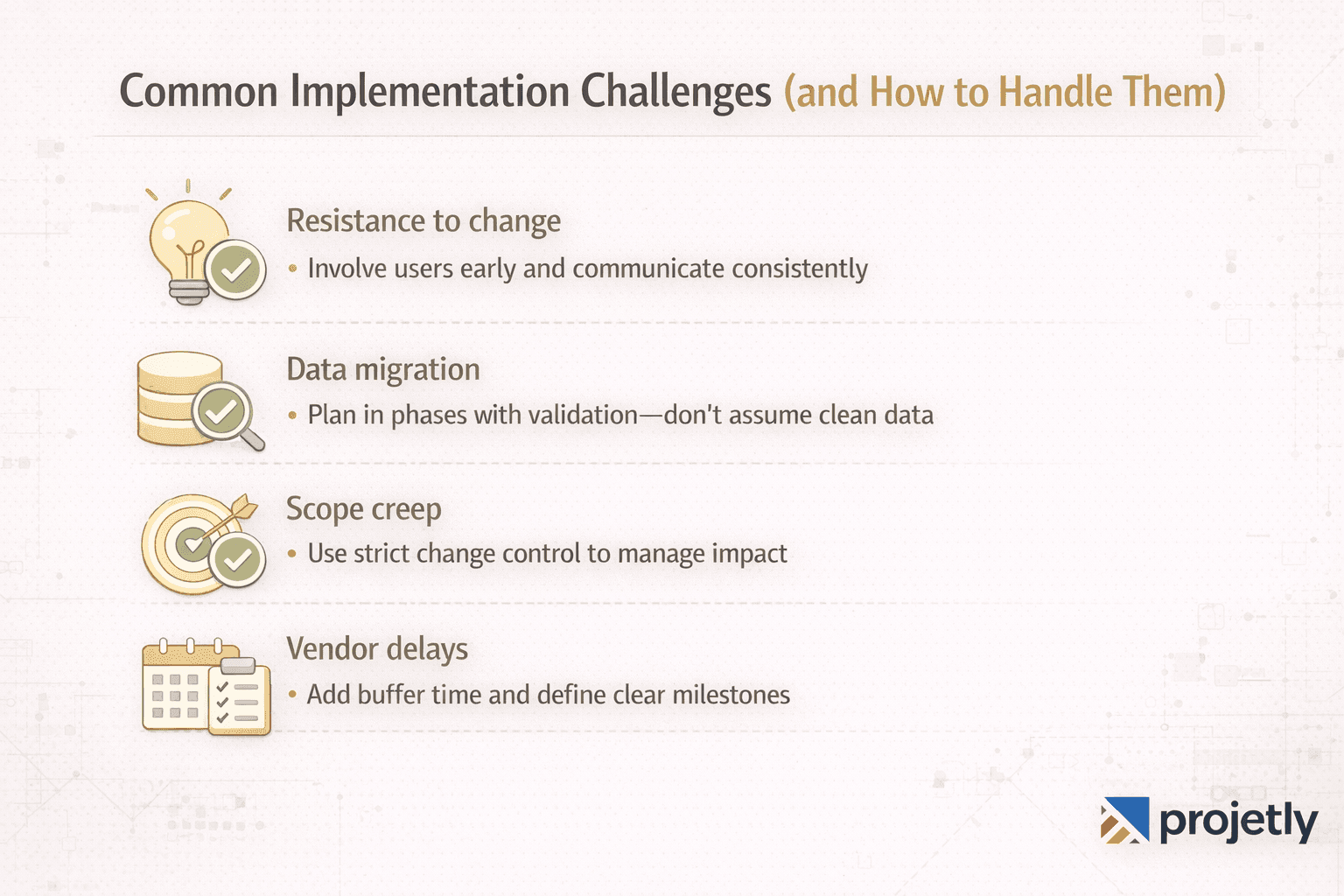
Resistance to change is best addressed through early, consistent communication and genuine involvement, not mandates. People who had input into the process are more likely to commit to the outcome.
Data migration complexity is almost always underestimated. Run a data quality assessment early and plan your migration in iterations, with validation checkpoints at each stage. Don't assume your legacy data is clean.
Scope creep requires a formal change control process. Every requested addition gets evaluated for impact on timeline, budget, and resources before it gets approved or declined. This isn't bureaucracy; it's how projects stay on track.
Vendor delays are a risk you can plan for by building float into vendor-dependent tasks and establishing clear contractual milestones with defined response obligations.
Best Practices for 2026
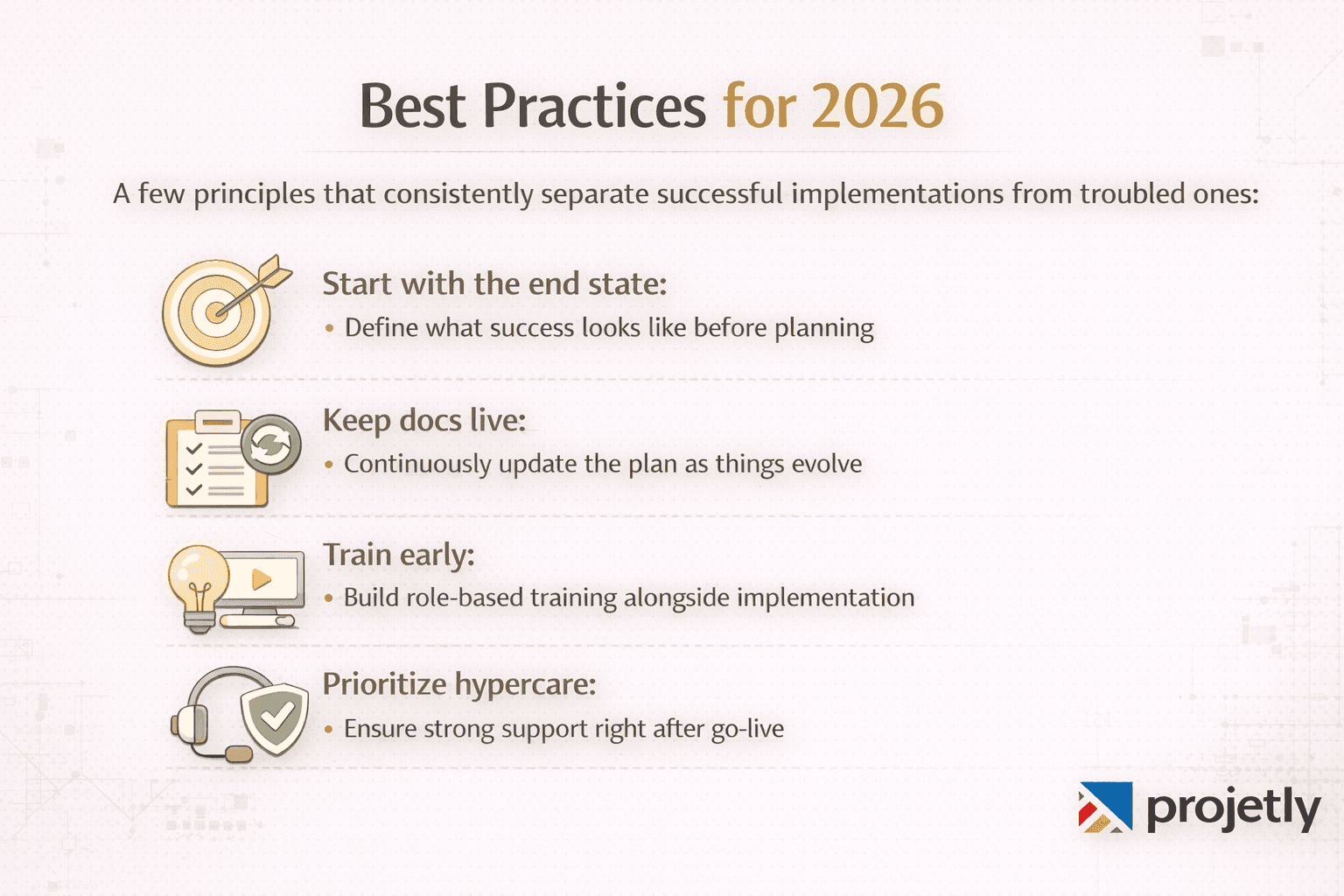
A few principles that consistently separate successful implementations from troubled ones:
Start with the end state: Before planning the implementation, get specific about what the business will look like when the software is fully adopted. That picture is what you're actually building toward.
Keep documentation living: The project plan should be updated as the project evolves, not preserved as a historical artifact of what you thought would happen in week one.
Invest in training early: Training developed at the end of a project tends to be rushed and generic. Role-specific training that begins development in parallel with system configuration tends to land better and drive faster adoption.
Don't underestimate the hypercare phase: The weeks immediately following go-live are high-pressure and high-impact. Having adequate support capacity during this period is often the difference between a rocky launch that recovers quickly and one that erodes trust in the system before it's had a fair chance.
Frequently Asked Questions
What is a software implementation project plan?
A software implementation project plan is a comprehensive document that outlines the objectives, timeline, resource requirements, risk management strategies, and success criteria for deploying new software within an organization.
How long does a software implementation project typically take?
Timelines vary significantly based on software complexity and organizational scale. Departmental tools may take six to twelve weeks. Enterprise-wide platforms often take six to eighteen months or more. The planning phase itself, done properly, typically takes two to four weeks.
What's the difference between a project plan and an implementation plan?
A project plan is the broader governance document covering the full lifecycle, scope, resources, risk, communication, and milestones. An implementation plan is often a subset, focusing specifically on the deployment and transition activities.
How do you measure implementation success?
Through pre-defined KPIs established during planning: system adoption rates, process efficiency improvements, error reduction, user satisfaction scores, and achievement of the business outcomes the software was intended to support.
What should be included in a software implementation budget?
Software licensing, internal team time, third-party consultants, data migration effort, training development and delivery, infrastructure, post-go-live support, and a contingency buffer, typically 15–20% of total estimated costs.
Final Thought
A software implementation project plan isn't a formality or a box to check before work begins. Done well, it's the document that keeps a complex, multi-month effort coherent, that keeps stakeholders aligned, teams accountable, and the project pointed toward outcomes that actually matter to the business.
The time invested in building a thorough plan consistently pays back in fewer surprises, faster adoption, and implementations that deliver the value they promised.
Start building implementation plans that actually deliver results. Try Projetly today.
You may also like

A Guide to Project Management Professional Certification

Laugh Your Way to Productivity: 50 Workplace Quotes

50 Funny Workplace Memes That’ll Brighten Your Workday.
What Does a Customer-First Mindset Mean? Explained in 2025

What It Takes to be a Great Customer Success Manager in 2025