Digital Sales Room
PRO TIPS

By
Anuj
Essential Digital Sales Room Features Every B2B Team Needs in 2026
A Digital Sales Room needs 12 specific capabilities: centralized documents, real-time deal visibility, dynamic proposals, and enterprise security among them.
Without a Digital Sales Room, deal context stays scattered across emails and documents, forcing teams to reconstruct promises, stakeholders, and pricing. A Digital Sales Room keeps everything in one place from the first call to signature, enabling smoother handoffs and faster execution.
In this guide, we'll explore the 12 essential Digital Sales Room features, how they work together across the deal cycle, and what to evaluate before choosing a platform.
The core challenge is that CRMs track deals, not buyer engagement; they don't reveal buyer activity, stakeholder involvement, or post-demo momentum. Projetly adds an AI-powered buyer workspace that preserves a complete, actionable deal record beyond the CRM.
Still relying on handoff emails?
See how Projetly connects sales, onboarding, and customer success. Book a demo.
The 12 Features Every High-Performing Digital Sales Room Must Have
1. Centralized Document Management
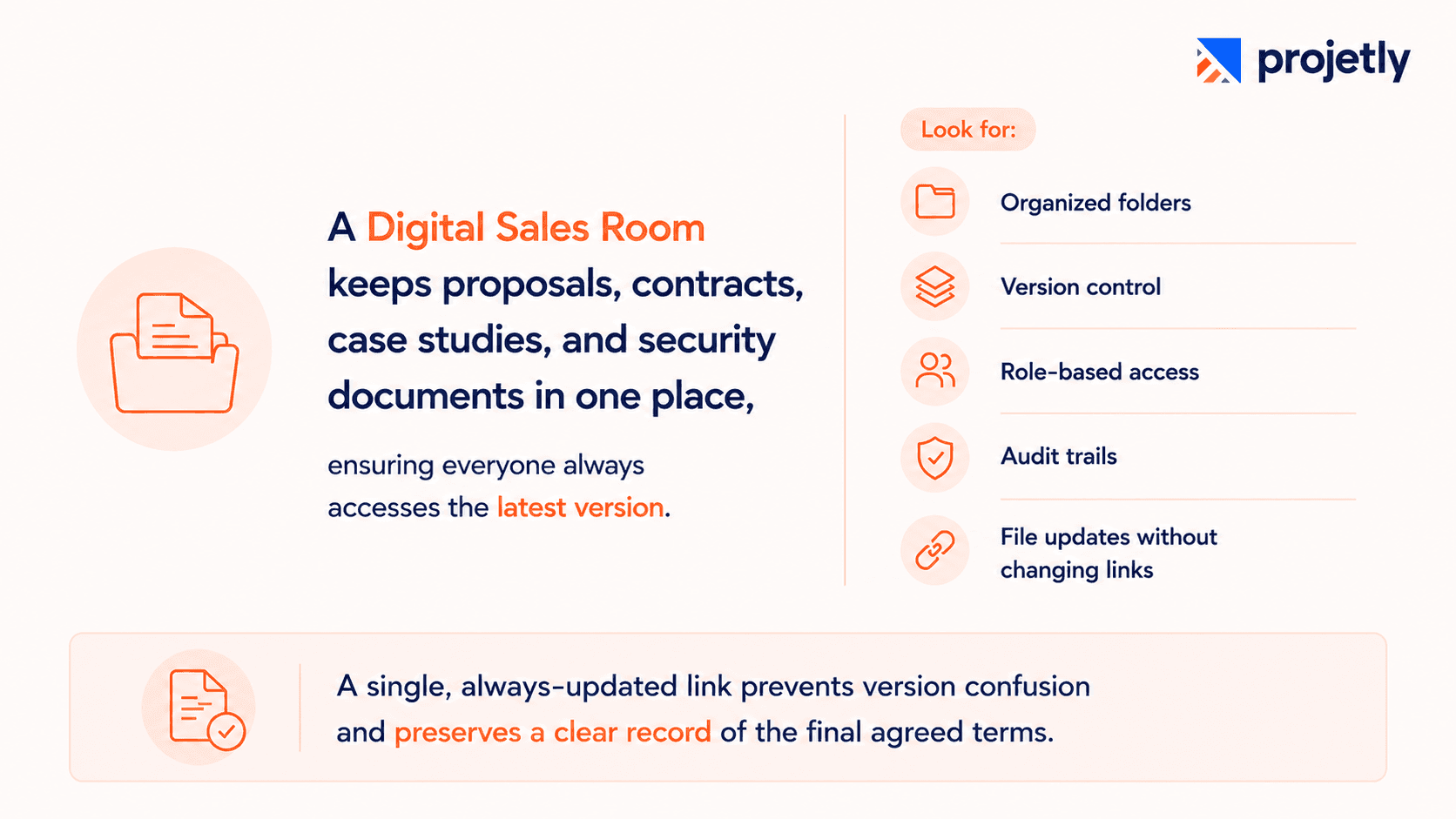
A Digital Sales Room should provide one centralized location for proposals, contracts, case studies, and security documents. This ensures buyers and sellers always access the latest version, eliminating outdated files and version confusion.
Look for:
Organized folders by deal stage or content type
Version control with persistent links
Role-based access for stakeholders
Audit trails for compliance
File updates without changing the shared link
During negotiations, proposals often go through multiple revisions. A single, always-updated link keeps everyone aligned, prevents version confusion, and preserves a clear record of the agreed scope and terms after the deal closes.
2. Enhanced Deal Visibility and Buyer Signals
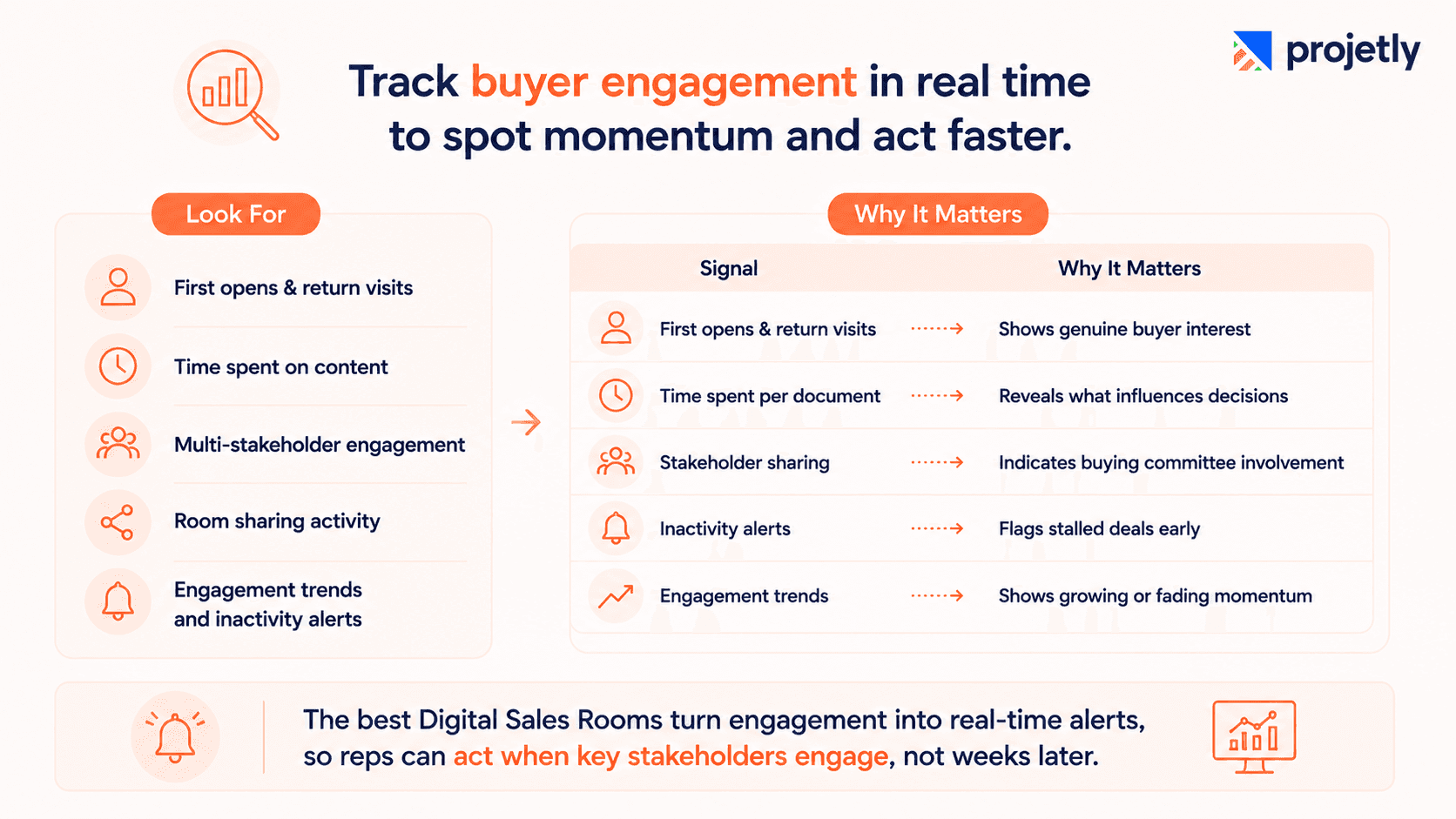
A strong Digital Sales Room provides real-time visibility into buyer engagement, showing who viewed the room, what they engaged with, and how interest changes over time. This helps sales teams understand buying committee activity and identify deal momentum early.
Look for:
First opens and return visits
Time spent on documents
Multi-stakeholder engagement
Room sharing activity
Engagement trends and inactivity alerts
Signal | Why It Matters |
|---|---|
First opens & return visits | Shows genuine buyer interest |
Time spent per document | Reveals what influences decisions |
Stakeholder sharing | Indicates buying committee involvement |
Inactivity alerts | Flags stalled deals early |
Engagement trends | Shows growing or fading momentum |
The best Digital Sales Rooms turn these insights into real-time alerts, enabling reps to act when key stakeholders engage instead of discovering it weeks later.
3. Personalization and Branded Buyer Experience
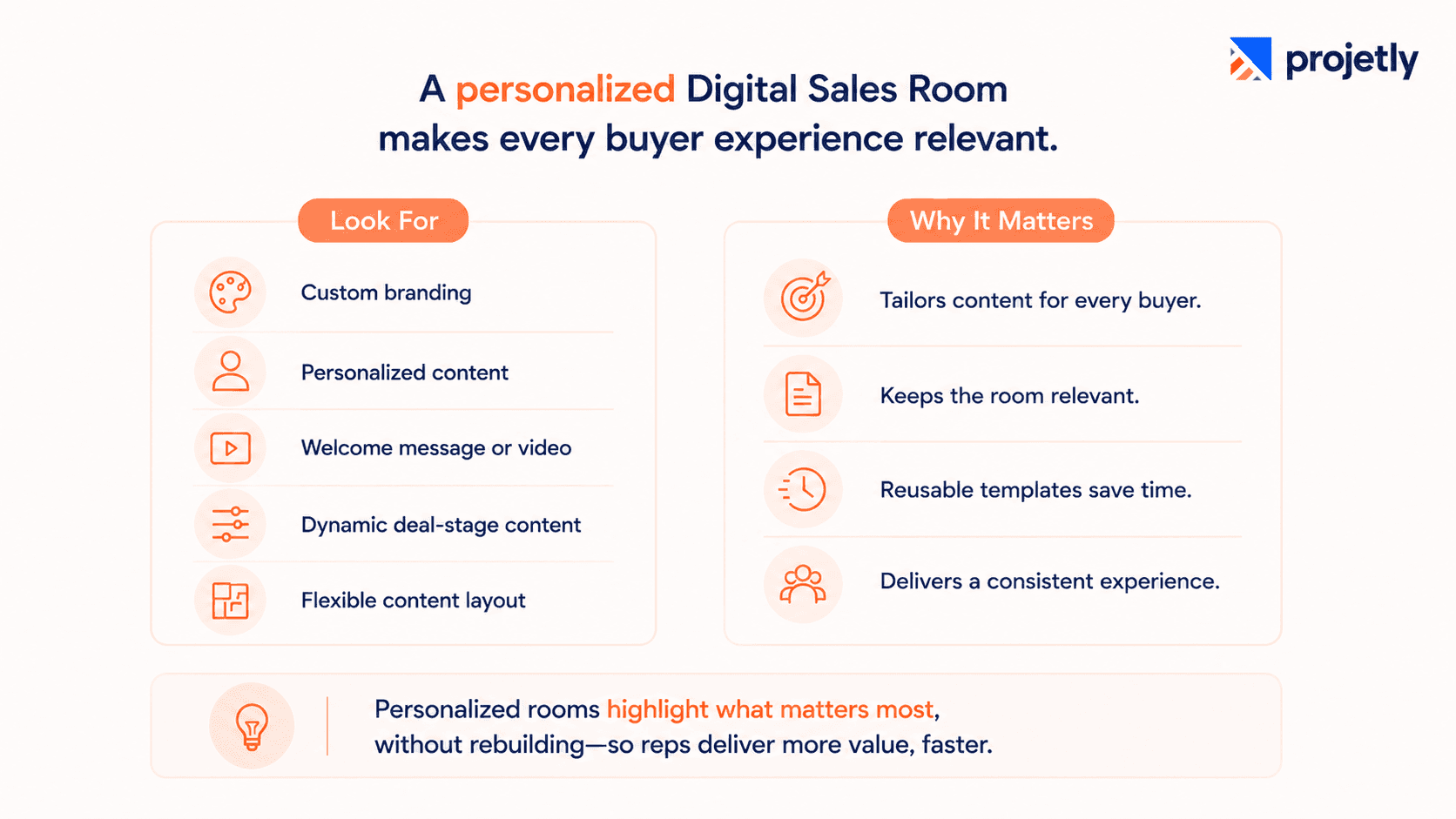
A branded, personalized Digital Sales Room creates a stronger first impression and keeps content relevant to each buyer.
Look for:
Custom branding (logo, colours, fonts)
Personalized content by buyer or industry
Welcome messages or video intros
Dynamic content based on deal stage
Flexible section ordering and visibility
Different buyers need different information. A personalized room highlights the most relevant content without rebuilding the workspace, while reusable templates help every rep deliver a consistent, tailored experience in minutes.
4. Collaborative Buyer Engagement
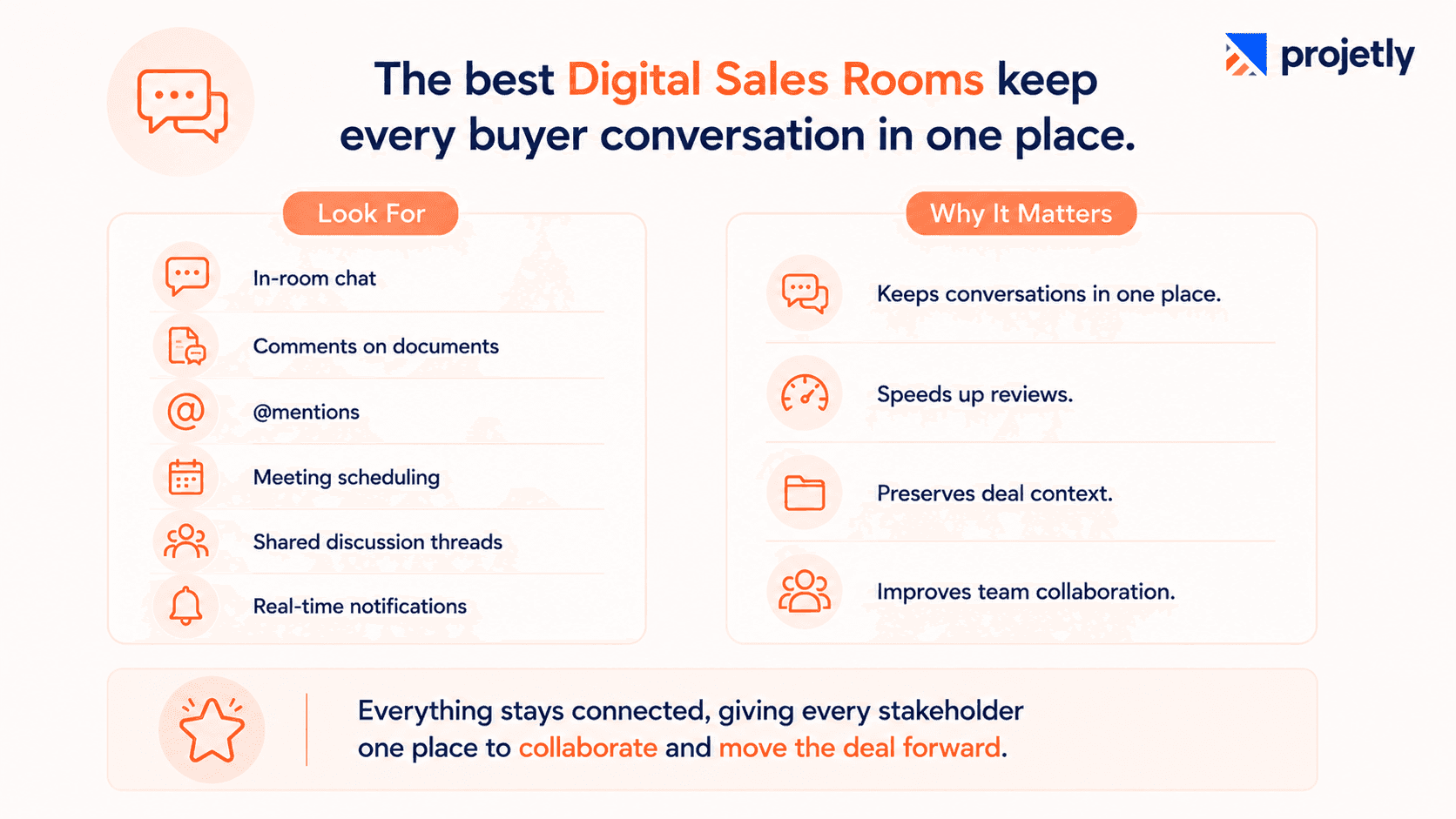
The best Digital Sales Rooms enable two-way collaboration, letting buyers ask questions, leave comments, and involve stakeholders without relying on email.
Look for:
In-room chat and messaging
Comments and annotations on documents
@mentions for stakeholders
Built-in meeting scheduling
Shared discussion threads
Real-time comment notifications
Keeping conversations inside the room preserves context, speeds up reviews, and creates a complete record that the entire deal team can access.
Evaluating Digital Sales Room software?
Compare all 17 platforms, then see how Projetly combines AI-powered sales execution, onboarding, and customer success in one platform. Read now.
5. Actionable Sales Plans
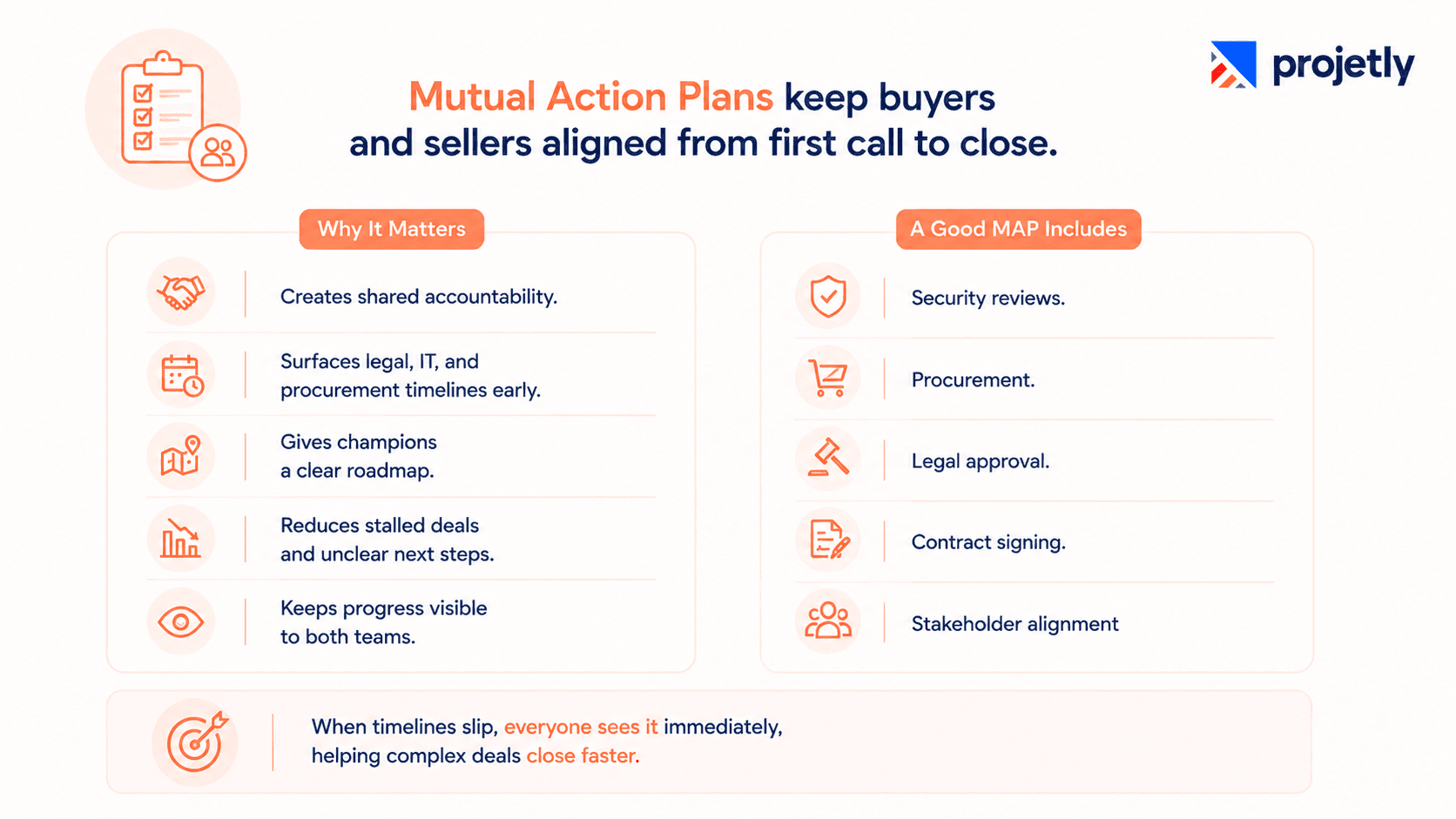
Mutual Action Plans keep buyers and sellers aligned with shared milestones, owners, and deadlines, reducing delays and keeping deals on track.
Why it matters:
Creates shared accountability
Surfaces legal, IT, and procurement timelines early
Gives champions a clear roadmap
Reduces stalled deals and unclear next steps
Keeps progress visible to both teams
A good MAP includes milestones like security reviews, procurement, legal approval, and contract signing. When timelines slip, everyone sees it immediately, helping complex deals close faster.
6. Integrated Tools
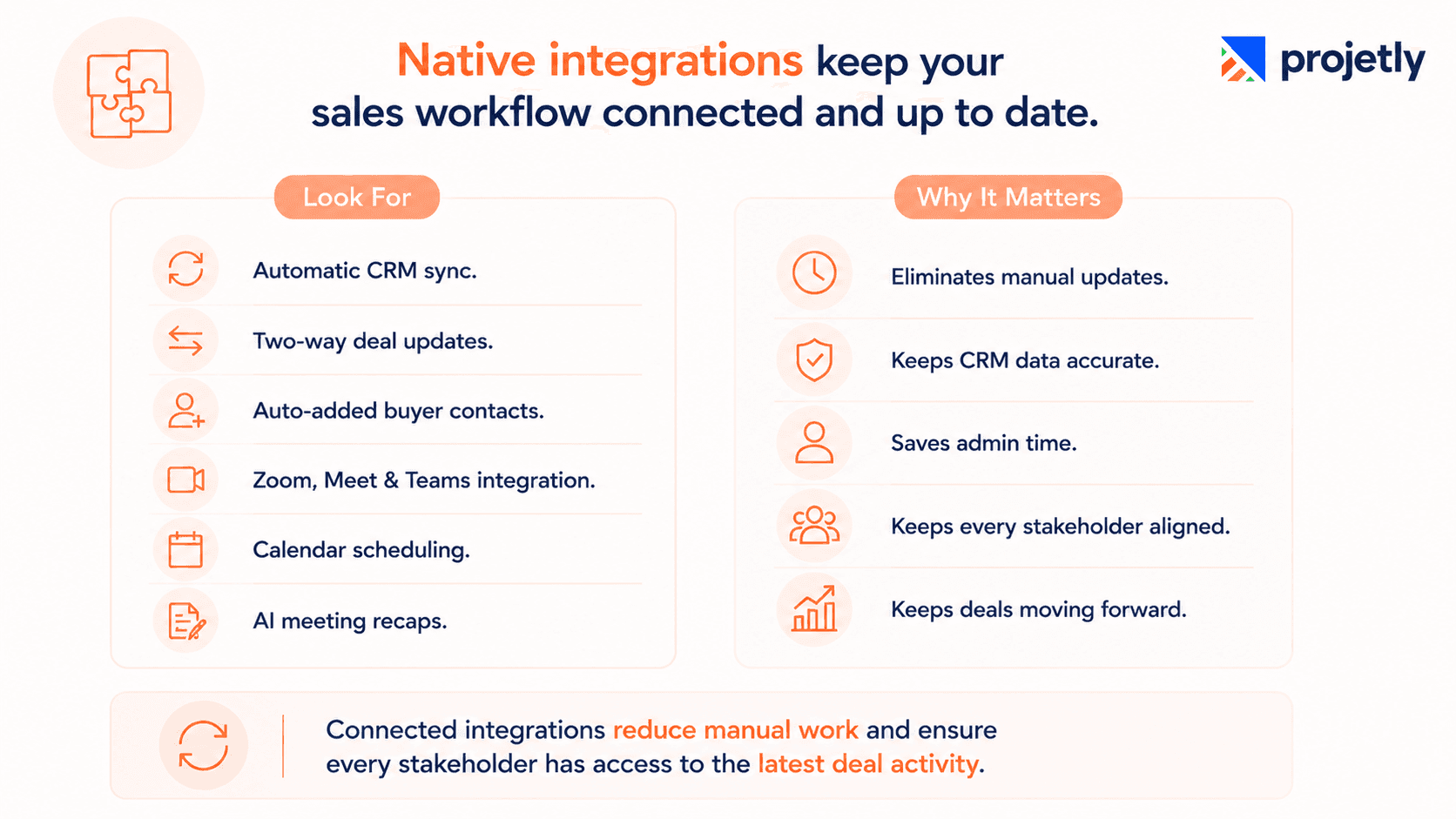
A Digital Sales Room should integrate seamlessly with your CRM, calendar, and video conferencing tools to eliminate manual updates.
Look for:
Automatic CRM activity logging
Two-way deal stage sync
Auto-added buyer contacts
Zoom, Meet, or Teams integration
Calendar scheduling
Meeting recordings and AI recaps stored in the room
Native, two-way integrations keep CRM records up to date automatically, reducing admin work and ensuring every stakeholder has access to the latest deal activity.
7. Dynamic Proposals and E-Signature
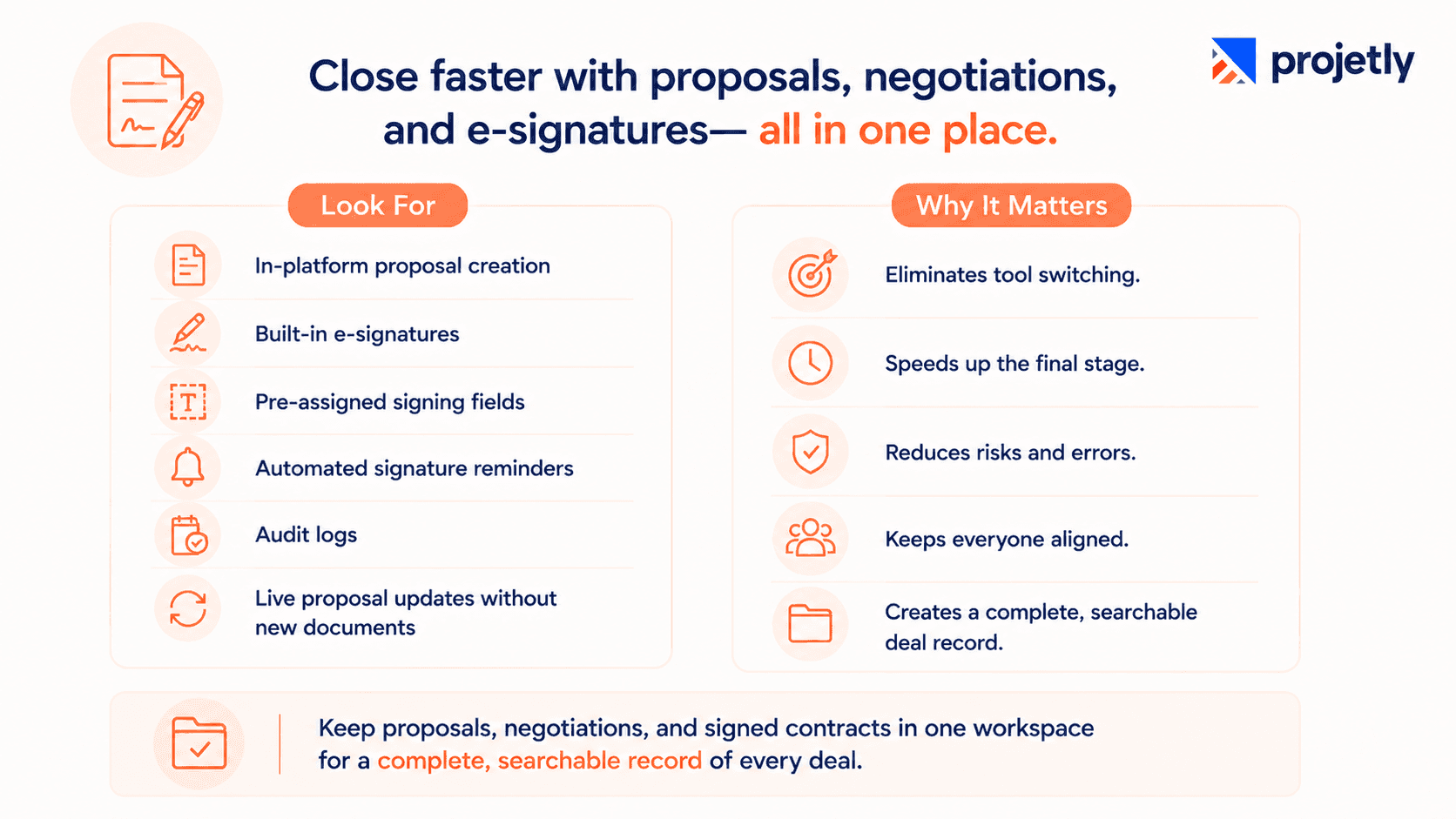
A Digital Sales Room should support proposal creation, negotiation, and e-signatures in one place, eliminating tool switching at the final stage.
Look for:
In-platform proposal creation
Built-in e-signatures
Pre-assigned signing fields
Automated signature reminders
Audit logs
Live proposal updates without new documents
Keeping proposals, negotiations, and signed contracts in one workspace creates a complete, searchable record of the entire deal.
8. Automated Follow-Ups
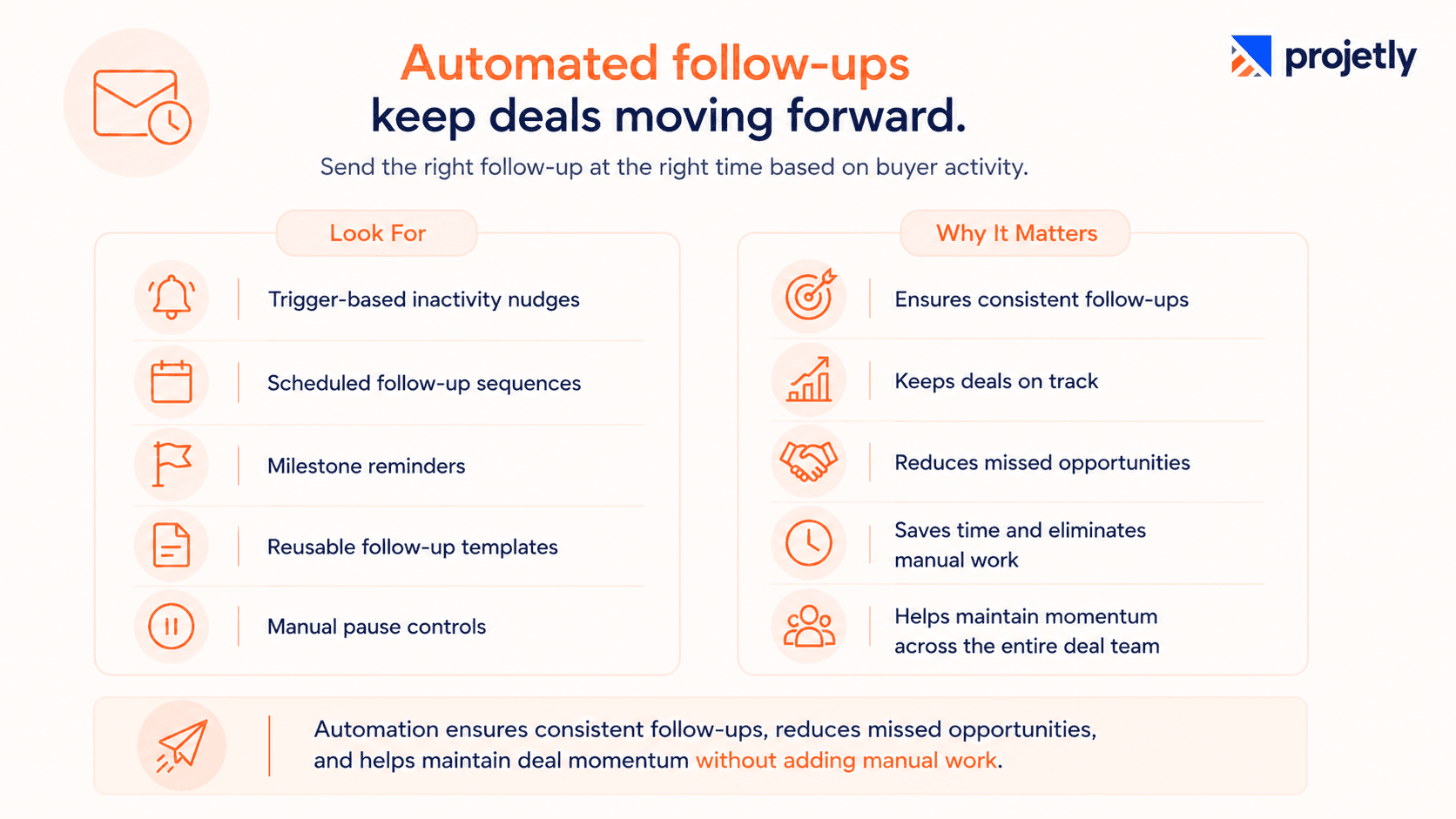
Automated follow-ups keep deals moving by sending timely reminders based on buyer activity instead of relying on manual outreach.
Look for:
Trigger-based inactivity nudges
Scheduled follow-up sequences
Milestone reminders
Reusable follow-up templates
Manual pause controls
Automation ensures consistent follow-ups, reduces missed opportunities, and helps maintain deal momentum without adding manual work.
9. AI Sales Agent and Meeting Intelligence
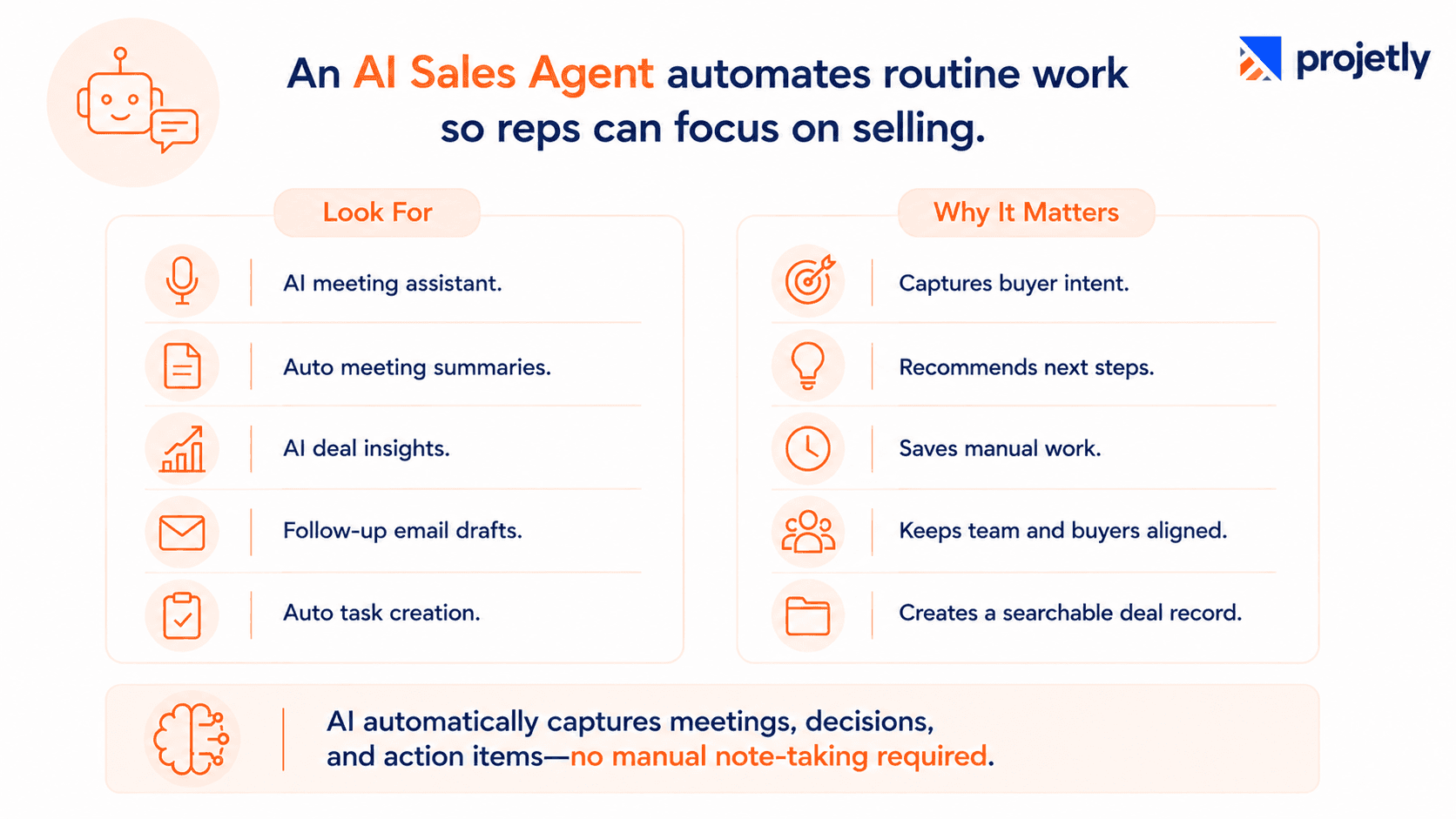
An AI Sales Agent acts as a co-pilot, automating meeting notes, follow-ups, and task management so reps can focus on closing deals.
Look for:
AI meeting assistant with buyer intent capture
Auto-generated meeting summaries synced to the CRM and room
AI-powered deal insights and next-best actions
Follow-up email drafting based on meeting context
An AI-powered Digital Sales Room automatically captures conversations, decisions, and action items, creating an accurate deal record without manual note-taking.
10. Buyer-Centric Design
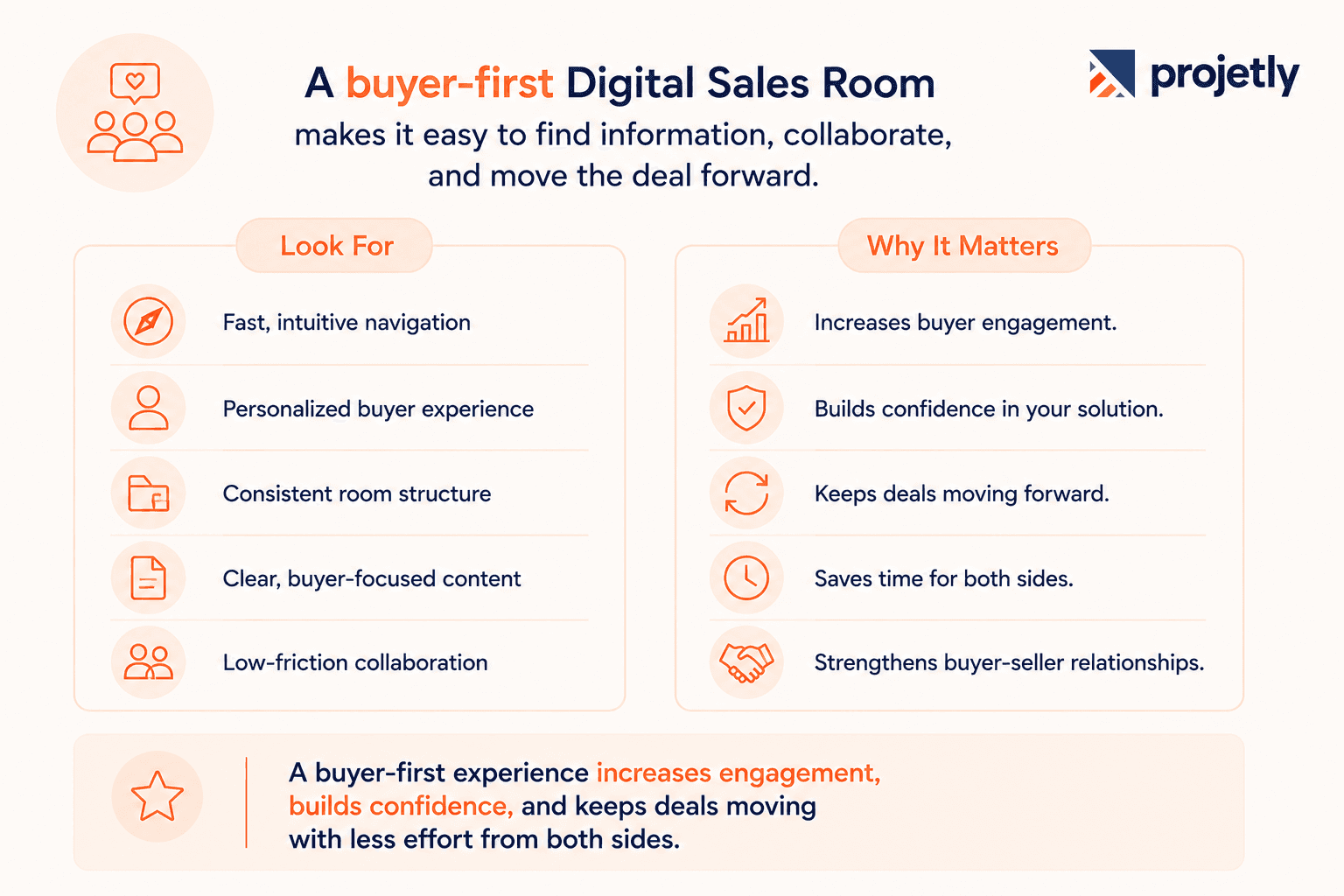
A great Digital Sales Room is designed around the buyer, making it easy to find information, collaborate, and move the deal forward.
Look for:
Fast, intuitive navigation
Personalized buyer experience
Consistent room structure
Clear, buyer-focused content
Low-friction collaboration
A buyer-first experience increases engagement, builds confidence, and keeps deals moving with less effort from both sides.
See the full Digital Sales Room platform:
11. Mobile Accessibility and Clean UX
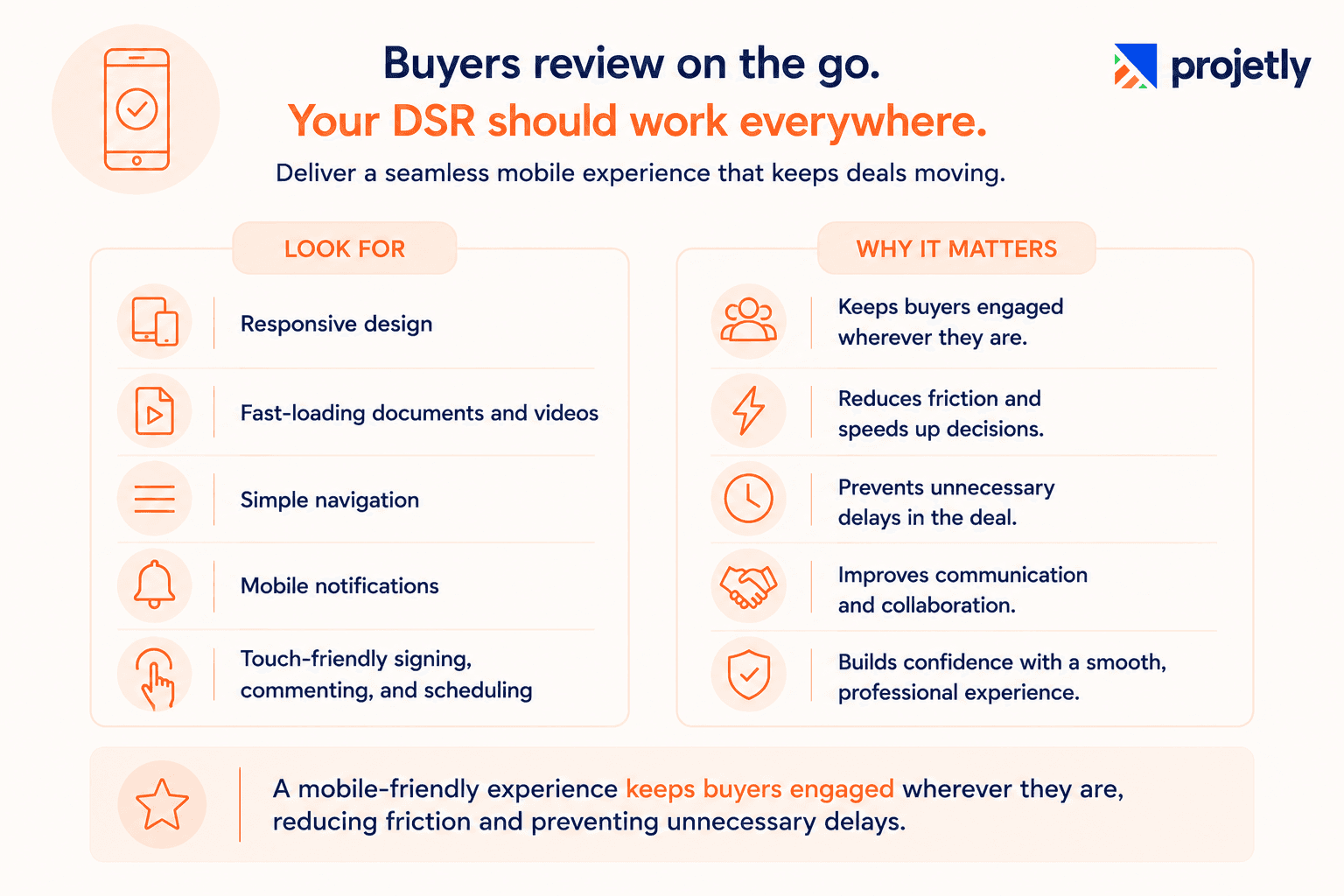
Buyers often review deals on their phones, so a Digital Sales Room should deliver a seamless mobile experience.
Look for:
Responsive design
Fast-loading documents and videos
Simple navigation
Mobile notifications
Touch-friendly signing, commenting, and scheduling
A mobile-friendly experience keeps buyers engaged wherever they are, reducing friction and preventing unnecessary delays.
12. Security and Access Control
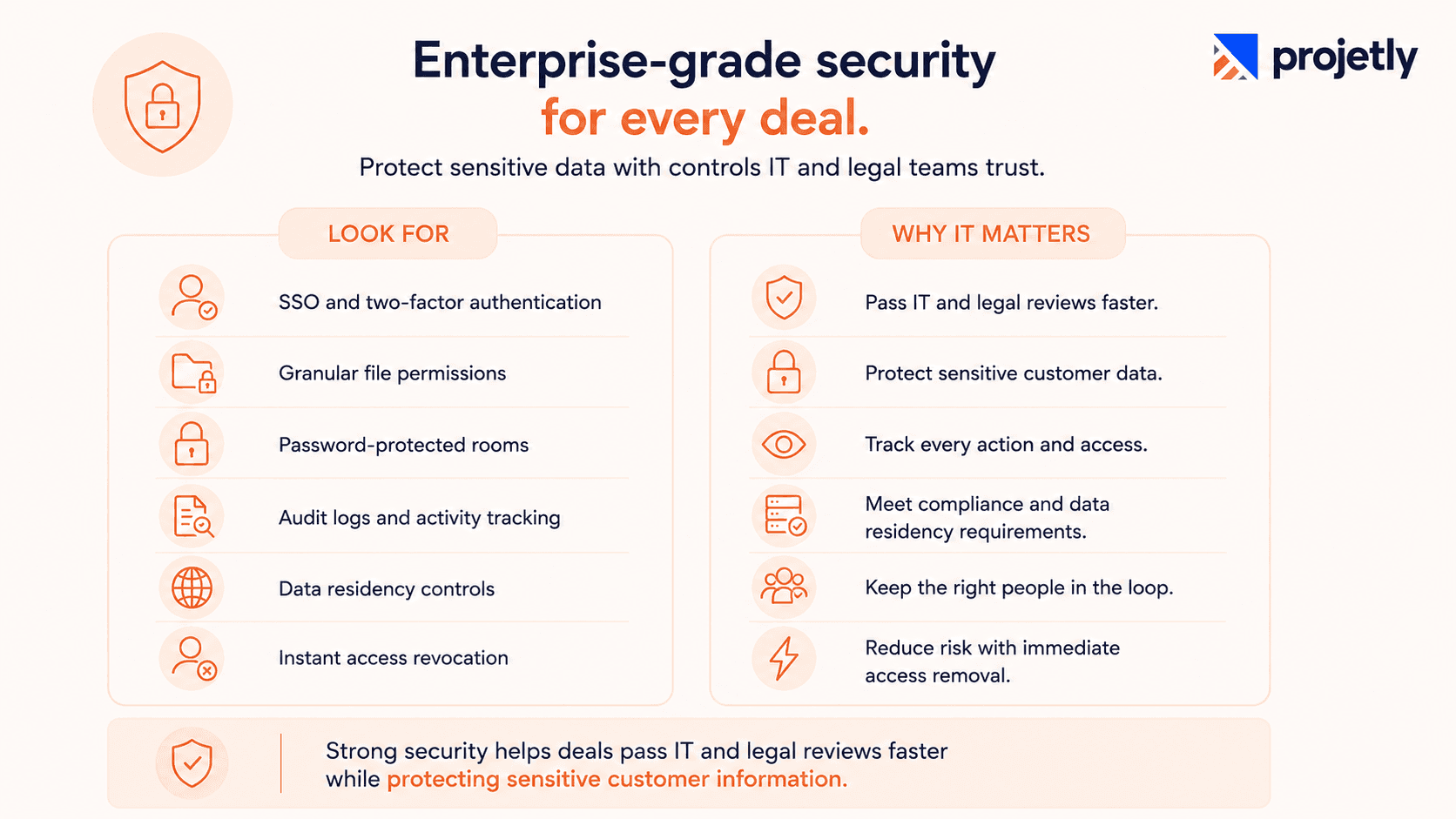
Enterprise Digital Sales Rooms must protect sensitive deal data with enterprise-grade security and compliance controls.
Look for:
SSO and two-factor authentication
Granular file permissions
Password-protected rooms
Audit logs and activity tracking
Data residency controls
Instant access revocation
Strong security helps deals pass IT and legal reviews faster while protecting sensitive customer information.
Ready to modernize your sales process?
Explore how a Digital Sales Room helps teams collaborate better, shorten sales cycles, and deliver a seamless buyer experience. Read Nore
How These Features Work Together
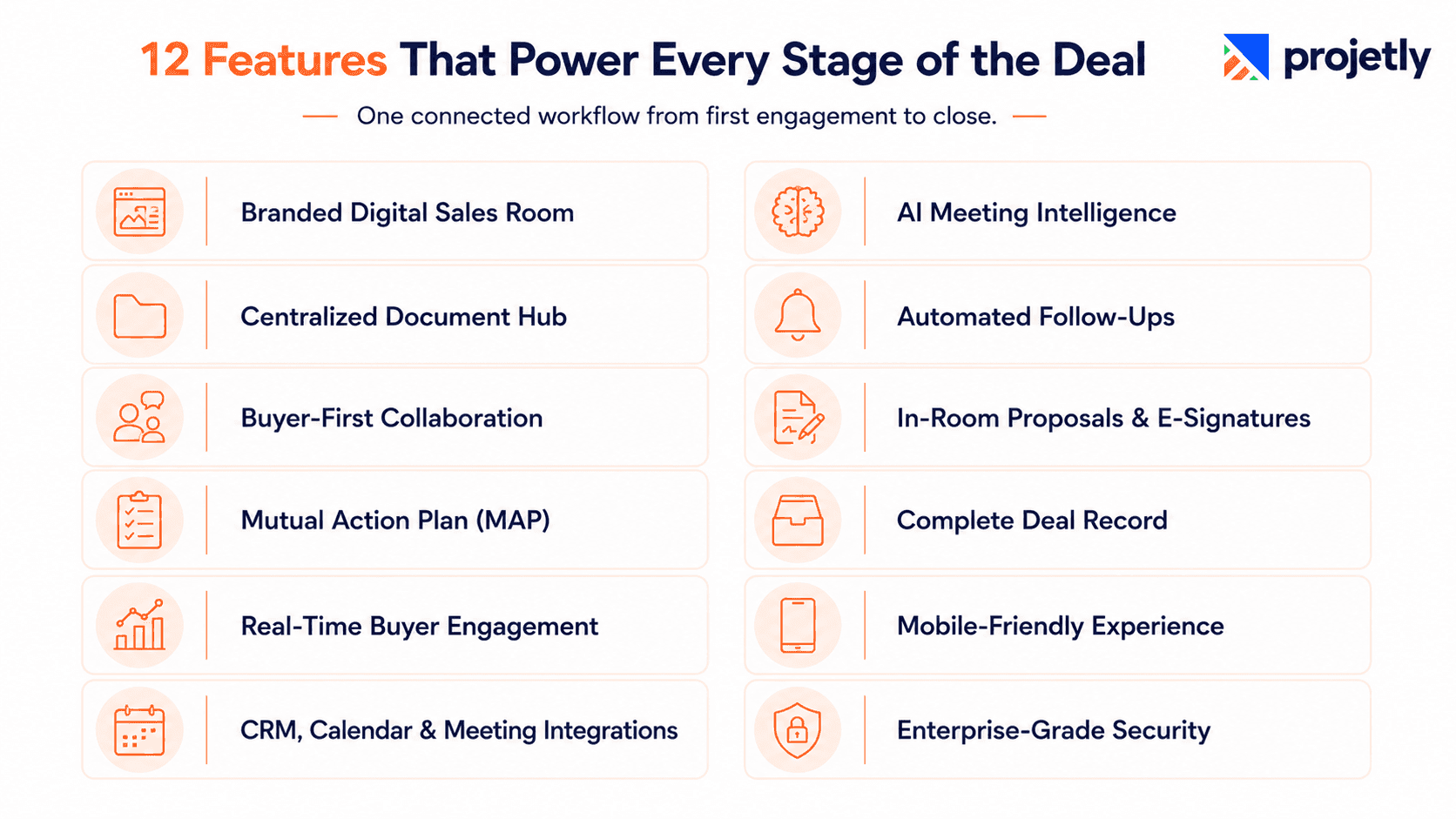
These 12 features aren't independent checkboxes. They function as one continuous flow across a deal's lifecycle, and the value compounds the further along that flow they're connected.
Start with a branded Digital Sales Room template and a centralized document repository.
Create a Mutual Action Plan (MAP) with shared milestones, owners, and deadlines.
Buyers review content, ask questions, and collaborate directly in the room.
Engagement analytics reveal stakeholder activity and buying signals in real time.
CRM integrations automatically sync buyer activity, contacts, and deal updates.
The AI Sales Agent captures meeting insights, summarizes discussions, and recommends next actions.
Automated follow-ups keep deals moving when buyer engagement slows.
Buyers access AI meeting recaps, schedule follow-ups, and involve additional stakeholders.
Proposals are reviewed, negotiated, and signed within the room, with every revision tracked.
The deal closes with a complete, searchable record of documents, conversations, approvals, and stakeholder engagement, eliminating guesswork during handoffs or future reference.
What to Look for When Choosing a DSR in 2026
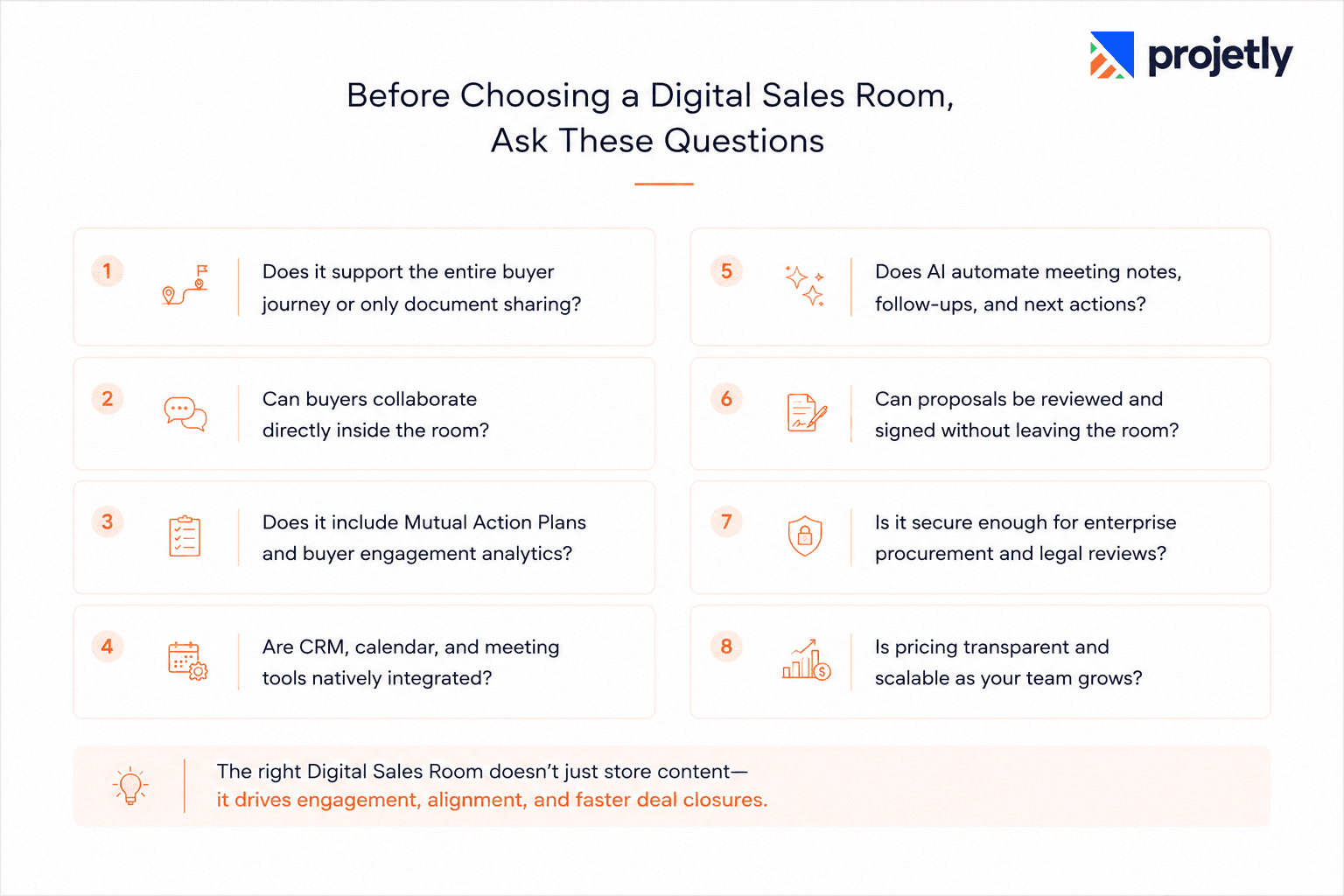
Does it support the entire buyer journey or only document sharing?
Can buyers collaborate directly inside the room?
Does it include Mutual Action Plans and buyer engagement analytics?
Are CRM, calendar, and meeting tools natively integrated?
Does AI automate meeting notes, follow-ups, and next actions?
Can proposals be reviewed and signed without leaving the room?
Is it secure enough for enterprise procurement and legal reviews?
Is pricing transparent and scalable as your team grows?
If the answer to more than two or three of these is "not really," you're likely looking at a shared link portal wearing a digital sales room label.
The gap between the two only becomes obvious once a team is a few months into using it, when the shortcuts start costing real time.
TL;DR:
6 to 10 stakeholders are typically involved in a B2B buying decision; your room needs to show all of them, not just the signer
Actionable sales plans are linked to 20 to 30% shorter deal cycles
Bidirectional CRM sync keeps the deal record clean and current, without manual reconciliation
SSO, granular permissions, and audit logs are non-negotiable for FinTech, healthcare, and legal accounts
An AI sales agent turns call activity and buyer engagement into logged, synced signals instead of a rep's memory
Mobile-responsive rooms remove one of the most common, avoidable reasons buyers disengage
Ready to see how Projetly runs a six-month enterprise deal from first room to first renewal? Book a 30-minute walkthrough or start a free trial at projetly.ai.
For more on how Projetly approaches the full revenue lifecycle, see the Digital Sales Room overview and the customer onboarding platform page.
Frequently Asked Questions
How do I choose the right Digital Sales Room software?
Look for a platform that supports the complete buyer journey with buyer collaboration, CRM integrations, AI-powered meeting insights, proposal management, enterprise security, and automation. It should also be easy for both your sales team and buyers to adopt while scaling with your business.
Can a Digital Sales Room improve sales-to-customer-success handoffs?
Yes. Modern Digital Sales Rooms preserve documents, meeting notes, buyer conversations, tasks, and stakeholder information in one workspace. This reduces manual handoffs, speeds onboarding, and helps customer success teams start with complete deal context.
Why are Mutual Action Plans important in a Digital Sales Room?
Mutual Action Plans (MAPs) keep buyers and sellers aligned by defining shared milestones, owners, and deadlines. They improve accountability, reduce deal delays, and give every stakeholder clear visibility into the next steps.
How is a Digital Sales Room different from a CRM?
A CRM manages customer records, pipeline stages, and sales activities, while a Digital Sales Room provides a shared workspace where buyers and sellers collaborate. It tracks buyer engagement, manages documents, supports Mutual Action Plans, and keeps all deal-related conversations in one place.
What are the most important features of a Digital Sales Room?
The most important Digital Sales Room features include centralized document management, buyer engagement analytics, Mutual Action Plans, AI meeting intelligence, CRM integrations, automated follow-ups, e-signatures, enterprise security, and collaborative buyer workspaces. Together, these features help sales teams manage the entire buyer journey more effectively.
You may also like

A Guide to Project Management Professional Certification

Laugh Your Way to Productivity: 50 Workplace Quotes

50 Funny Workplace Memes That’ll Brighten Your Workday.
What Does a Customer-First Mindset Mean? Explained in 2025

What It Takes to be a Great Customer Success Manager in 2025