Digital Sales Room

By
Dhruv
10 DSR Mistakes Costing Enterprise Sales Directors Deals
The most common digital sales room mistakes Directors of Enterprise Sales make, such as content dumping, no mutual action plan, ignoring engagement data, and launching too late, are causing enterprise deals to stall or go dark entirely. Directors who fix these 10 mistakes close deals 40% faster and cut average sales cycles by three to four weeks.
Why do most digital sales rooms fail to move deals forward?
For most Directors of Enterprise Sales, DSR failures aren't technology problems; they're strategy problems that the technology amplifies.
A digital sales room is only as strong as the experience it creates for the buyer, and enterprise buyers in 2026 are managing an average of 14 vendor evaluations simultaneously. When your DSR adds friction rather than removing it, buyers don't complain; they quietly deprioritise your deal.
The numbers behind the problem:
Signal | Data |
|---|---|
Enterprise deals involving 6+ stakeholders | 73% in 2026 |
Faster close rates for DSR-optimized teams | 40% faster on average |
More likely to stall without a mutual action plan | 3x more likely to slip a quarter |
Buyers who say poor follow-up content hurts confidence | 68% |
The ten mistakes below are the specific, fixable reasons why enterprise deals go quiet after "we're aligned."
Looking for the right Digital Sales Room? Explore the top platforms and find the best fit for your team. Read the Article
Are you treating your DSR like a file dump?
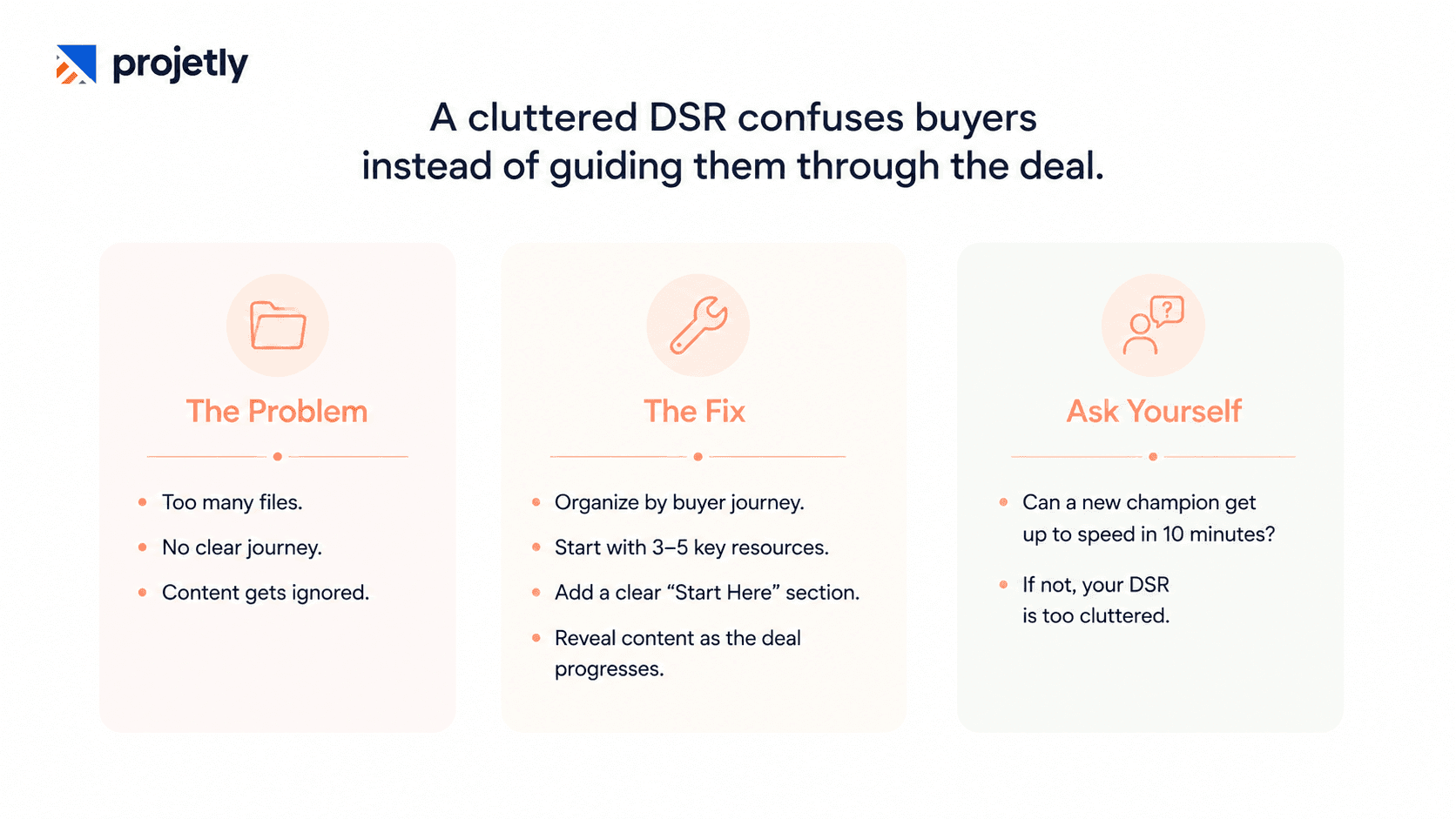
If your room has 20+ documents with no context, no sequencing, and no clear next step, your buyer is closing the tab, and your content is never getting seen.
This is the most widespread DSR software failure. Sales teams upload every deck, case study, one-pager, and security questionnaire into one room and refer to it as buyer enablement. The result is a content graveyard that overwhelms rather than guides.
The fix: Structure your DSR around the buyer's journey, not your sales process. Start with three to five high-value items that map directly to their stated business problem. Add a clear "Start Here" section. Surface new content progressively as the deal advances.
Ask yourself: if a brand-new champion joined this evaluation today, would this DSR get them up to speed in 10 minutes? If not, it's too cluttered.
Is a generic DSR template costing you enterprise deals?
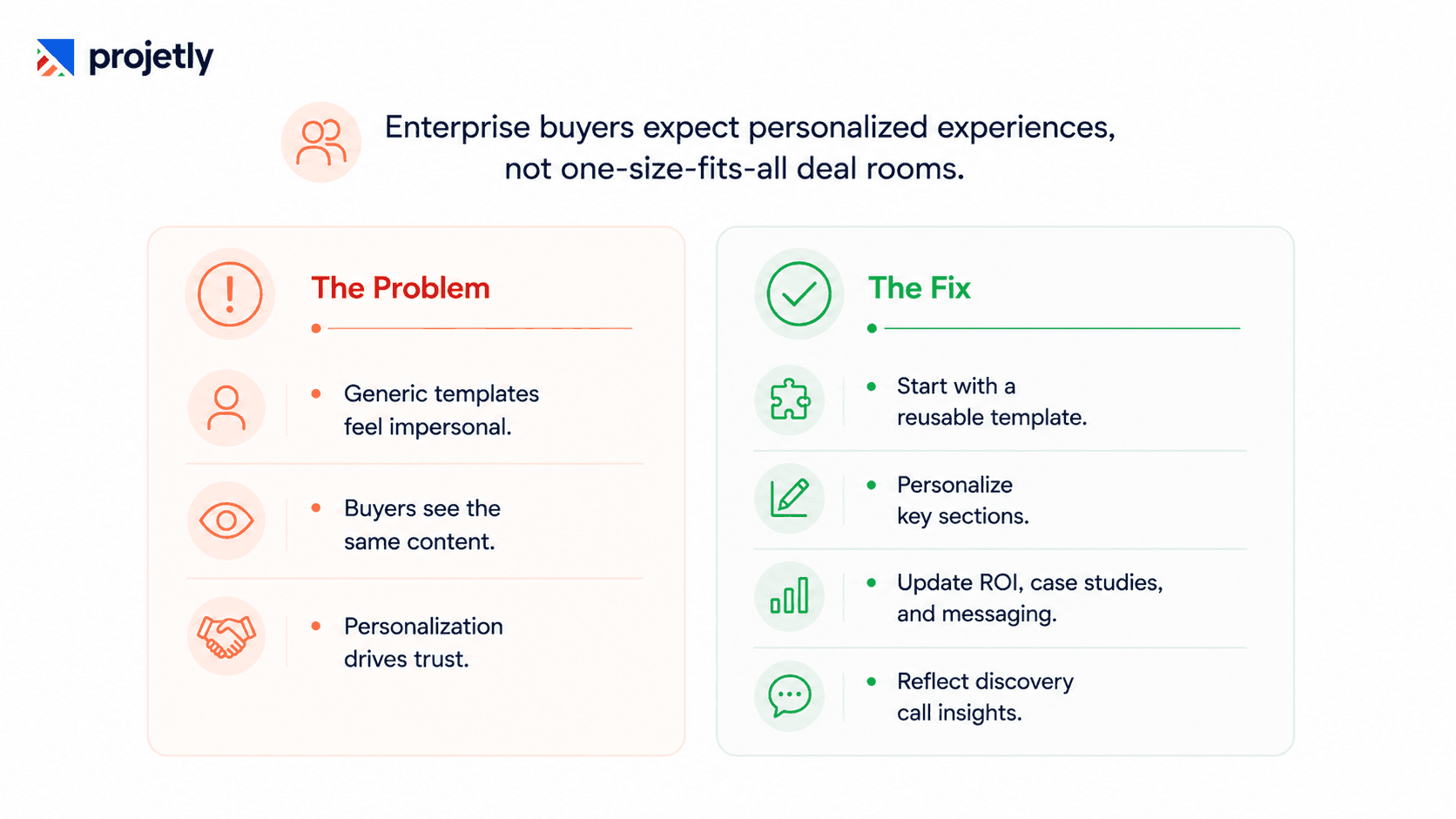
A CFO at a fintech firm who opens a room clearly designed for a generic "Enterprise Software Buyer" doesn't feel enabled. She feels like one of many, and in 2026, that signal alone can kill a deal.
Copy-pasting the same DSR template across accounts saves 15 minutes on setup and costs you deals on the back end. Personalization is no longer a differentiator; it's a baseline expectation in enterprise sales.
The fix: Use a base template that takes under 15 minutes to personalise per account. Swap the intro video, the business case framing, the ROI model inputs, and the case studies by industry vertical.
Reference the buyer's specific pain points from discovery calls. With the right platform, this isn't starting from scratch; it's thoughtful customization at the final mile.
Are you ignoring the other five people on the buying committee?
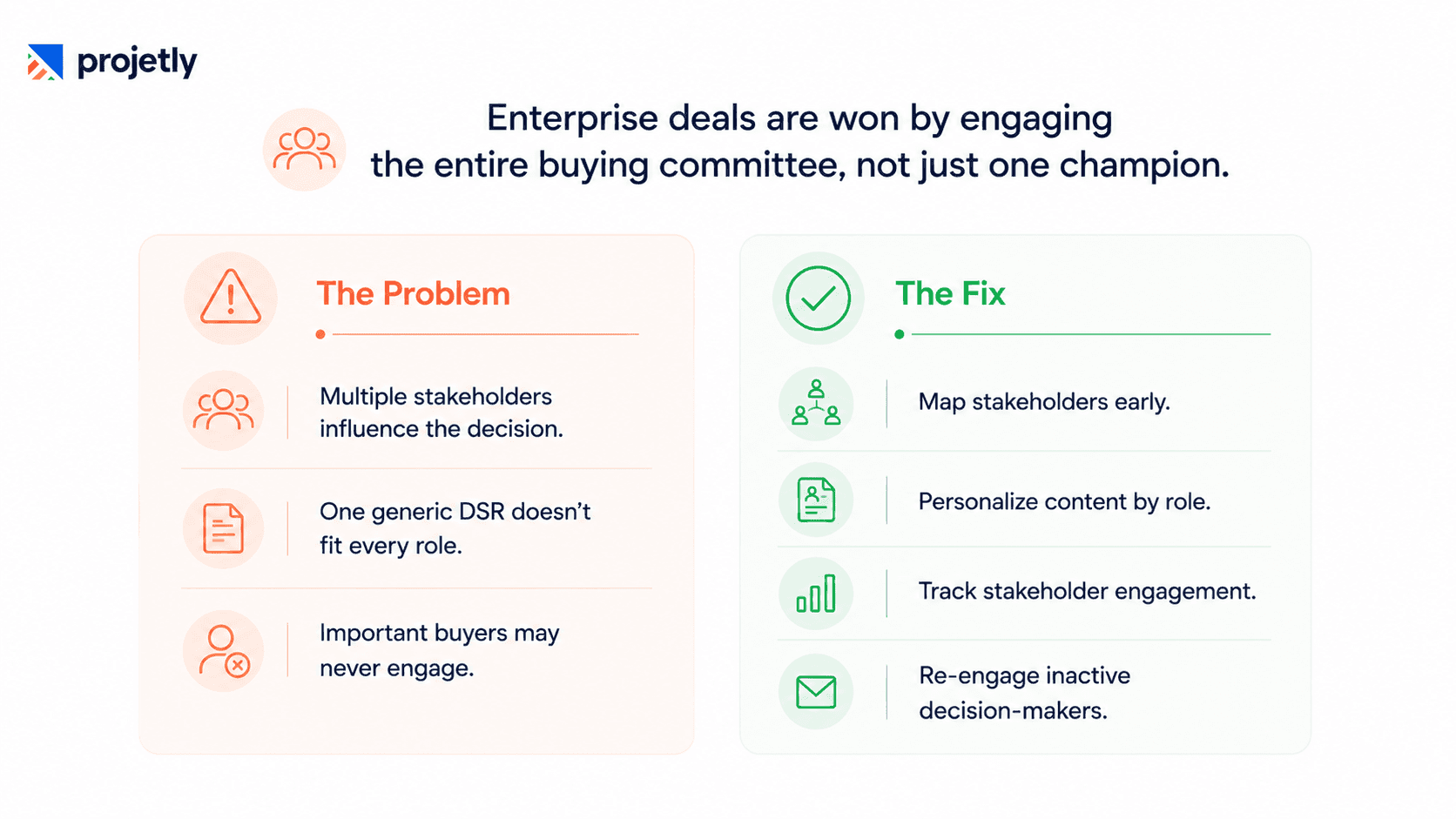
Your champion is enthusiastic. But the average enterprise deal in 2026 involves a buying committee of six to ten people, each with different concerns, different information needs, and different levels of authority.
Sharing a single DSR link without thinking about who else will enter the room means procurement gets the same view as the technical evaluator. The narrative gets muddled, and you lose control of conversations happening without you.
The fix: Map your buying committee early and structure your DSR with role-based content sections. Create concise, ROI-focused views for economic buyers and detailed sections for technical and security stakeholders.
Track which specific stakeholders have visited, what they've viewed, and who hasn't logged in at all, then use that data to re-engage the right people before deal momentum drops.
Discover why sales-to-CS handoffs break down, and how the right deal room keeps everyone aligned. Read more
Why does a DSR without a Mutual Action Plan stall three times more often?
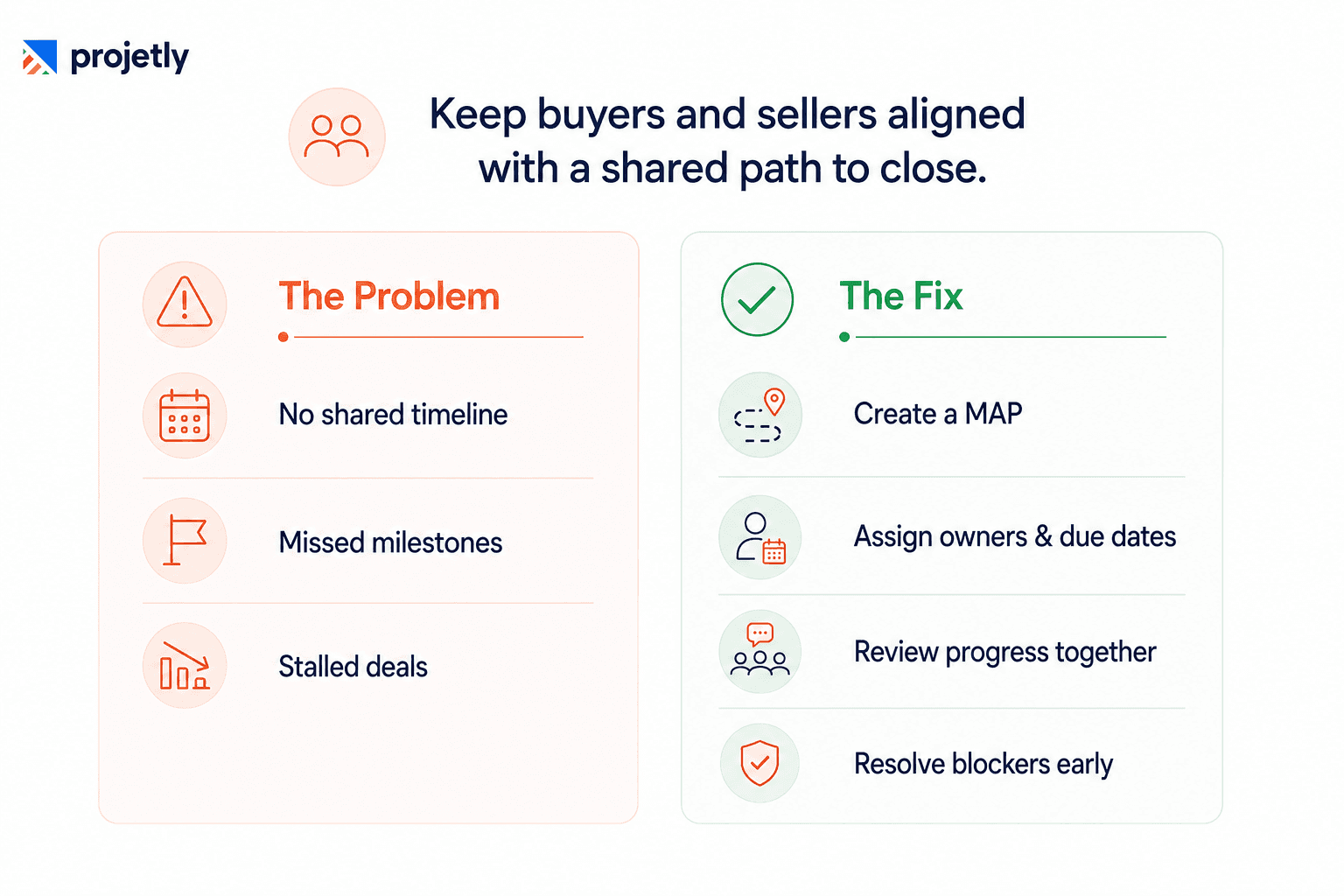
A DSR software without a Mutual Action Plan (MAP) is just a shared folder with better branding. Without it, both sides operate on different mental timelines, and "close by the end of the quarter" stays an aspiration rather than a coordinated plan. Deals with no MAP are three times more likely to slip to the next quarter.
The fix: Embed a shared MAP directly within every DSR, complete with milestones, owners, due dates, and dependencies. Review and update it together on every call to maintain accountability and surface blockers before they delay the deal.
→ Download: How High-Performing B2B Teams Keep Enterprise Deals Moving
Are you flying blind through a $200K deal by ignoring engagement data?
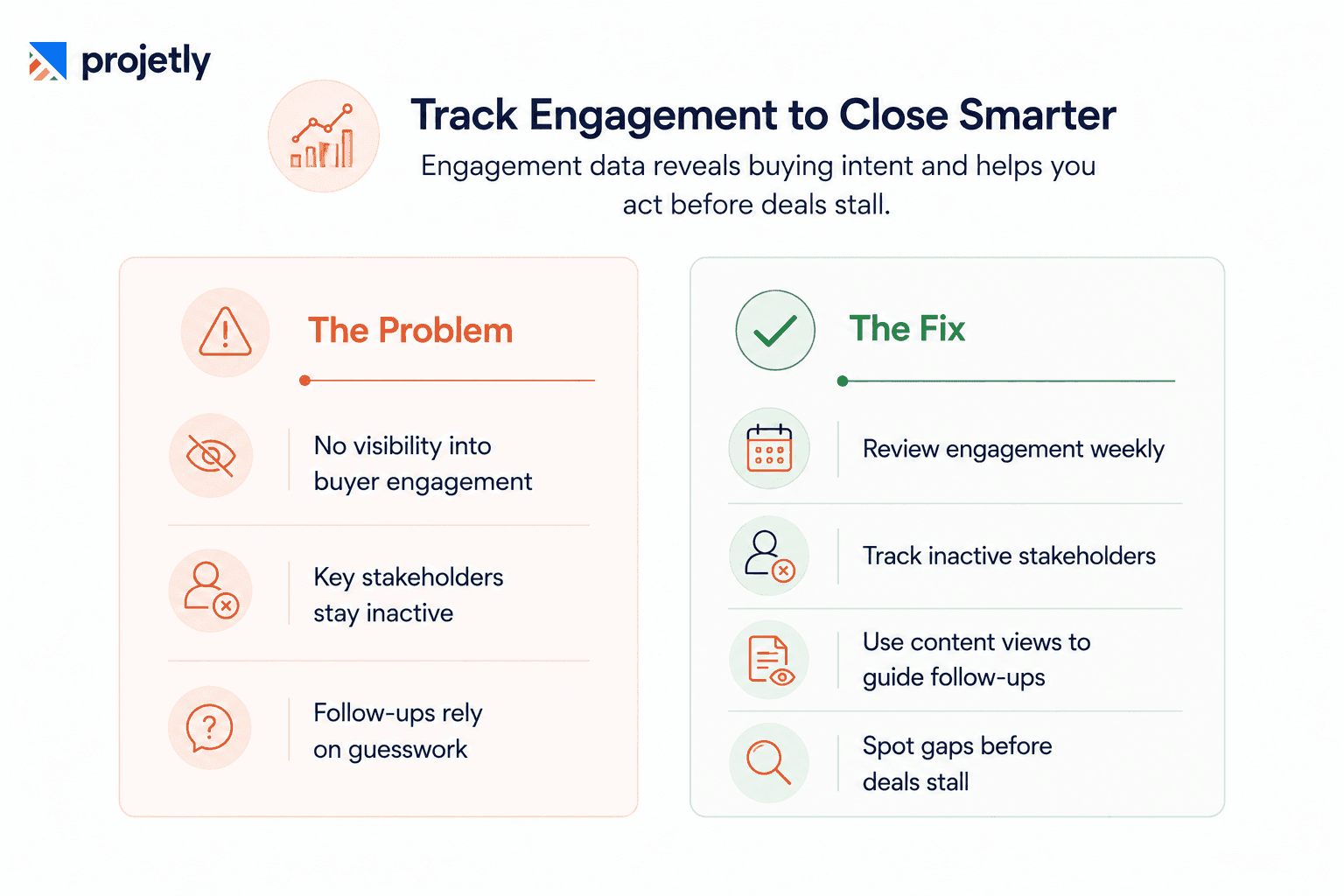
If your champion spent 40 minutes on the security documentation but never opened the executive business case, that's intelligence. If a stakeholder you've never spoken to logged in twice on Tuesday afternoon, that's a signal worth acting on within hours, not at your next weekly pipeline review.
Your DSR platform is generating behavioral data continuously. Most sales teams either don't check it or don't act on it. In 2026, flying blind through a six-figure enterprise deal is a choice, not a limitation.
The fix: Review DSR engagement weekly. Track inactive stakeholders, use content views to guide follow-ups, and investigate why key sections like ROI aren't being accessed. Engagement data helps make every conversation more effective.
Is a broken mobile experience killing your C-suite reviews?
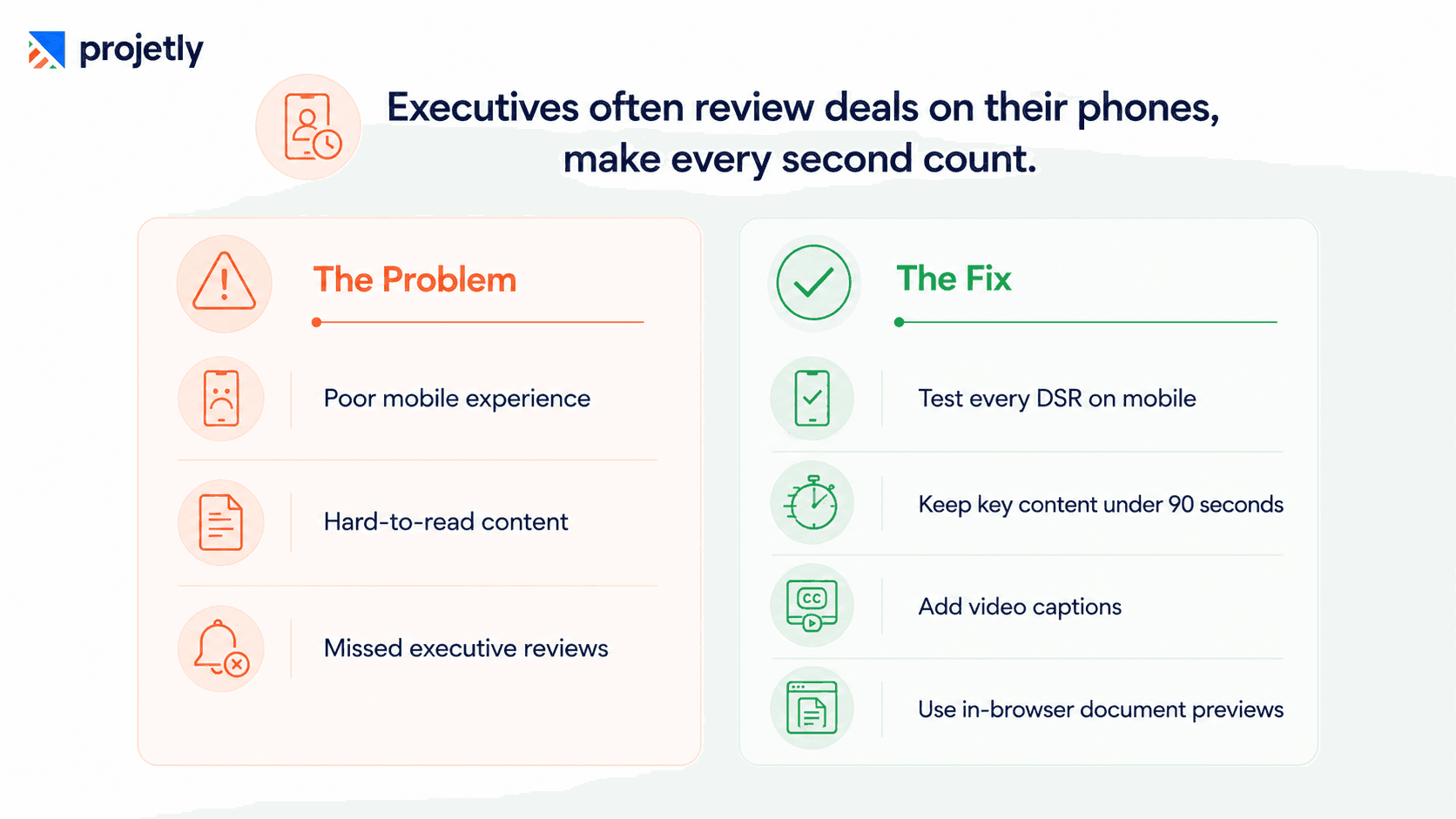
C-suite buyers in 2026 review vendor materials on their phones, between meetings, on the train, and after hours. If your DSR renders as a desktop content wall on a mobile screen, you've lost that review window permanently. A broken mobile experience also sends an implicit signal: your team doesn't sweat the details.
The fix: Test every DSR on mobile before sharing it with executives. Keep the business case, ROI summary, and timeline concise enough to review in under 90 seconds. Ensure videos include captions and documents open with in-browser previews instead of requiring PDF downloads.
Are you introducing your DSR too late to matter?
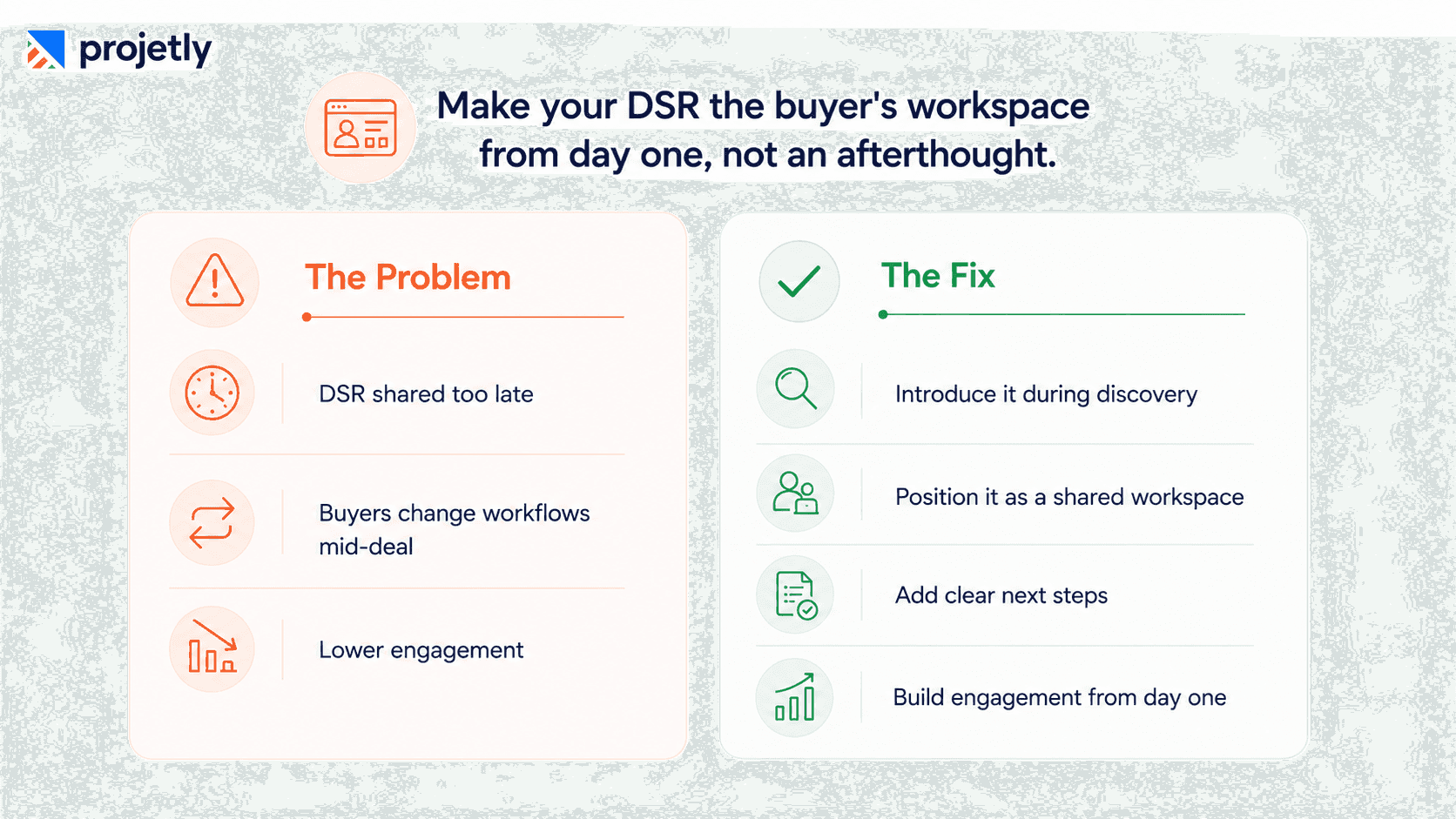
Many Directors of Enterprise Sales treat the DSR as a post-demo artefact, something to share once a prospect is "serious." This leaves a significant deal of infrastructure on the table. A DSR introduced after the proof of concept asks the buyer to change their workflow mid-evaluation. That's friction, not enablement.
The DSR software is most effective when it's introduced at the first qualification, because it establishes a collaborative workspace from day one rather than a vendor delivery mechanism at the end.
The fix: Introduce your DSR during the first discovery call or immediately after, positioning it as a shared workspace for the evaluation rather than a content repository. Include a clear next step from day one. Buyers who engage with the DSR early tend to stay more involved throughout the sales cycle because they've invested in the process alongside you.
Does your champion have what they need to sell internally without you?
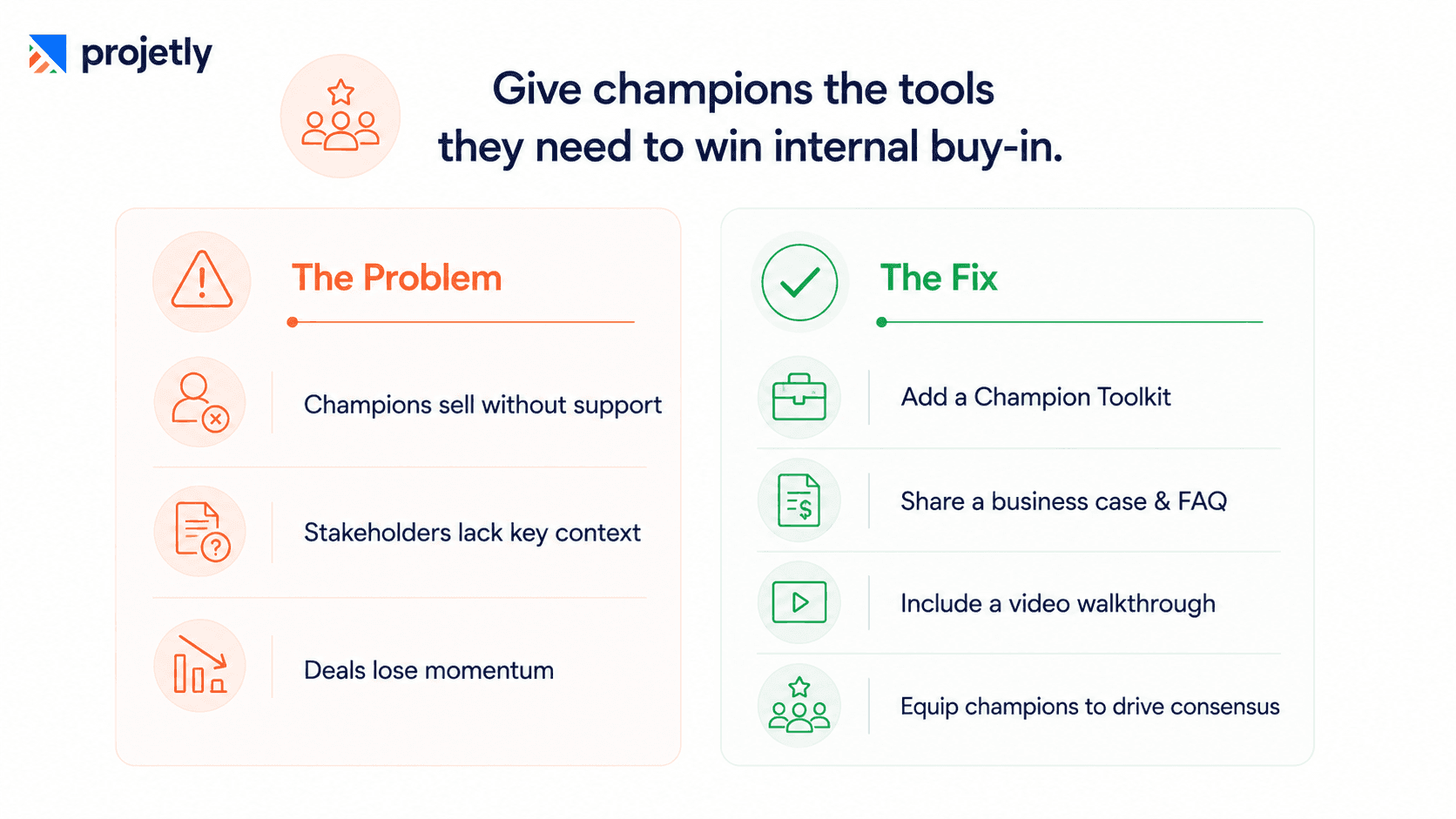
Your champion is convinced. But they now need to sell three or four colleagues who have never spoken to you. If your DSR doesn't give them the tools to do that job, you're relying entirely on their improvisation, and the deal's outcome becomes a function of how good they are at internal advocacy, not how strong your solution is.
The fix: Add a Champion Toolkit to every DSR with an executive summary slide, a personalized business case, an FAQ addressing likely objections, and a short video walkthrough. When you help champions communicate your value internally, they become your most powerful sales asset. Is a stale DSR signalling that your deal has stalled?
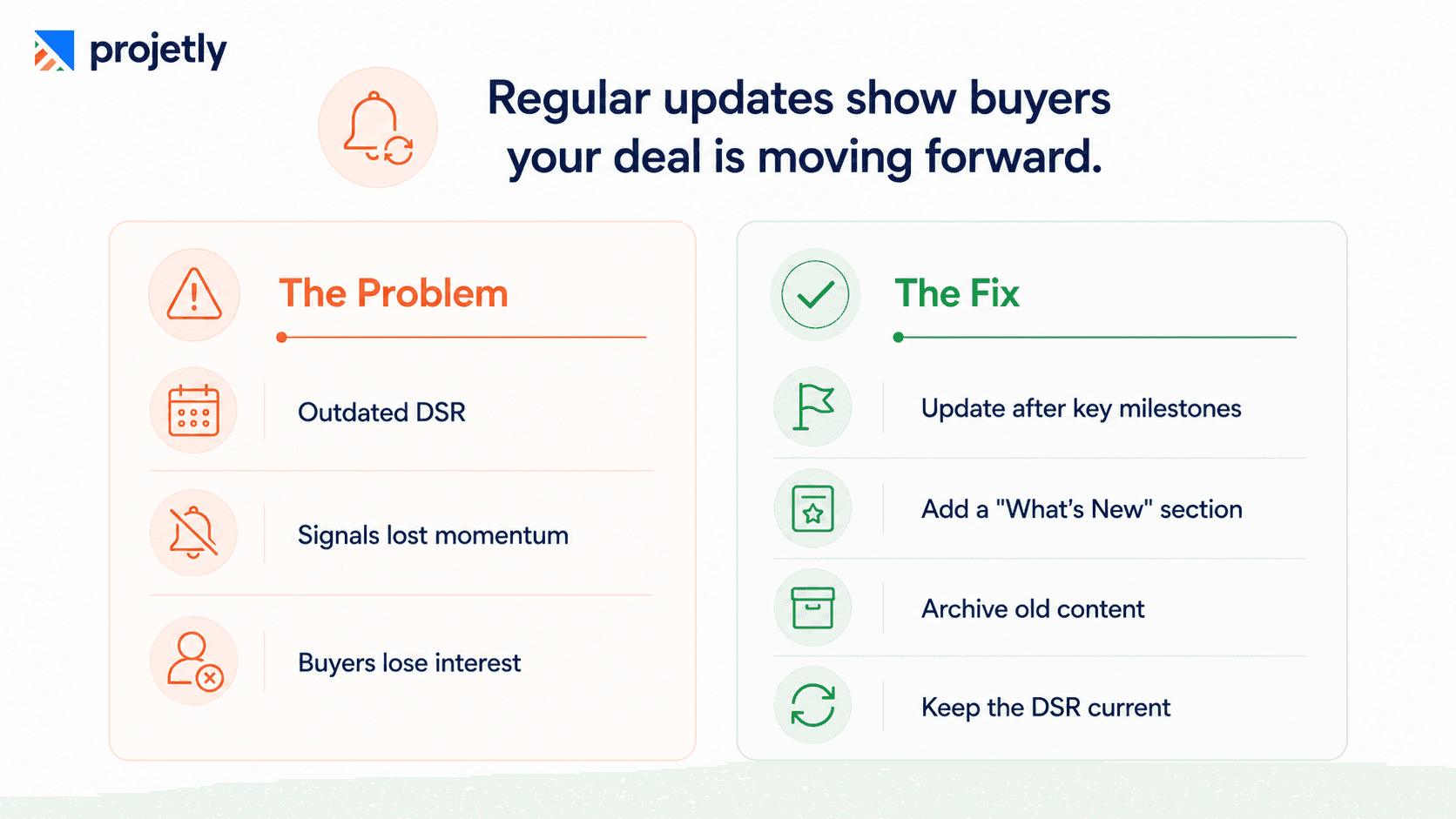
A DSR software that looks identical in week eight to how it looked in week one signals stagnation, even when the deal is progressing. Enterprise buyers actively monitor whether your team is keeping pace with their evaluation. When they revisit, and nothing has changed, it feels like the deal has lost momentum on your side.
The fix: Refresh your DSR after every key milestone, product demos, security reviews, or POC sign-offs. Add a "What's New" banner so returning buyers instantly spot updates, and archive outdated content instead of leaving it cluttered. A dynamic DSR signals an organized, engaged team.
Does your buyer know what to do next when they leave the room?
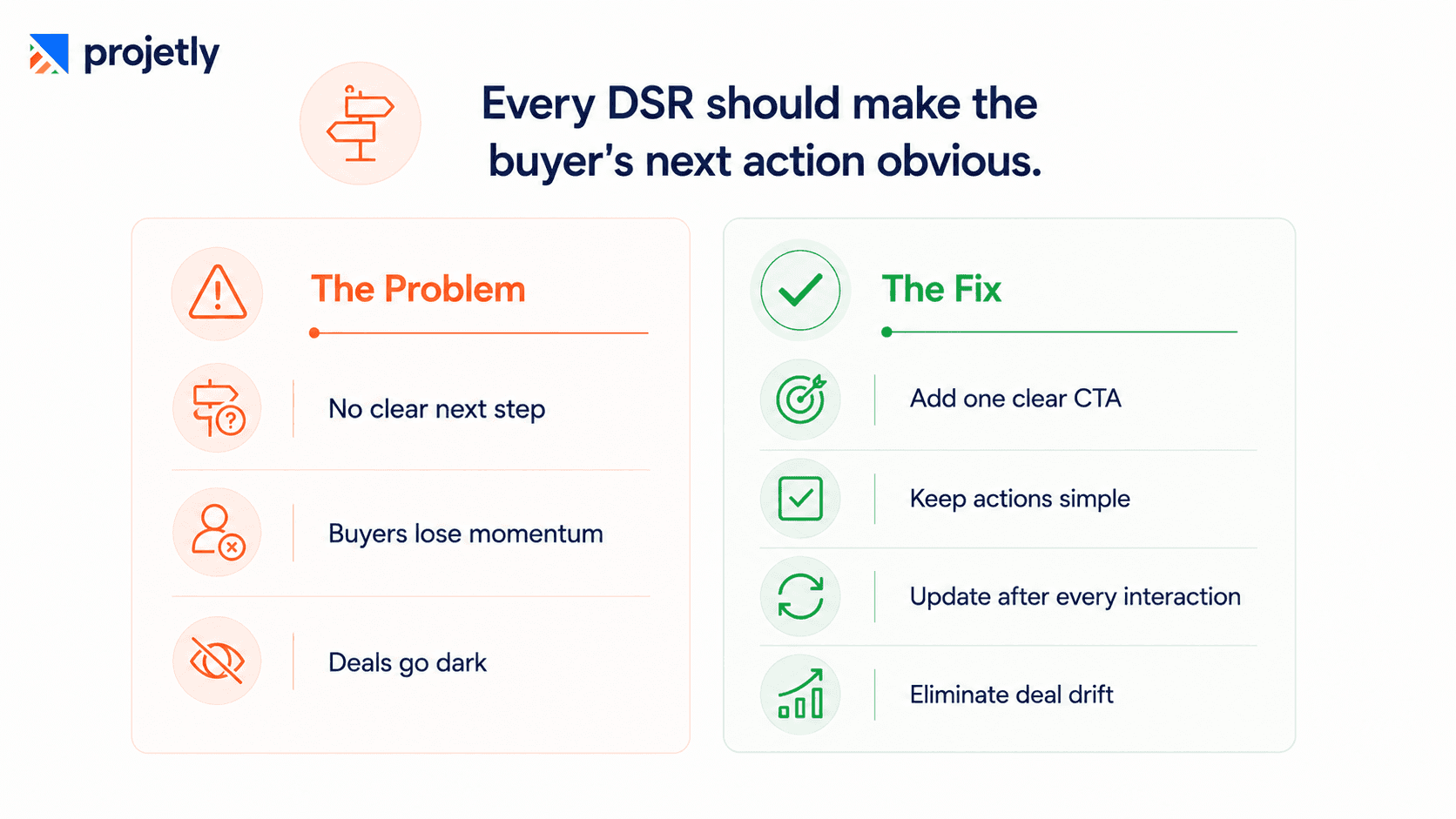
If a buyer visits your DSR and can't immediately answer "what do I do next?", the room has failed its primary job. Decision fatigue is real, and ambiguity is a weakness for your competitor, not for you.
This is the mistake most directly responsible for deals going dark, and the most surprising one to see repeated by experienced enterprise reps.
The fix: Every DSR should have one clear Next Step after each buyer interaction, not five options, just one. Whether it's scheduling a security review, reviewing a proposal, or confirming pilot scope, clarity eliminates deal drift. When buyers know exactly what to do next, close rates improve.
DSR Mistakes vs. Best Practices at a Glance
Area | Common Mistake | Best Practice |
|---|---|---|
Content strategy | File dump with no sequencing | Staged, journey-mapped content with a "Start Here" section |
Personalization | Generic template across all accounts | Account-specific customization in under 15 minutes |
Stakeholder management | Single link for all roles | Role-based content views with individual tracking |
Deal management | No mutual action plan | Co-owned MAP with milestones, owners, and due dates |
Analytics | Engagement data ignored | Weekly engagement review built into deal cadence |
Champion support | No internal selling tools | Dedicated Champion Toolkit section in every DSR |
Timing | Introduced post-demo | Shared at or immediately after first discovery call |
Next steps | Ambiguous or multiple CTAs | One prominent, updated "Next Step" at all times |
Mobile experience | Desktop-only content | Executive sections skimmable in under 90 seconds on mobile |
Content freshness | Room unchanged week to week | Refreshed after every major deal milestone |
TL;DR
DSRs with no mutual action plan are 3x more likely to slip a quarter; embed a co-owned MAP with named owners and due dates inside every room, not in a separate tool
73% of enterprise deals involve 6+ stakeholders in 2026; role-based content sections and individual engagement tracking are no longer optional
Introducing a DSR at first discovery rather than post-demo increases buyer engagement throughout the cycle because they've invested in the shared workspace from day one
A Champion Toolkit section, one-page business case, FAQ doc, async video, turns your internal advocate into your most effective sales resource
Weekly DSR engagement reviews replace gut-feel pipeline calls with intelligence: who visited, what they read, and which new stakeholders entered the room
Directors of Enterprise Sales who fix these 10 DSR mistakes report closing deals 40% faster and shortening average sales cycles by three to four weeks
Learn more about how the workspace itself works on the Projetly Digital Sales Room page, and see how the handoff is built on the customer onboarding platform page.
Frequently Asked Questions
What makes a DSR mobile experience work for C-suite buyers?
Executive-facing sections, business case summary, ROI snapshot, and proposed timeline should be skimmable in under 90 seconds on a phone screen. Videos should auto-load with captions. Documents should have in-browser previews that don't require a PDF download. Test every DSR on mobile before sending it to any C-suite contact.
How do you prevent an expansion or renewal conversation from drifting after a QBR?
Embed a mutual action plan inside the DSR before the QBR and update it live during the meeting. Every commitment made in the room lives in the MAP, no reconstructing from memory, no follow-up email that misses half the context. The champion can share it with stakeholders who weren't present, and engagement analytics afterwards show exactly who reviewed what.
What engagement signals should trigger an immediate follow-up?
A stakeholder you've never spoken to accessing the room for the first time, any contact spending significant time on pricing or security documentation, and anyone revisiting commercial content more than once in a week. These are buying-intent signals; act on them within hours, not at the next weekly pipeline review.
How often should a DSR be updated during an active deal?
After every significant milestone, a demo, a security review, a POC sign-off. Add a "What's New" banner at the top so returning buyers immediately see the update. A room that looks identical in week eight to week one signals stagnation, even when the deal is progressing.
What should a Champion Toolkit section include?
An executive summary slide for internal presentations, a one-page business case with the buyer's company name already filled in, an FAQ document anticipating colleagues' objections, and a short async video walkthrough. This gives the champion everything they need to sell internally without improvising and without you being in the room.
When should a DSR be introduced in the sales cycle?
At the first discovery meeting, or immediately after it, not post-demo. Introducing it earlier establishes a collaborative workspace from day one rather than a vendor delivery mechanism at the end. Buyers who adopt the DSR early are measurably more engaged throughout the cycle because they've invested in the shared space alongside the seller.
What is the single most common reason DSRs fail to move enterprise deals forward?
The most common failure is treating the DSR as a file dump, uploading every document with no sequencing, no context, and no clear next step. Enterprise buyers managing 14 vendor evaluations simultaneously will close the tab rather than navigate a content graveyard. Structure the room around three to five items mapped to the buyer's stated problem, with a "Start Here" section and progressively surfaced content as the deal advances.
You may also like

A Guide to Project Management Professional Certification

Laugh Your Way to Productivity: 50 Workplace Quotes

50 Funny Workplace Memes That’ll Brighten Your Workday.
What Does a Customer-First Mindset Mean? Explained in 2025

What It Takes to be a Great Customer Success Manager in 2025