Project Management

By
Sam
Best Project Management Software for Consultants in 2026: The Complete Guide
Managing consulting projects demands more than traditional project management. With multiple clients, strict deadlines, and evolving deliverables, consultants need specific project management solutions tailored to their dynamic workflows.
This guide covers the top project management software for consultants in 2026, key features to look for, and implementation tips to boost productivity, client satisfaction, and profitability.
The best project management software for consultants in 2026 combines client portals, time tracking, resource planning, and financial reporting in a single platform. Projectly leads for AI-powered consulting workflows, while Monday.com, Asana, ClickUp, and Wrike each serve specific team sizes and use cases.
Stop Chasing Customers. Start Guiding Them. Book a Demo Today
Why Consultants Need Dedicated Project Management Software
Generic project management tools were built for product teams and developers. Consulting is a different beast entirely.
When you're juggling five clients, three ongoing deliverables, a team spread across time zones, and a billing cycle that doesn't forgive missed hours, a Kanban board with sticky notes isn't enough. Consulting firms deal with a specific set of operational pressures that standard tools simply weren't designed to handle:
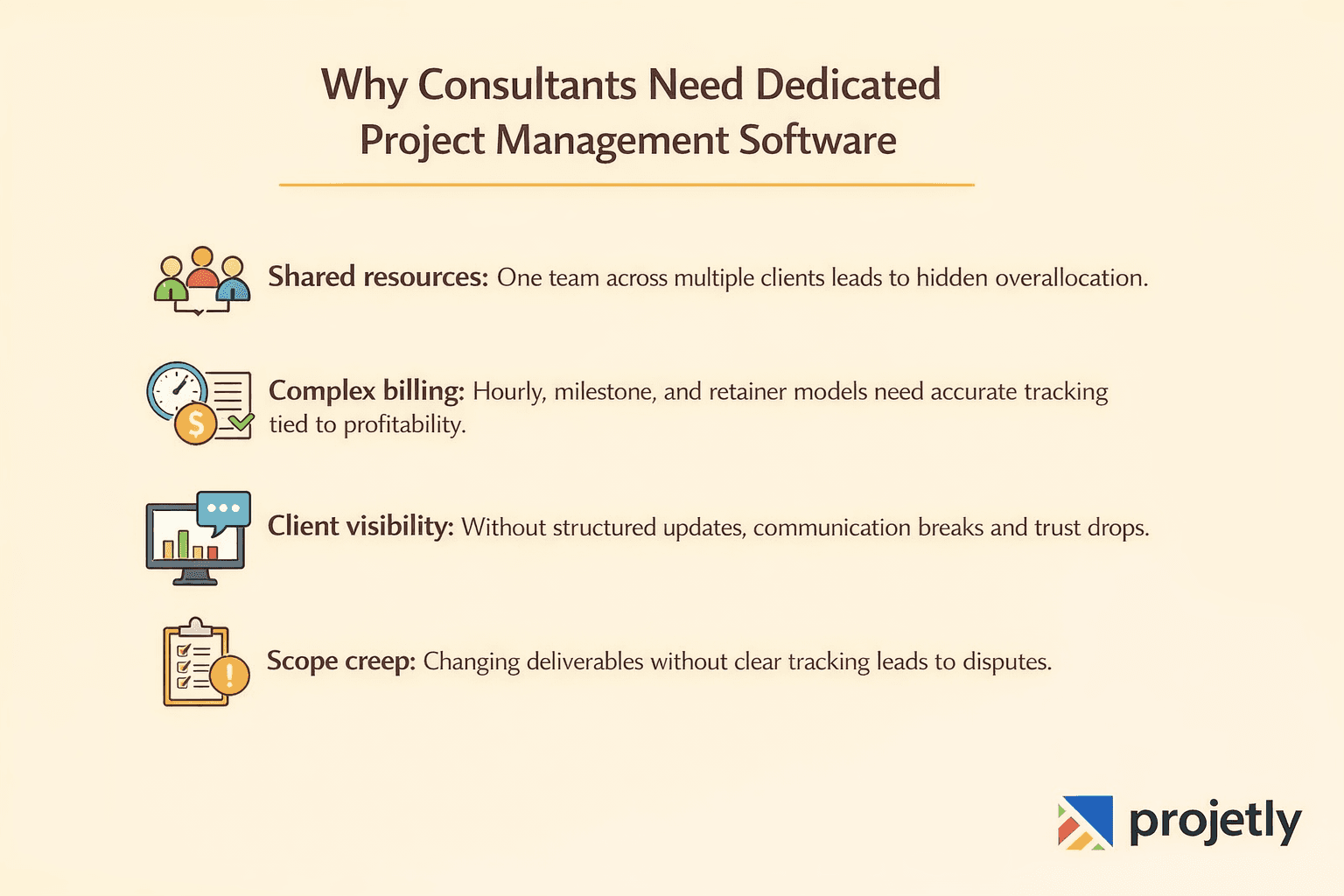
Multiple clients, one team: Resources get shared across engagements. Without visibility into who is working on what, overallocation creeps in silently until someone misses a deadline.
Billing complexity: Consultants bill by the hour, by milestone, or by retainer. Tracking that accurately, and tying it to profitability, requires more than a spreadsheet or a basic task list.
Client-facing accountability: Clients expect transparency. They want progress updates without needing to chase you. Without a structured way to share that visibility, communication becomes fragmented and trust erodes.
Scope creep: Projects evolve. Deliverables shift. Without clear documentation of what was agreed, what changed, and why, disputes become inevitable.
The right project management software for consultants addresses all of these challenges from day one, not as an afterthought.
Start Your Free Trial of Projetly
Key Benefits: What the Data Actually Shows
Research consistently shows that consulting firms adopting purpose-built project management platforms see measurable operational improvements:
Productivity gains of up to 50% when firms move from fragmented tools (email + spreadsheets + shared drives) to a unified platform
Reports and dashboards are the most used features in consulting PM software, yet many generic tools treat them as an afterthought
70% of project failures trace back to process and management issues, not technical ones
Consultancies that implement structured resource management report 15–30% improvements in project profitability within the first year
These aren't theoretical benefits. They reflect the day-to-day reality of consulting operations, where small inefficiencies compound quickly across multiple simultaneous engagements.
Essential Features to Look For in 2026
Before evaluating any specific tool, be clear about what consulting-specific project management software actually needs to do well.
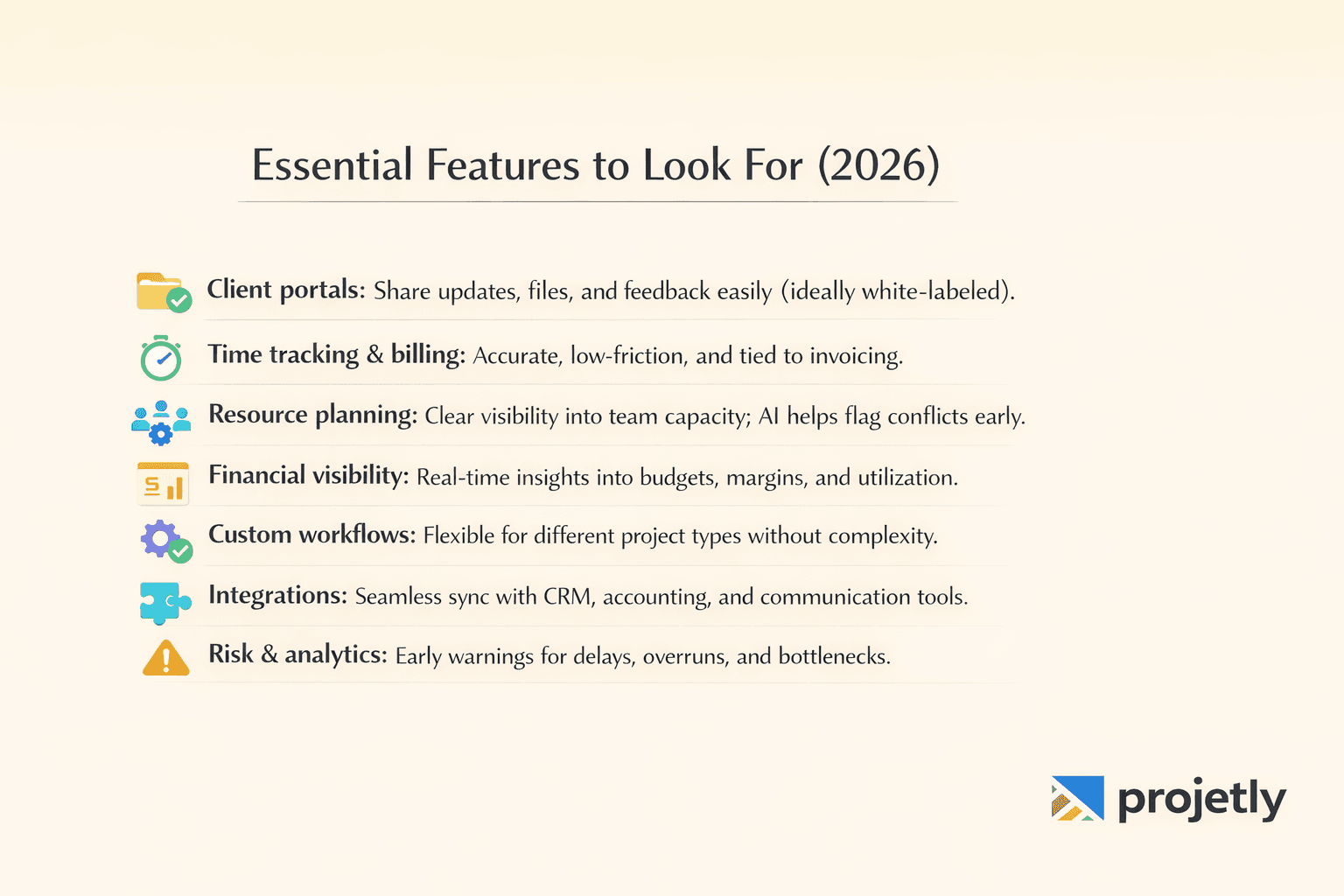
Client Portals: Clients should be able to see project status, download deliverables, and provide feedback without needing a full software license or a login tutorial. White-labeled portals that reflect your brand are a significant advantage.
Time Tracking and Billable Hours: This needs to be accurate, low-friction, and tied directly to invoicing. Tracking time in one system and billing in another creates reconciliation headaches and billing errors.
Resource Planning and Capacity Management: You need to see at a glance which team members are available, what they're currently assigned to, and whether adding a new project is feasible. AI-assisted resource planning, which some tools now offer, flags potential conflicts before they occur.
Project Financial Visibility: Budget burn rates, project margins, and utilization rates shouldn't require a finance degree or a separate spreadsheet to calculate. The best tools surface this data in real time.
Customizable Workflows: Not every engagement looks the same. Strategy projects, implementation projects, and audit engagements all have different stages. Your tool should accommodate that without requiring custom code.
Integration with Your Existing Stack: CRM (Salesforce, HubSpot), accounting (QuickBooks, Xero), and communication tools (Slack, Teams) should connect cleanly. Double data entry is a silent productivity drain.
Risk and Predictive Analytics: The best platforms in 2026 flag early warning signs, budget overruns, timeline slippage, and resource bottlenecks before they become client conversations.
The 10 Best Project Management Tools for Consultants in 2026
1. Projetly: Best Overall for Consulting Firms
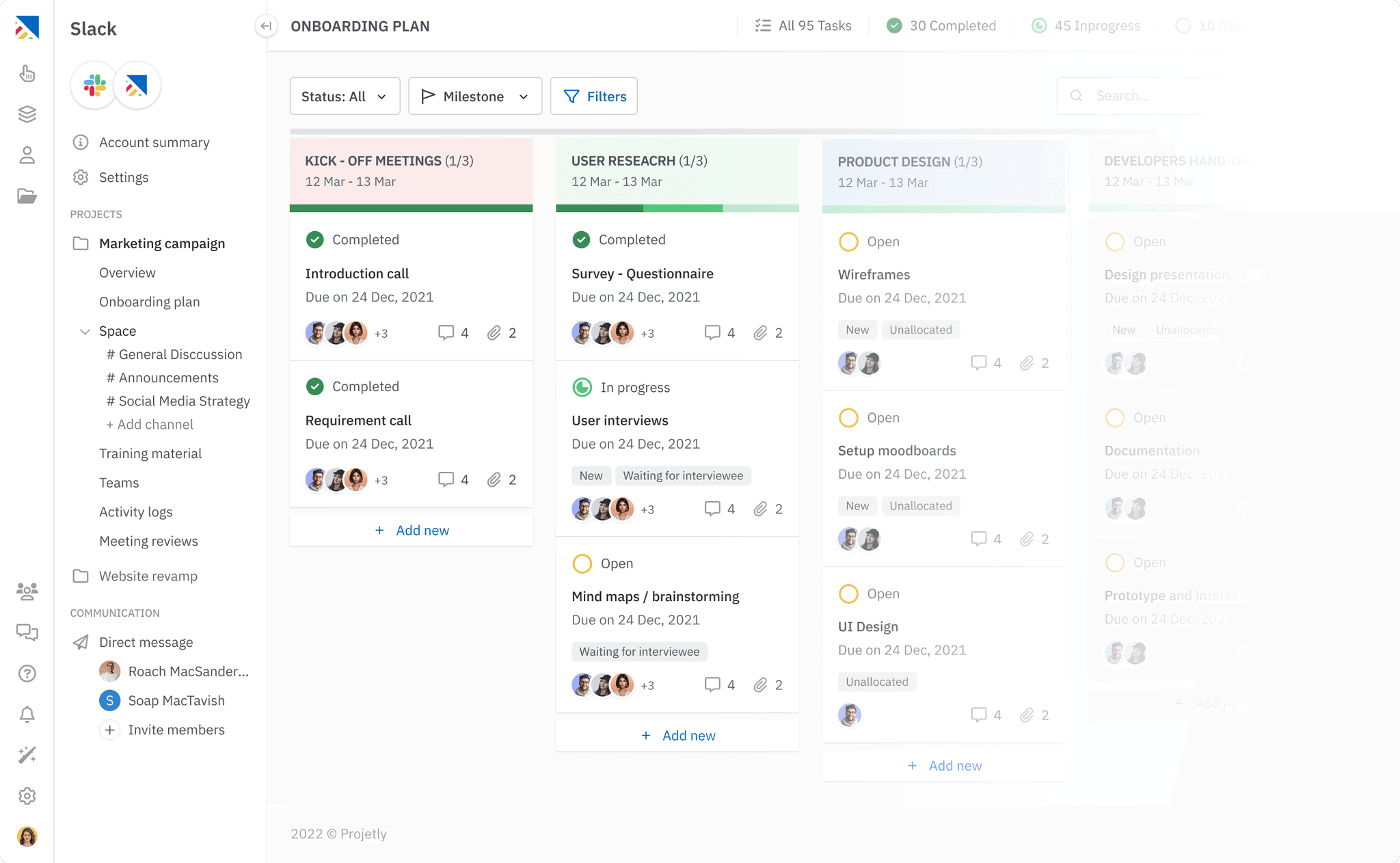
Projetly was built from the ground up for professional services and consulting. That design philosophy is evident in every part of the product, from how it handles multi-client resource allocation to its approach to client billing and financial reporting.
Standout Features
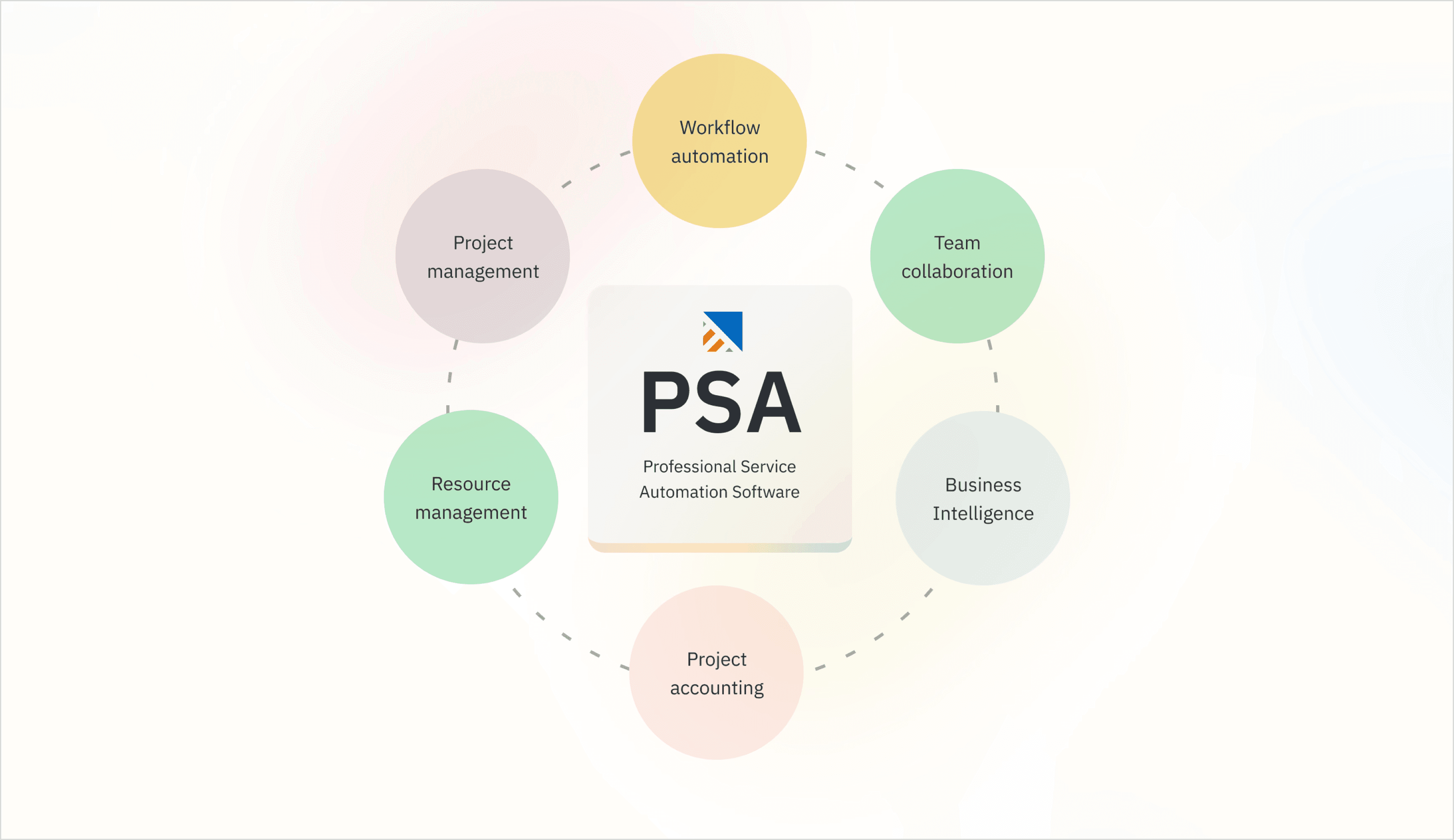
AI-powered resource planning that matches tasks to team members based on skills, current workload, availability, and project requirements, not just who has the fewest items on their to-do list
Real-time financial dashboards showing budget utilization, burn rates, and project margins across every active engagement simultaneously
White-labeled client portals where clients can view progress, share documents, leave feedback, and communicate
Intelligent time tracking that auto-categorizes activities, suggests billing codes, and builds productivity patterns over time
Predictive project analytics that identify risks, budget overruns, resource conflicts, timeline slippage before they become active problems
Proposal and contract management that bridges the gap between winning work and delivering it
Automated client reporting that generates branded, client-ready reports without manual input
What Makes It Different in 2026? Most project management tools solve for task visibility. Projetly solves for consulting profitability, which is a fundamentally different problem. When every hour matters and every engagement has a margin target, having financial intelligence embedded in your project management platform changes how you run your business.
Best for: Consulting firms of any size wanting one platform to replace separate time tracking, project management, CRM, and financial reporting tools.
Pricing: Visit our Website
2. Monday.com: Best for Flexibility and Team Collaboration
Monday.com is one of the most adaptable project management platforms available. Its visual interface, drag-and-drop workflows, and deep automation capabilities make it a strong choice for consulting teams that manage diverse project types and need a tool that adapts to their processes, not the other way around.
Key Features
Highly customizable boards with multiple views (Kanban, Gantt, calendar, list)
Workflow automation that eliminates repetitive status updates
Time tracking and basic budgeting on higher-tier plans
40+ native integrations with popular business tools
Custom dashboards across multiple projects
Where It Excels: Monday.com is genuinely intuitive. New team members typically get up to speed within a day or two, which reduces onboarding friction significantly.
Where It Falls Short: It's not built specifically for consulting. Financial reporting, billing integration, and client-facing features require significant customization — or workarounds. Pricing climbs quickly as your team grows.
Best for: Mid-sized consulting teams that prioritize flexibility and fast adoption over deep consulting-specific functionality.
Pricing: Starts at approximately $9/user/month.
3. Asana: Best for Task and Milestone Management
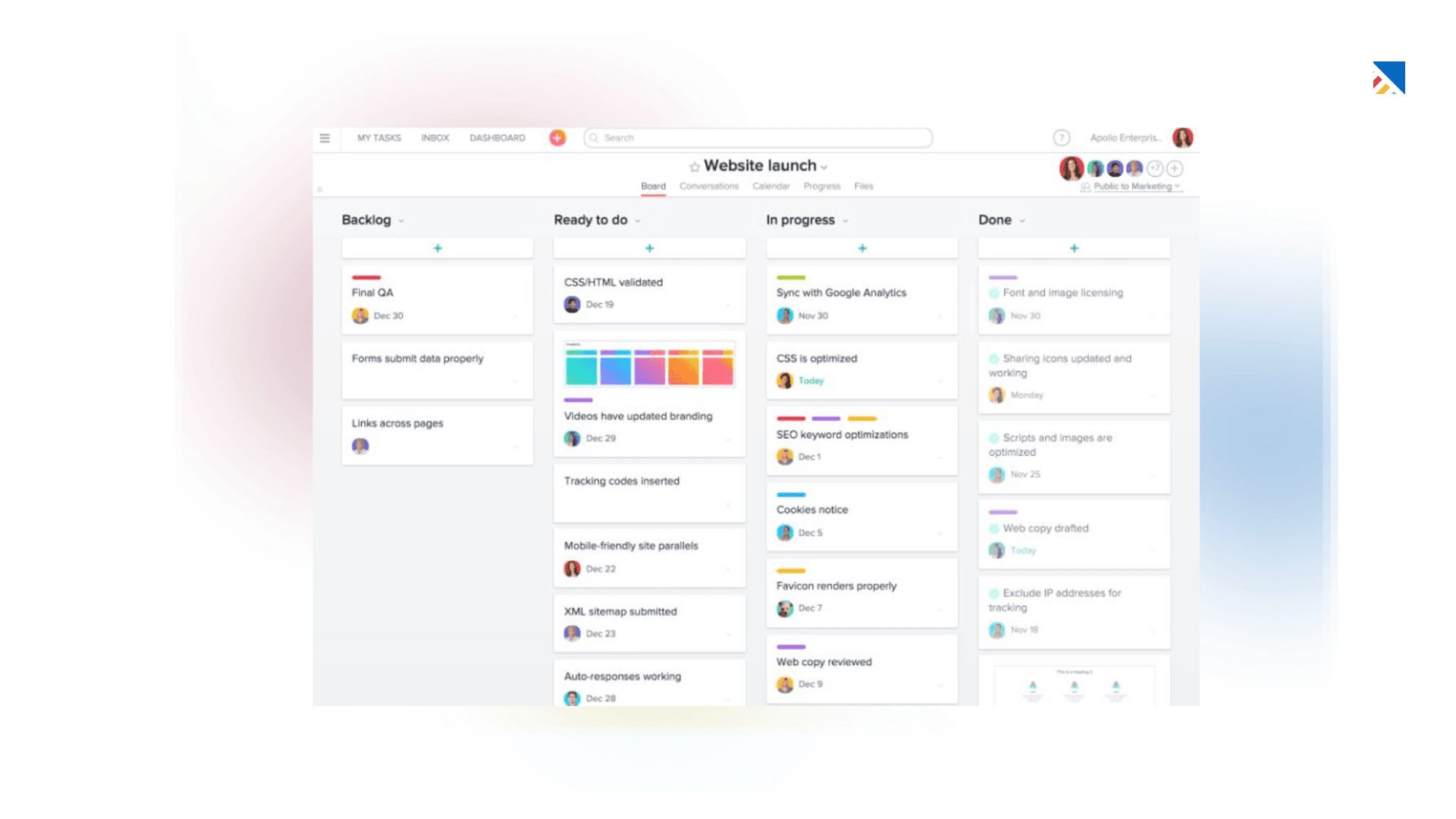
Asana has earned its reputation as one of the most polished task management tools available. For consulting teams where clear ownership, deadline accountability, and milestone tracking are the primary operational challenges, Asana delivers a clean and dependable experience.
Key Features
Multiple project views: list, board, timeline, and calendar
Task dependencies and milestone tracking
Portfolio view for managing multiple projects simultaneously
Custom fields and project templates
Strong mobile apps with offline support
Where It Excels: Asana strikes the right balance between depth and simplicity. Core features like task dependencies, milestone tracking, and cross-project portfolios are genuinely well-implemented.
Where It Falls Short: No native invoicing or billing. Time tracking requires a paid plan. Client-facing features are limited; it works best when paired with a separate financial management tool.
Best for: Consulting teams that want a reliable task and milestone management foundation.
Pricing: Free plan available. Premium starts at approximately $10.99/user/month.
4. ClickUp: Best All-in-One Value
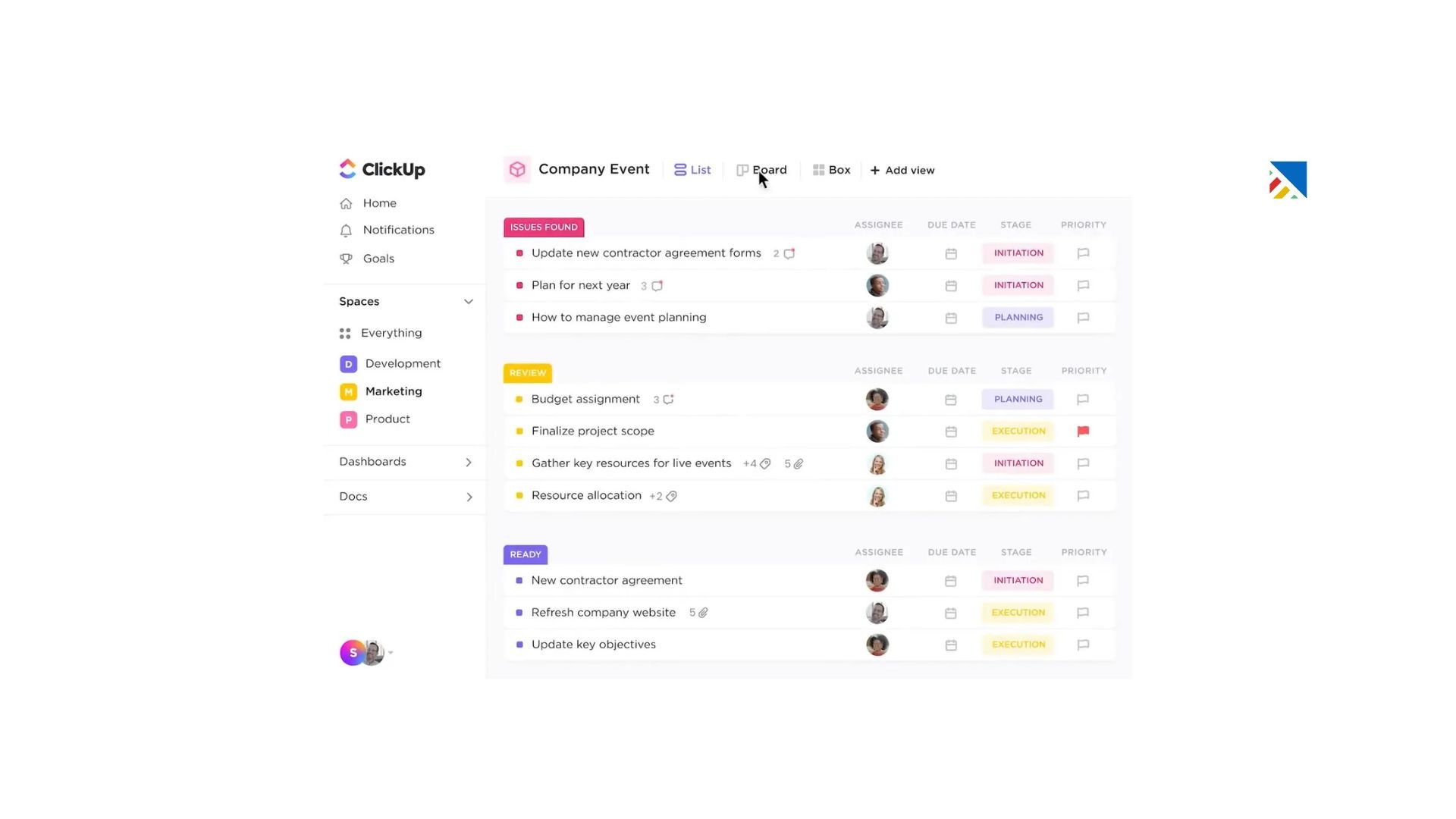
ClickUp positions itself as the tool that replaces everything else, and for smaller consulting firms watching their software budget, that pitch is genuinely compelling.
Key Features
Multiple project views including list, board, Gantt, calendar, and mind map
Native time tracking with billable hours support
Document creation and wiki functionality built in
Goal-setting and OKR tracking
Advanced automation builder
Generous free plan with meaningful features
Where It Excels At its price point, ClickUp offers more than any comparable tool. For lean consulting operations that can't justify separate tools for project management, documentation, time tracking, and reporting, its breadth is a real advantage.
Where It Falls Short Feature density is also its main liability. The interface can feel cluttered, onboarding takes longer than simpler tools, and performance can slow with large data volumes.
Best for: Small to mid-sized consulting firms or independents who want maximum functionality at minimum cost.
Pricing: Free plan available. Paid plans start at approximately $7/user/month.
5. Wrike: Best for Complex, Enterprise-Scale Projects
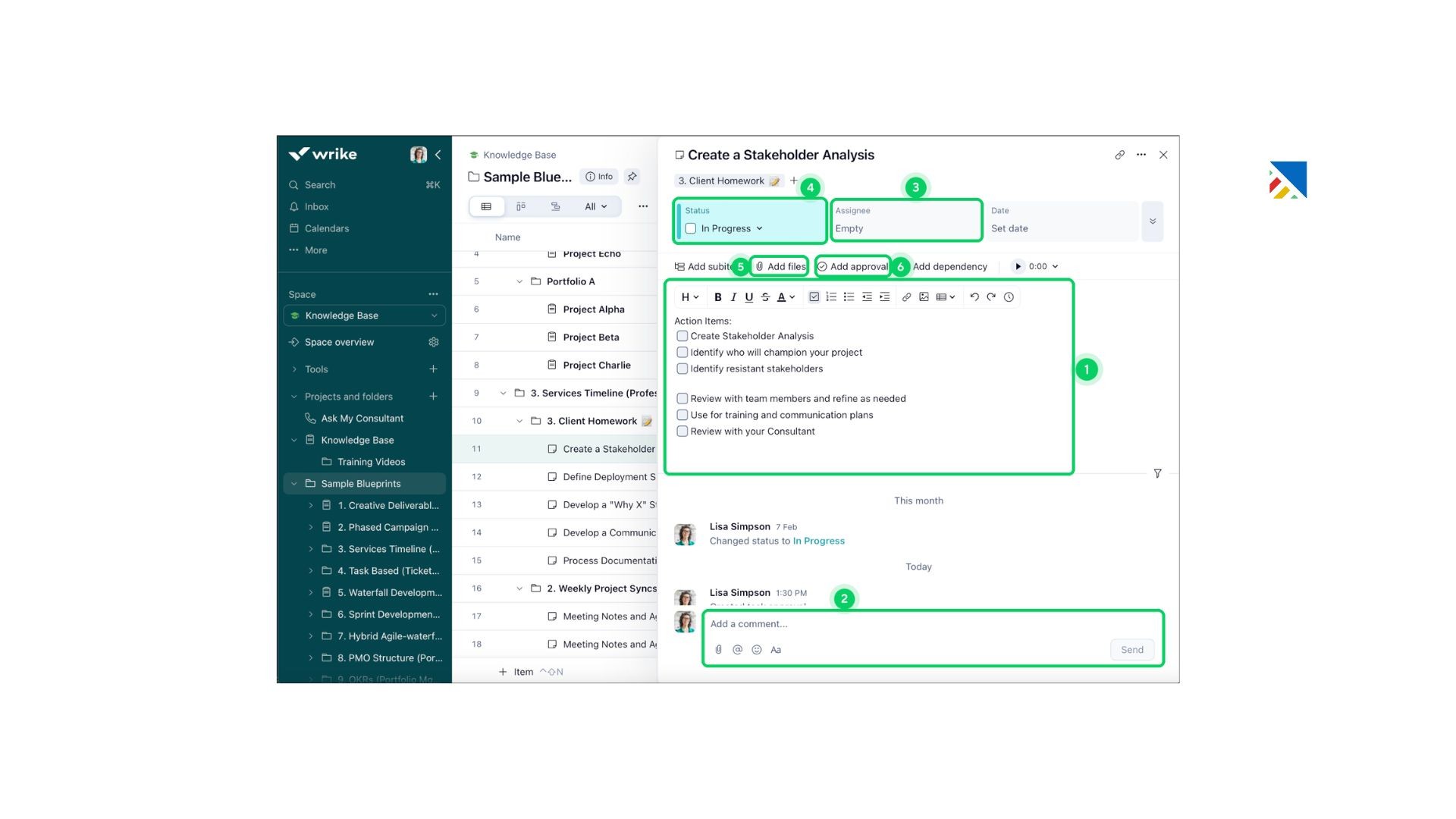
Wrike is built for organizations managing complex, interconnected projects with multiple stakeholders, approval chains, and strict governance requirements.
Key Features
Advanced Gantt charts with dependency tracking and critical path analysis
Resource management with workload visualization and capacity planning
Time tracking and budget management
Custom request forms and approval workflows
Enterprise-grade reporting and analytics
Where It Excels: Wrike's resource management and reporting capabilities stand above most tools in this category. When you need to surface not just what's happening but why projects are running over, Wrike delivers.
Where It Falls Short: The learning curve is steep. New users frequently need structured onboarding, and the interface can feel heavy compared to more modern alternatives.
Best for: Larger consulting firms managing complex, enterprise-level engagements with significant governance and reporting requirements.
Pricing: Free plan available. Paid plans start at approximately $9.80/user/month.
Start Your Free Trial of Projetly
6. Smartsheet: Best for Excel-Native Teams
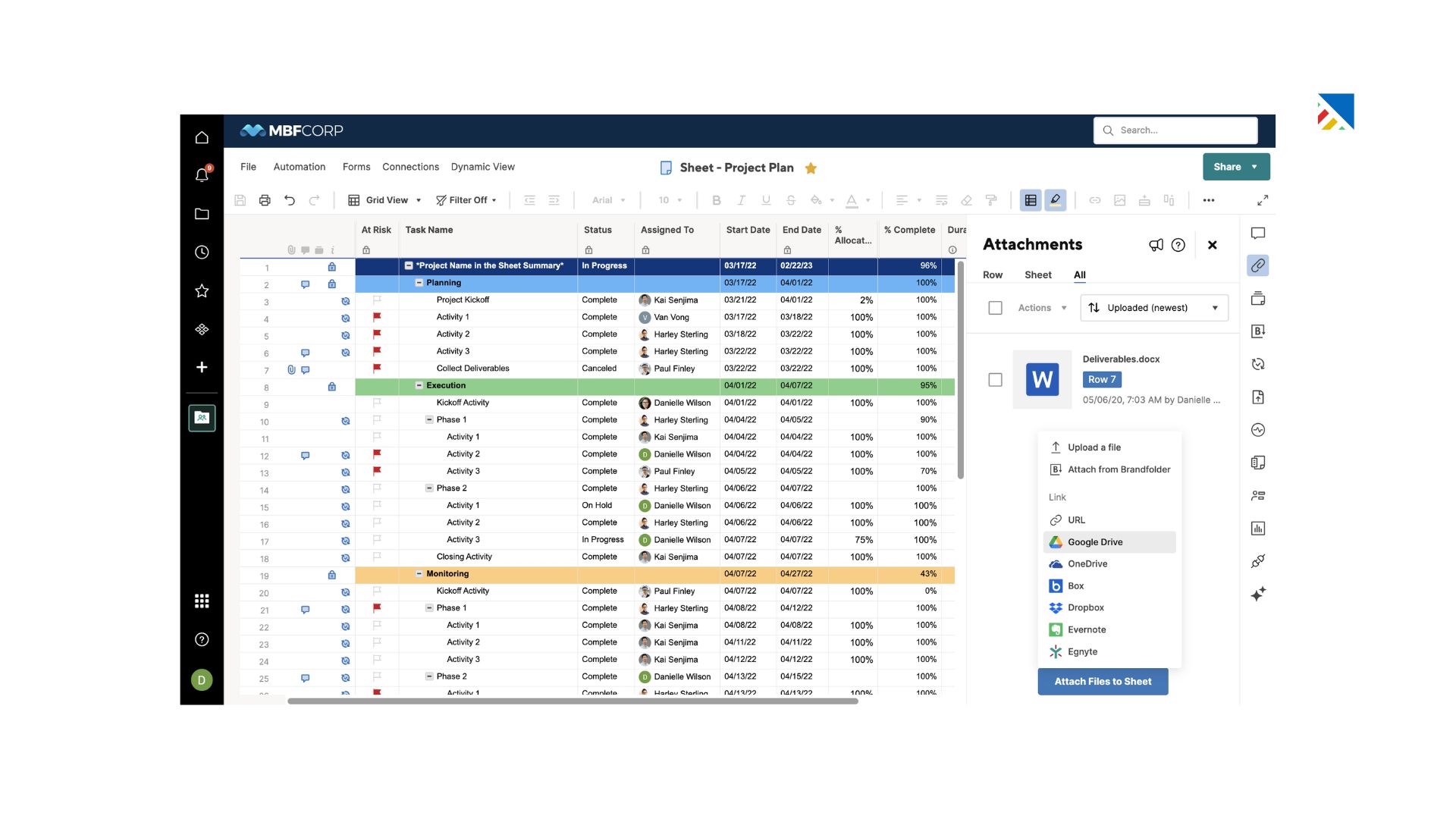
Smartsheet brings enterprise-grade project management features to users who think in spreadsheets, significantly reducing the adoption barrier for finance-oriented consulting teams.
Key Features
Spreadsheet-style interface with project management capabilities layered on top
Gantt charts with dependency and critical path support
Automated workflow triggers and alerts
Integration with Microsoft Office and Google Workspace
Advanced reporting and dashboard tools
Where It Excels: Familiarity is Smartsheet's strongest card. Finance-oriented consulting teams, or those with clients who prefer spreadsheet-style reporting, find the transition far smoother here than with a fundamentally different UI.
Where It Falls Short: The interface shows its age. Advanced features carry a steep learning curve, and there's no permanent free plan, only a 30-day trial.
Best for: Excel-native consulting teams moving toward structured project management.
Pricing: Starts at approximately $ 7 per user per month.
7. Basecamp: Best for Client Communication Simplicity
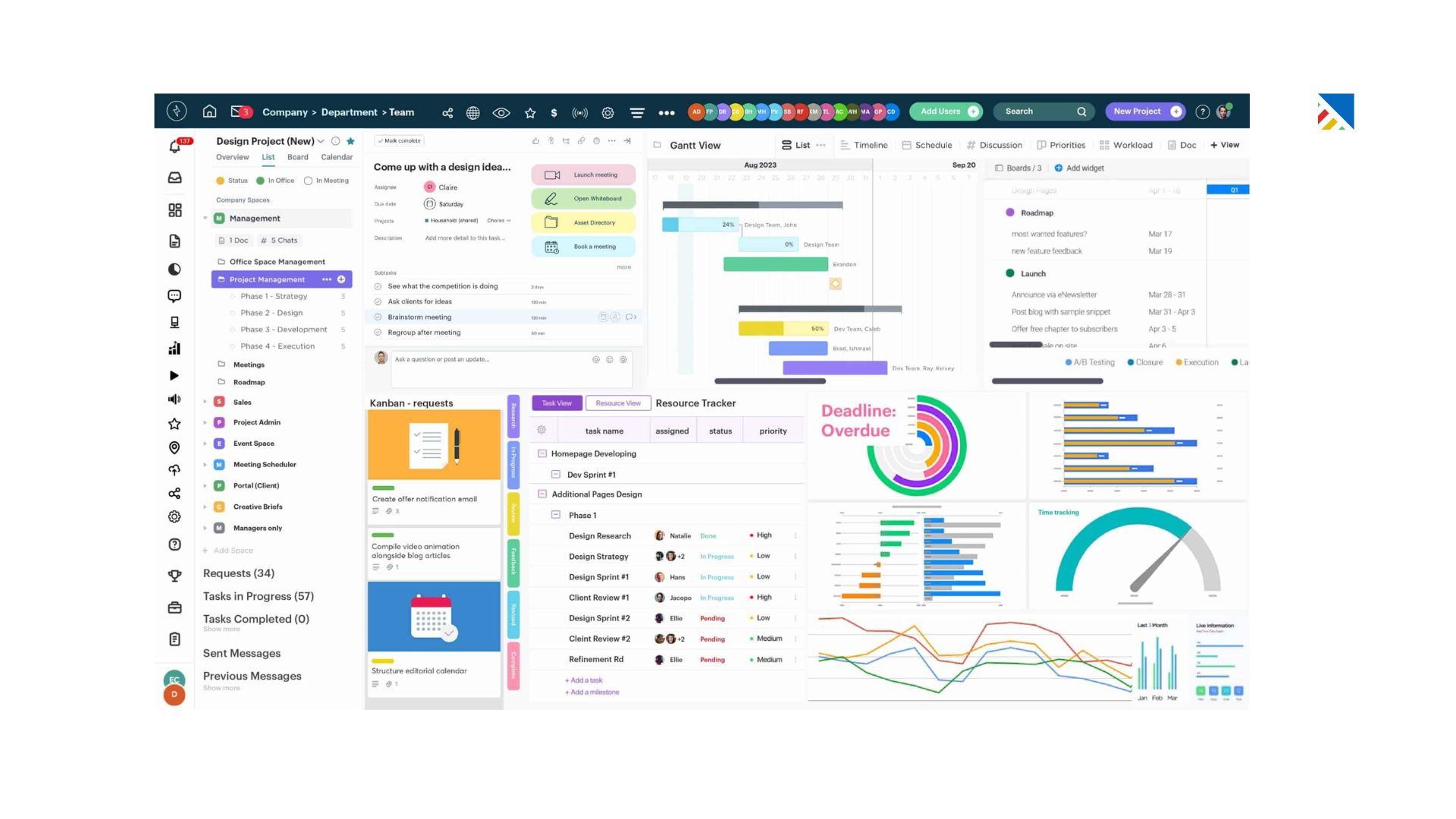
Basecamp has always made a different bet than most project management tools: that simplicity and good communication habits beat feature complexity.
Key Features
Message boards for structured team and client communication
To-do lists with assignments and due dates
Document and file sharing
Direct client access with defined visibility
Flat-rate pricing regardless of team size
Where It Excels The flat-rate pricing model is genuinely valuable for growing teams. Client collaboration is also well-handled; it's simple enough that clients actually use it, which is a real advantage over platforms that require a tutorial just to read a status update.
Where It Falls Short: No time tracking, no billing, no Gantt charts, no financial reporting. It's not a full solution for operationally complex consulting firms.
Best for: Small consulting firms or independent consultants where simplicity and client communication are the top priorities.
Pricing: $15/user/month or $299/month flat (Pro Unlimited).
8. Trello: Best for Visual, Lightweight Project Tracking
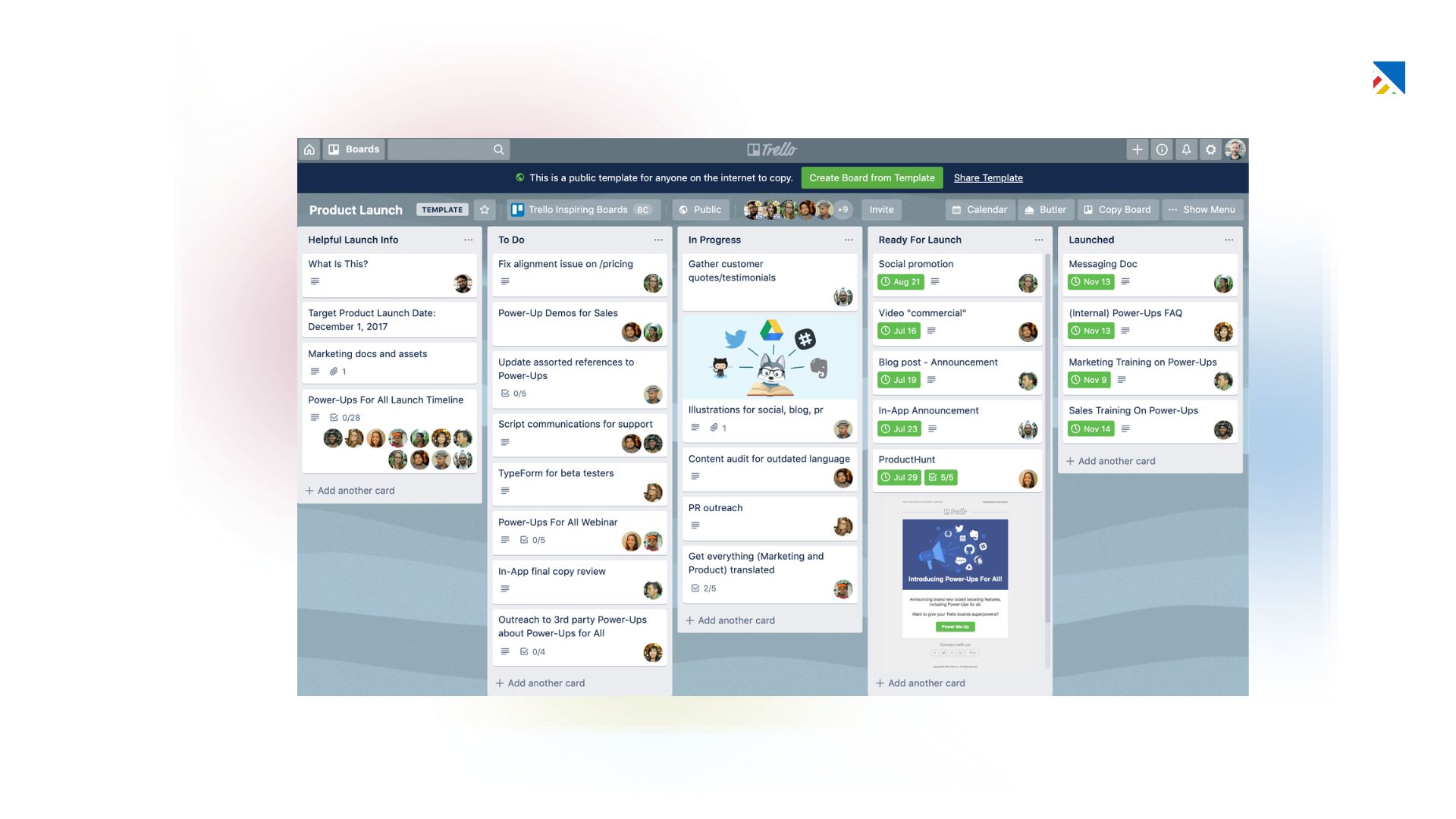
Trello remains one of the most approachable project management tools available. Its Kanban-style boards make project status immediately visible, and the free tier is genuinely functional for smaller teams.
Key Features
Kanban board interface with card-based task management
Drag-and-drop task movement between status columns
Calendar view and activity logs
Basic automation with Butler
Where It Excels: Speed and simplicity. You can have a working project board in minutes, and the visual format gives an instant read on where things stand.
Where It Falls Short: No native time tracking, no billing, no Gantt view, and no meaningful financial reporting. Large, complex projects tend to become unwieldy as card volumes grow.
Best for: Independent consultants or very small teams tracking simple, well-defined projects.
Pricing: Free plan available. Paid plans start at approximately $5/user/month.
9. Notion: Best for Documentation-Heavy Consulting
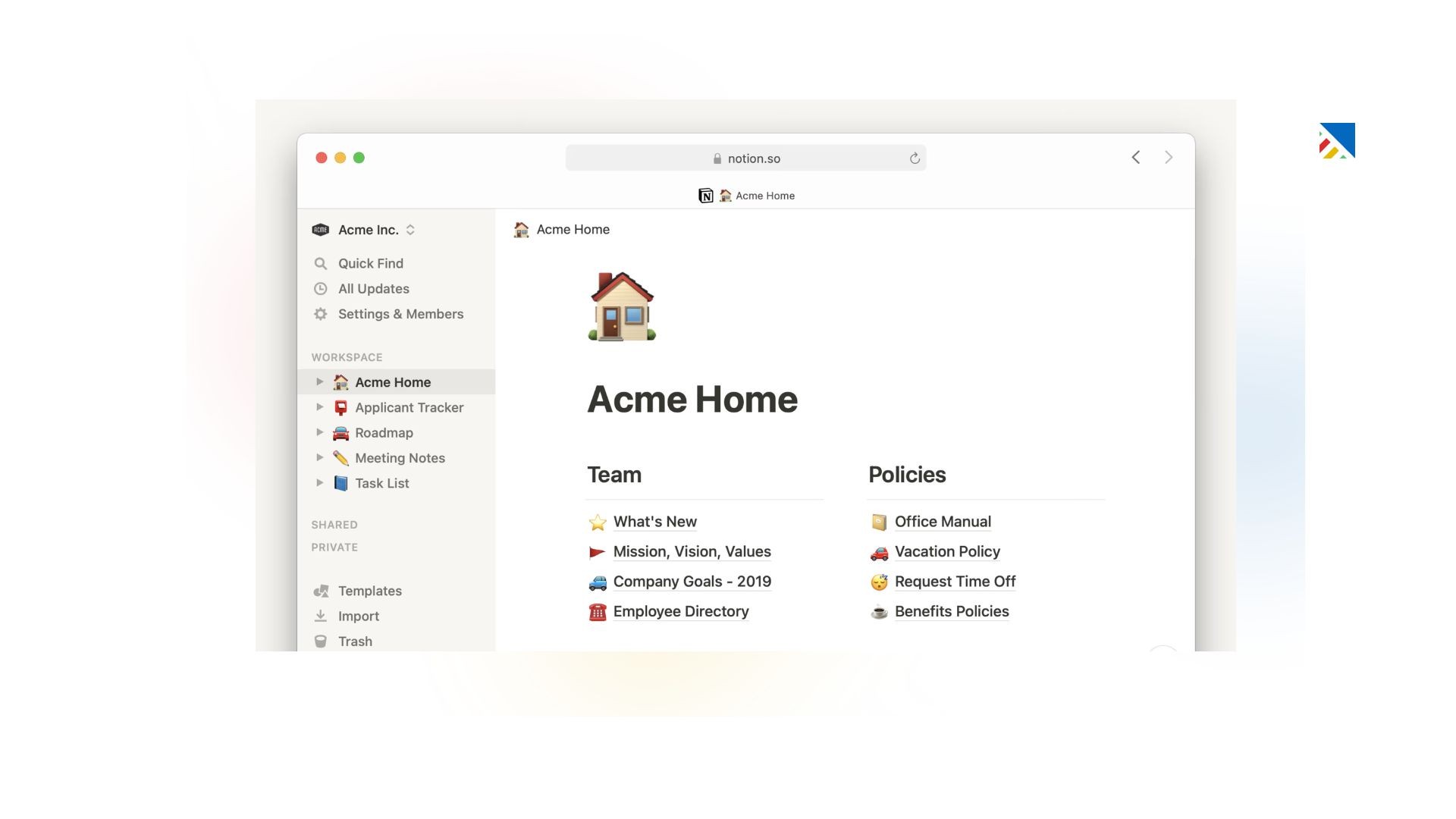
Notion is less a project management tool and more a flexible workspace that can be shaped into one. Its real strength is knowledge management, a natural fit for consulting firms where documentation and research libraries are as important as task tracking.
Key Features
All-in-one workspace combining notes, databases, and project views
Highly customizable page and database structures
Multiple database views (table, board, calendar, gallery)
Generous free plan
Where It Excels: For consultancies producing large volumes of research, reports, and frameworks, having project tracking and knowledge management in the same tool is a genuine productivity win.
Where It Falls Short: Requires significant setup to work well as project management software. No time tracking, no billing, and performance can degrade with large databases.
Best for: Research-heavy or documentation-intensive consulting practices.
Pricing: Free plan available. Paid plans start at approximately $ 8 per user per month.
10. Microsoft Project: Best for Enterprise Organizations
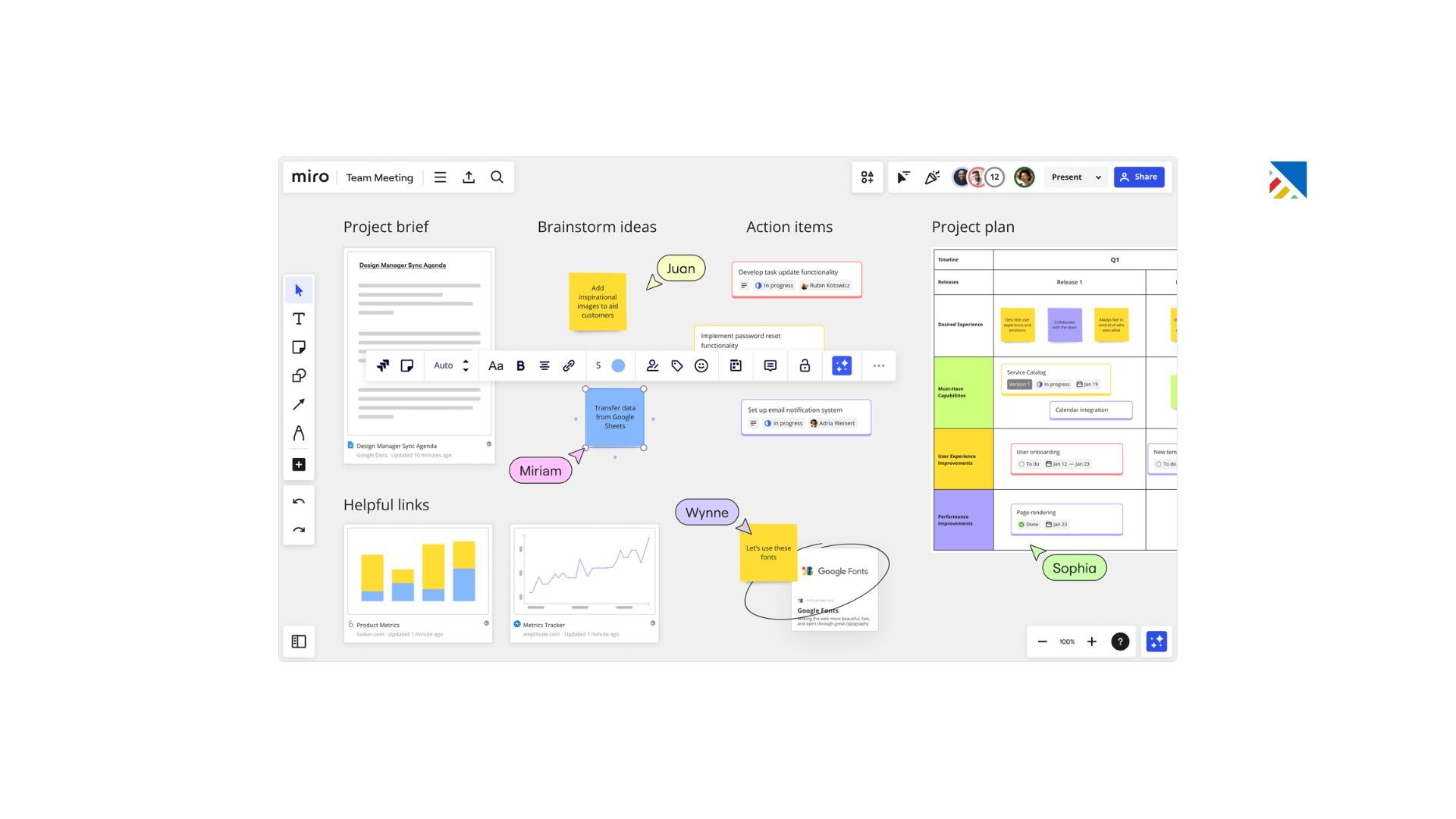
Microsoft Project remains the standard in enterprise project management, particularly for large organisations already embedded in the Microsoft ecosystem.
Key Features
Full portfolio management capabilities
Advanced scheduling with resource levelling
Deep integration with Microsoft 365, Teams, and Power BI
Enterprise-grade security and compliance
On-premises and cloud deployment options
Where It Excels: At the enterprise level, no tool integrates more deeply with the Microsoft stack. For organizations where Microsoft is the operating environment, workflow coherence is valuable.
Where It Falls Short: Expensive, complex, and not well-suited to agile or iterative consulting approaches. The learning curve is substantial, and the interface feels dated relative to modern alternatives.
Best for: Large consulting firms operating within a Microsoft 365 environment.
Pricing: Starts at approximately $10/user/month.
Side-by-Side Comparison
Tool | Best For | Starting Price | Time Tracking | Client Portal | AI Features | Financial Reporting |
|---|---|---|---|---|---|---|
Projectly | Consulting-first all-in-one | $25/user/mo | ✅ Native + AI | ✅ White-label | ✅ Full suite | ✅ Real-time |
Monday.com | Flexibility & collaboration | ~$9/user/mo | ✅ Paid plans | ⚠️ Limited | ⚠️ Basic | ⚠️ Limited |
Asana | Task & milestone management | ~$10.99/user/mo | ✅ Paid plans | ❌ | ⚠️ Basic | ❌ |
ClickUp | All-in-one value | ~$7/user/mo | ✅ Native | ❌ | ⚠️ Growing | ⚠️ Basic |
Wrike | Complex enterprise projects | ~$9.80/user/mo | ✅ Native | ⚠️ Limited | ⚠️ Basic | ✅ Advanced |
Smartsheet | Excel-native teams | ~$7/user/mo | ⚠️ Add-on | ⚠️ Limited | ❌ | ✅ Strong |
Basecamp | Simple client communication | $15/user/mo | ❌ | ✅ Simple | ❌ | ❌ |
Trello | Visual lightweight tracking | ~$5/user/mo | ❌ | ❌ | ❌ | ❌ |
Notion | Documentation-heavy workflows | ~$8/user/mo | ❌ | ❌ | ⚠️ Basic | ❌ |
Microsoft Project | Large enterprise programmes | ~$10/user/mo | ✅ | ❌ | ⚠️ Basic | ✅ Advanced |
✅ Strong native support · ⚠️ Limited or requires workaround · ❌ Not available
How to Choose the Right Tool: A Practical Framework
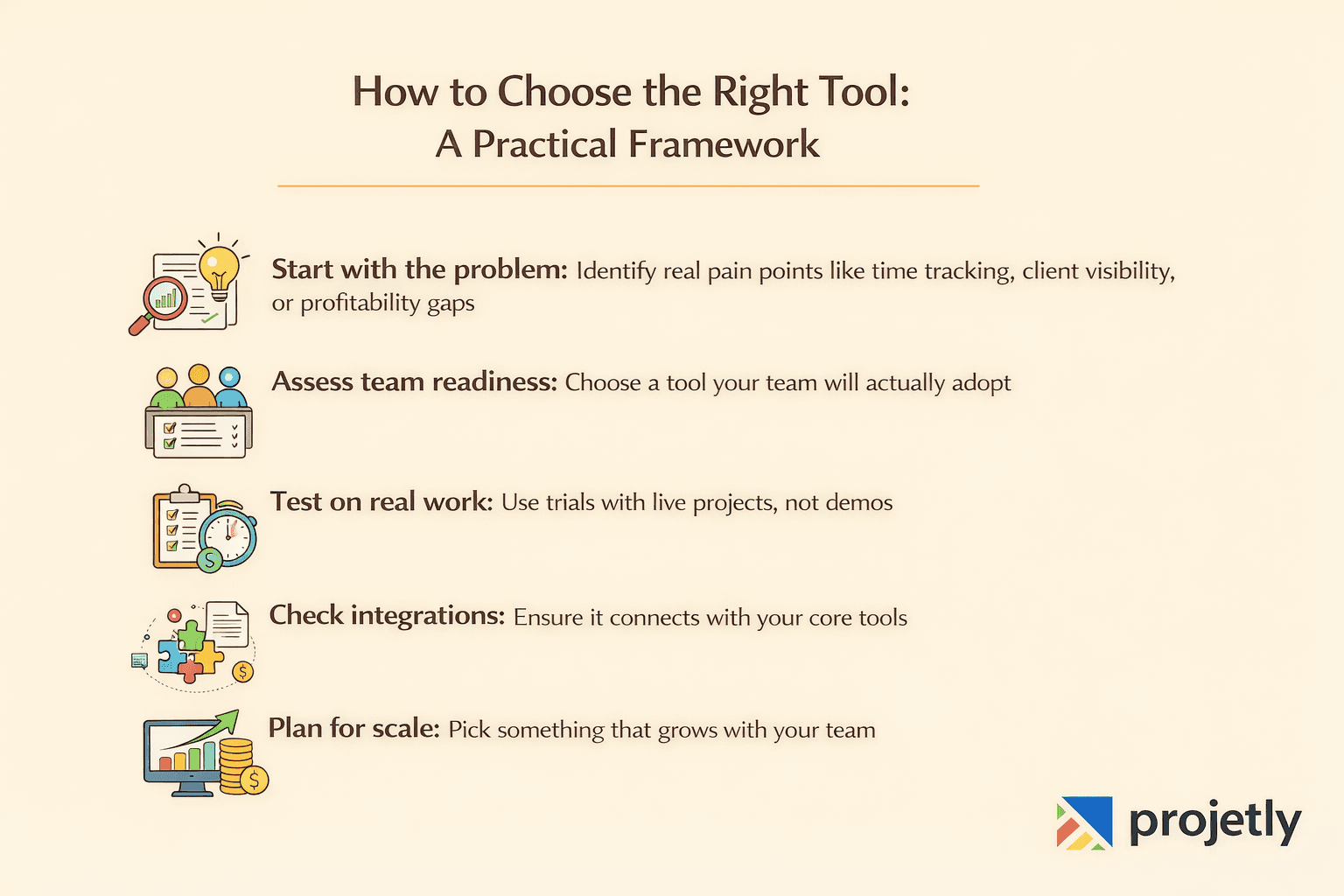
Step 1: Define your actual operational pain point: Are you losing hours to manual time tracking? Struggling to keep clients informed? Unable to see which projects are profitable until after the fact? Start with the problem, not the feature list.
Step 2: Map your team's technical comfort level: A powerful tool that nobody uses is worse than a simple tool everyone does. If your team is coming from spreadsheets, factor in the onboarding burden honestly.
Step 3: Run trials on real work, not demo projects: Use free trials to test with an actual current project. The issues that matter, how it handles edge cases, whether the mobile app is usable in the field, and how long reports actually take to generate, only surface under real conditions.
Step 4: Verify integrations before you commit: Check that the tool connects with your accounting software, your CRM, and your communication stack before signing an annual contract.
Step 5: Think about where you'll be in 18 months: The tool that fits a five-person team may not scale cleanly to twenty. Factor in pricing at scale and whether the vendor's development trajectory aligns with your direction.
Start Your Free Trial, Unify Your GTM
Real-World Use Case: How One Digital Consultancy Cut Delivery Time by 30%
A mid-sized digital marketing consultancy was running eight simultaneous client engagements. Projects were tracked across three different tools: a project board, a shared spreadsheet, and a running email thread. Communication was fragmented, deadlines were slipping, and the team lead was spending most of Monday mornings just getting everyone aligned on the week ahead.
The firm implemented a unified project management platform with client portals, integrated time tracking, and centralized documentation.
Within two months:
Project delivery time decreased by 30%, primarily because coordination overhead between kickoff and delivery was dramatically reduced
Team communication errors dropped significantly, with a single source of truth for each project, version confusion and misaligned priorities nearly disappeared
Client satisfaction scores increased by 25%, clients reported feeling more informed and in control throughout engagements, even without requesting updates
The tool itself wasn't magic. The discipline of centralizing everything in one place and giving clients structured visibility into progress was the operational shift that drove the results.
Frequently Asked Questions
What is the best project management software for consultants in 2026?
Projetly leads for consulting-specific use cases, it's built from the ground up for professional services workflows, with AI-powered resource planning, real-time financial reporting, and white-labeled client portals as core features. For teams prioritizing flexibility, Monday.com is the strongest alternative. For task-focused teams, Asana remains a reliable choice.
How much should a consulting firm budget for project management software?
Most consulting firms spend between $10 and $50 per user per month. Smaller independents can often start on a free tier (Trello, Asana, ClickUp) and upgrade as needs grow. Consulting-specific platforms like Projetly, which bundle time tracking, billing, and financial reporting, often represent a better total cost than assembling three separate tools.
What's the difference between a general project management tool and one built for consultants?
General tools handle task management, timelines, and team collaboration, built for product and engineering teams where billing and per-project profitability aren't core concerns. Consulting-specific tools add client-facing portals, billing integration, utilization tracking, and financial margin visibility. The difference becomes most apparent at billing time, or when a client calls asking for a project update at 9 am on a Monday.
Can project management software actually improve consulting profitability?
Yes, research suggests 15–30% profitability improvements are realistic for firms that implement structured tools and use them consistently. The gains come from better resource utilization, fewer unbilled hours, earlier identification of scope creep, and reduced administrative overhead on billing and reporting.
How do consultants manage multiple client projects without losing oversight?
The core requirement is a unified dashboard giving real-time visibility across all active engagements, not a separate login for each client. Portfolio views, automated status reporting, and standardized project templates are the three structural elements that make multi-client management manageable. Projectly and Wrike both handle this well at scale.
Is AI in project management software actually useful, or just marketing?
In 2026, it depends on the tool. AI-powered resource planning, which suggests task assignments based on actual skills and availability data, delivers genuine time savings. Predictive risk flags, where the system identifies projects trending toward overruns before they happen, are also legitimately useful. Features marketed as AI that are actually just pre-built automation rules are increasingly common, so push vendors to demonstrate specific AI functionality in a live environment before committing.
Conclusion
There's no universal answer to which project management software is best for consultants. The right choice depends on your firm's size, the complexity of your engagements, your team's technical confidence, and what specific operational problems are costing you the most time and money right now.
What's clear is that the gap between purpose-built consulting platforms and general project management software has widened in 2026.
If your firm bills by the hour, manages client relationships across multiple simultaneous engagements, and needs real-time visibility into project margins, a tool designed for those needs will outperform a generic alternative, regardless of how many features the generic tool offers.
Projetly remains the strongest all-round option for consulting firms in 2026. Its AI-powered resource planning, depth of financial reporting, and client portal functionality address the specific operational challenges consulting teams face daily.
Start with a free trial, test it against a real active project, and see where the gaps in your current workflow close.
You may also like

A Guide to Project Management Professional Certification

Laugh Your Way to Productivity: 50 Workplace Quotes

50 Funny Workplace Memes That’ll Brighten Your Workday.
What Does a Customer-First Mindset Mean? Explained in 2025

What It Takes to be a Great Customer Success Manager in 2025