Project Management
PSA Software

By
Dhruv

How Do You Effectively Manage Remote and Hybrid Teams in 2026?
Managing remote and hybrid teams in 2026 means replacing presence-based oversight with outcome-based systems. The most effective distributed teams run async-first workflows, document decisions centrally, and use AI-powered project management tools to maintain visibility across time zones. Companies using structured handoff protocols reduce inter-timezone delays by up to 16 hours per task cycle.
What Makes Remote and Hybrid Team Management Different in 2026?
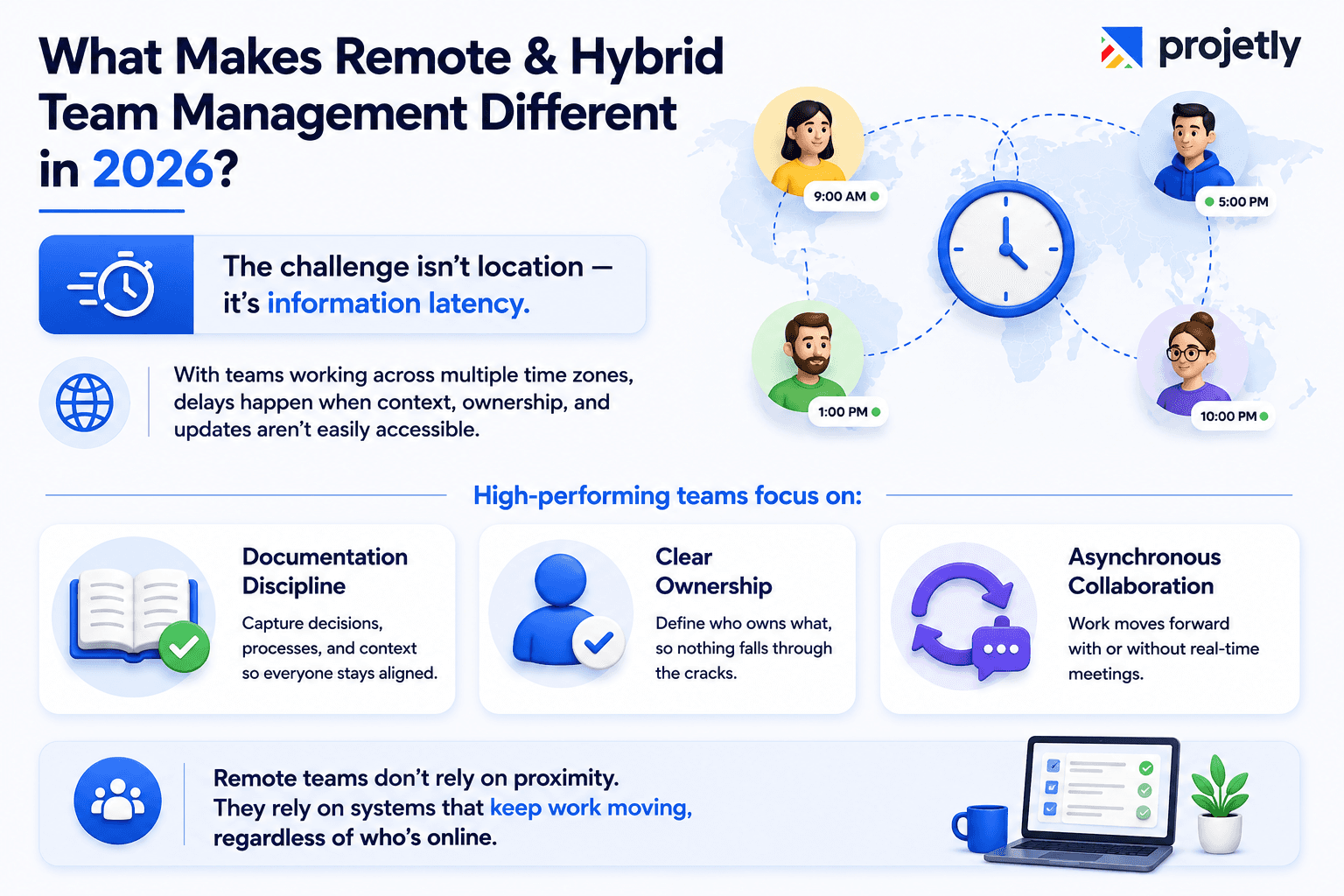
The core challenge isn't geography, it's information latency.
According to the recent survey, 2023 74% of companies now operate across at least three time zones, and 42% span five or more. That means a single unclear task handoff can cost 16+ hours before a blocker gets resolved.
By 2026, remote work will have matured past the emergency pivot of 2020. Teams are no longer scrambling to survive distributed work; they're optimizing for it.
The difference between teams that ship and teams that slip comes down to three things: documentation discipline, clear ownership, and tooling that supports asynchronous collaboration by default.
Traditional office-first management assumed proximity. Distributed management requires systems that carry context with every task, regardless of who's awake.
How Do You Build an Async-First Workflow That Actually Works? {#async-first}
Design your workflows to function without real-time collaboration, then layer in synchronous moments where they create clear value.
Most teams make the mistake of replicating office behaviors remotely, daily standups at fixed times, Slack messages that demand immediate replies, and meetings to share updates that could've been a document. This creates calendar fatigue without improving alignment.
An async-first workflow looks like this:
Step | Sync | Async |
|---|---|---|
Daily status updates | ❌ | ✅ Written EOD post |
Complex problem-solving | ✅ 45-min call | ❌ |
Code review | ❌ | ✅ PR comments |
Design feedback | ❌ | ✅ Threaded doc comments |
Sprint kickoffs | ✅ Once per sprint | ❌ |
Decision logging | ❌ | ✅ Decision doc + Slack thread |
Handoff documentation is the backbone. Each task should close with three answers:
What got done?
What's blocked?
What does the next person need to know?
That five-minute habit eliminates hours of clarification across time zones.
💡 Projetly Tip: Projetly's task templates let you embed handoff checklists directly into every task so documentation happens at the point of completion, not as an afterthought.
What Tools Do Distributed Teams Rely On in 2026?
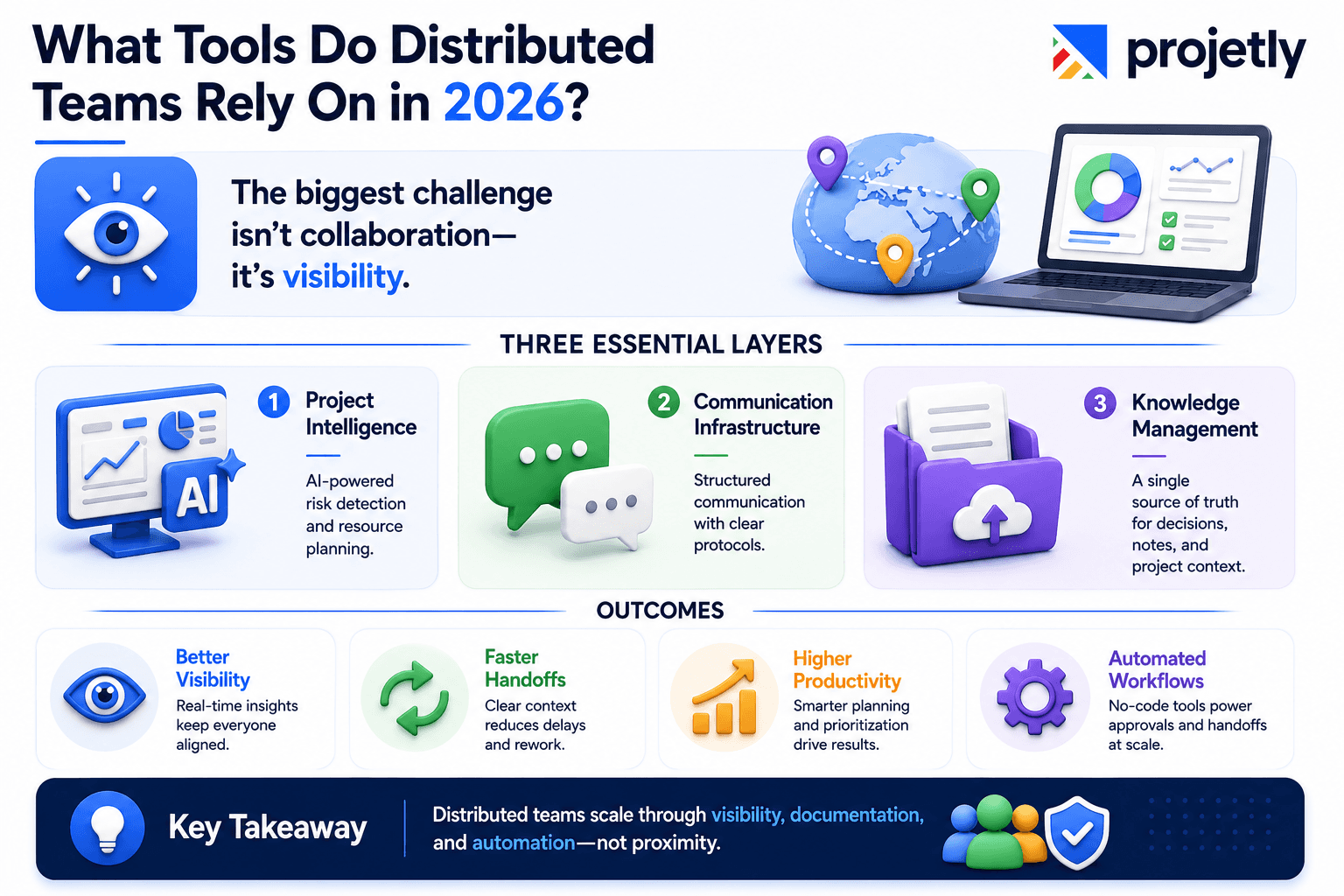
According to Wrike's 2026 research, 47% of companies still lack real-time visibility into project KPIs, a visibility gap that causes missed dependencies, duplicated work, and last-minute surprises.
The right tool stack for distributed teams in 2026 is purpose-built around three layers:
Layer 1 Project Intelligence: AI-powered platforms that surface risk before it becomes a crisis. KPMG research shows that projects using AI for risk prediction and resource optimization see up to 15% productivity improvement, not from working harder, but from smarter task sequencing.
Layer 2 Communication Infrastructure: Channel-based communication with clear, documented purposes.
According to Forbes research, 64% of employees cite communication tools as essential to job satisfaction in distributed environments. The tool matters less than the protocol governing it.
Layer 3 Documentation and Knowledge Management: A single source of truth where decisions, meeting notes, and project context live. If it's not documented, it doesn't exist.
By 2026, 80% of businesses will have adopted no-code or low-code platforms, enabling teams to build custom approval flows and handoff automations without waiting for engineering resources.
How Do You Maintain Accountability Without Micromanaging?
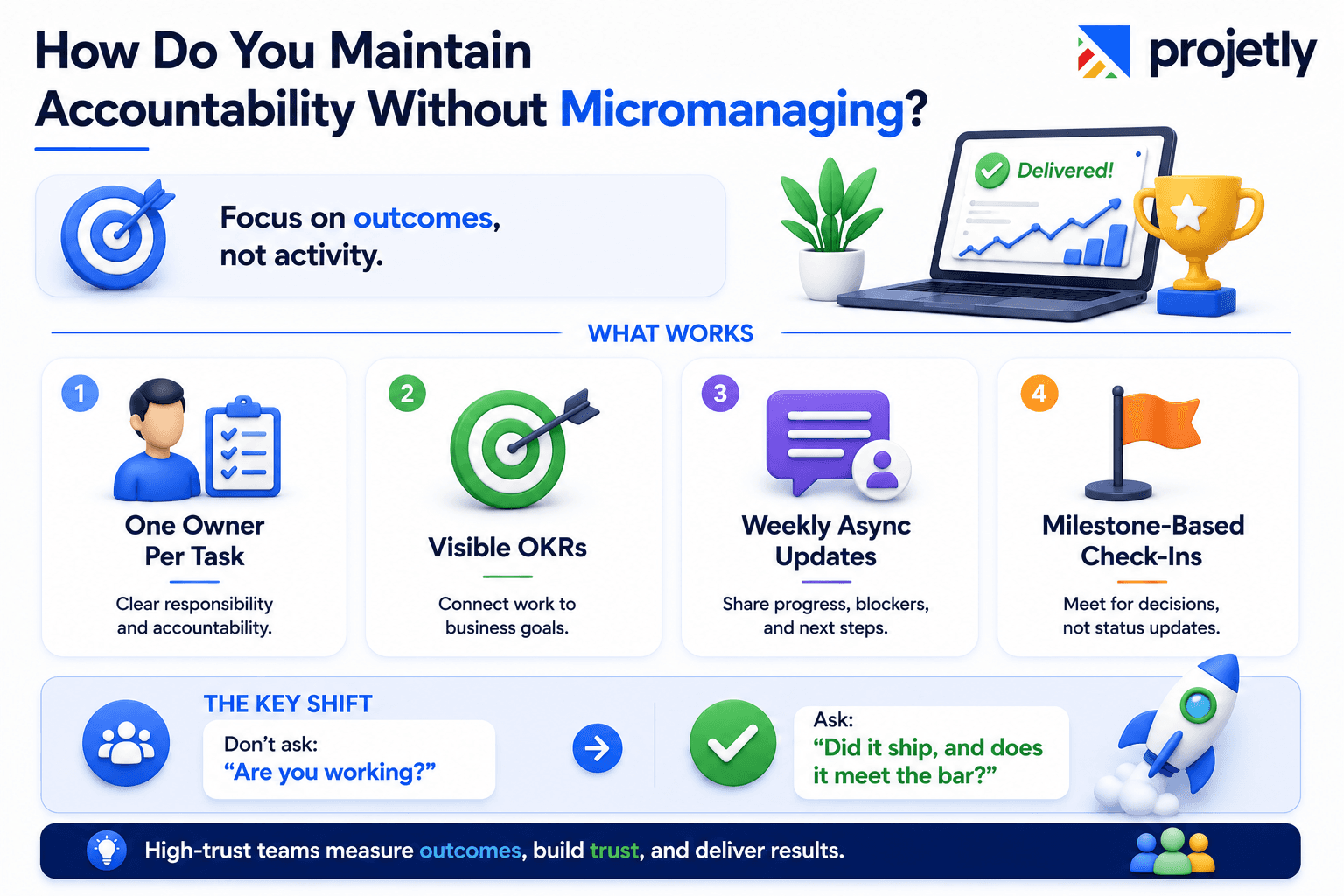
Outcome-focused management is the answer. Track deliverables, not activity.
Over-monitoring is a common trap. Managers compensate for the absence of physical presence with excessive check-ins, detailed time tracking, and constant status requests. The result is eroded trust and lower output, not better performance.
The accountability framework that works:
One owner per task, not one team. Ownership means a named person responsible for the outcome and for flagging blockers early.
OKRs visible to everyone. When team members can see how their work connects to company goals, self-accountability rises naturally.
Weekly async updates instead of daily check-ins. A short written update covering progress, blockers, and next steps covers what most daily standups do, in a format that's searchable and timezone-friendly.
Milestone-based check-ins. Reserve synchronous conversation for actual decision points, not status reviews.
The shift from "are you working?" to "did it ship, and does it meet the bar?" is what separates high-trust distributed teams from burned-out ones.
What Does a High-Performing Remote Team Tech Stack Look Like?
A focused tech stack beats a sprawling one every time. The average knowledge worker in 2026 has access to 15–20 productivity tools. Most use fewer than five regularly.
The core stack for distributed project management:
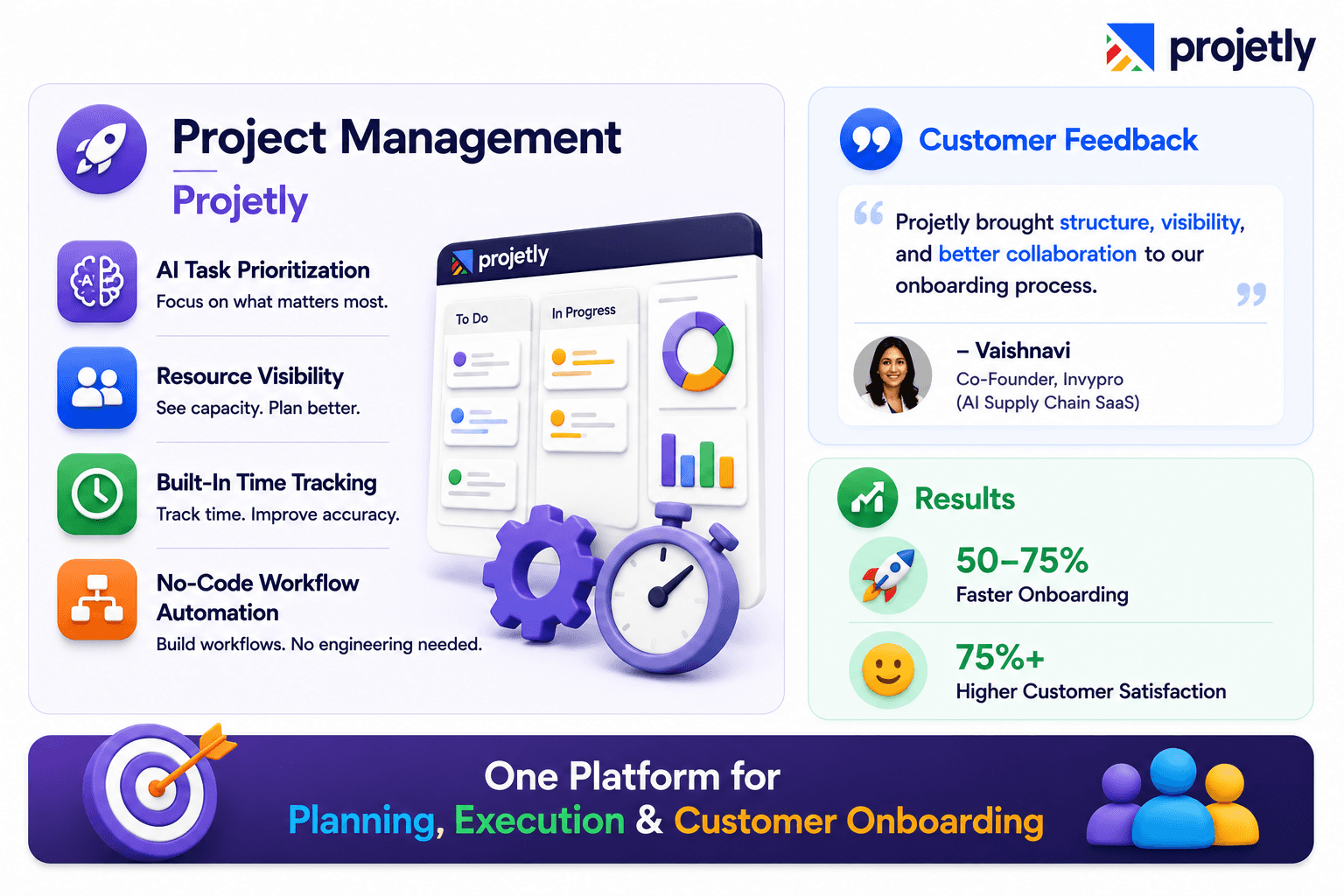
Project Management: Projetly combines AI-driven task prioritization, resource visibility, and built-in time tracking. The no-code workflow builder lets teams customize handoff automations and approval flows without involving engineering. The results from real B2B teams are measurable:
"Projetly helped us bring structure and visibility into our customer onboarding. It improved collaboration with customers and significantly enhanced the overall onboarding experience."
- Vaishnavi, Head of CS & Co-Founder, Invypro (AI Supply Chain SaaS)
Results: 50–75% faster onboarding timelines | 75%+ improvement in customer satisfaction
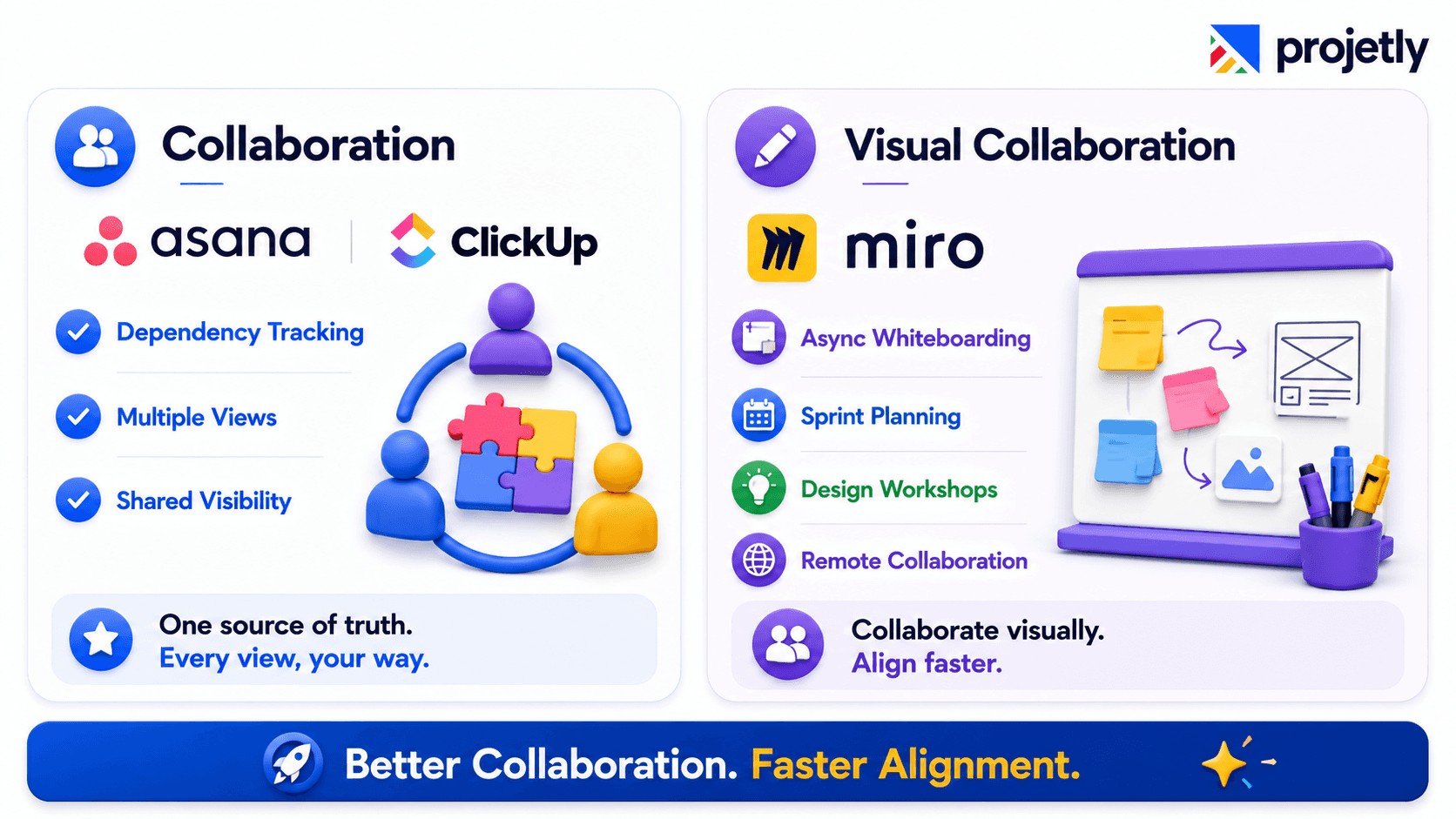
Collaboration: Asana or ClickUp. Asana's dependency tracking automatically adjusts downstream deadlines when one task slips, critical for teams where Berlin's output feeds New York's morning queue.
ClickUp's multiple synced views (List, Board, Gantt, Calendar) let team members interact with the same data in their preferred format.
Visual Collaboration: Miro Asynchronous whiteboarding for sprint planning, architecture discussions, and design thinking workshops. Remote participation is equivalent to in-room participation, with a persistent record.
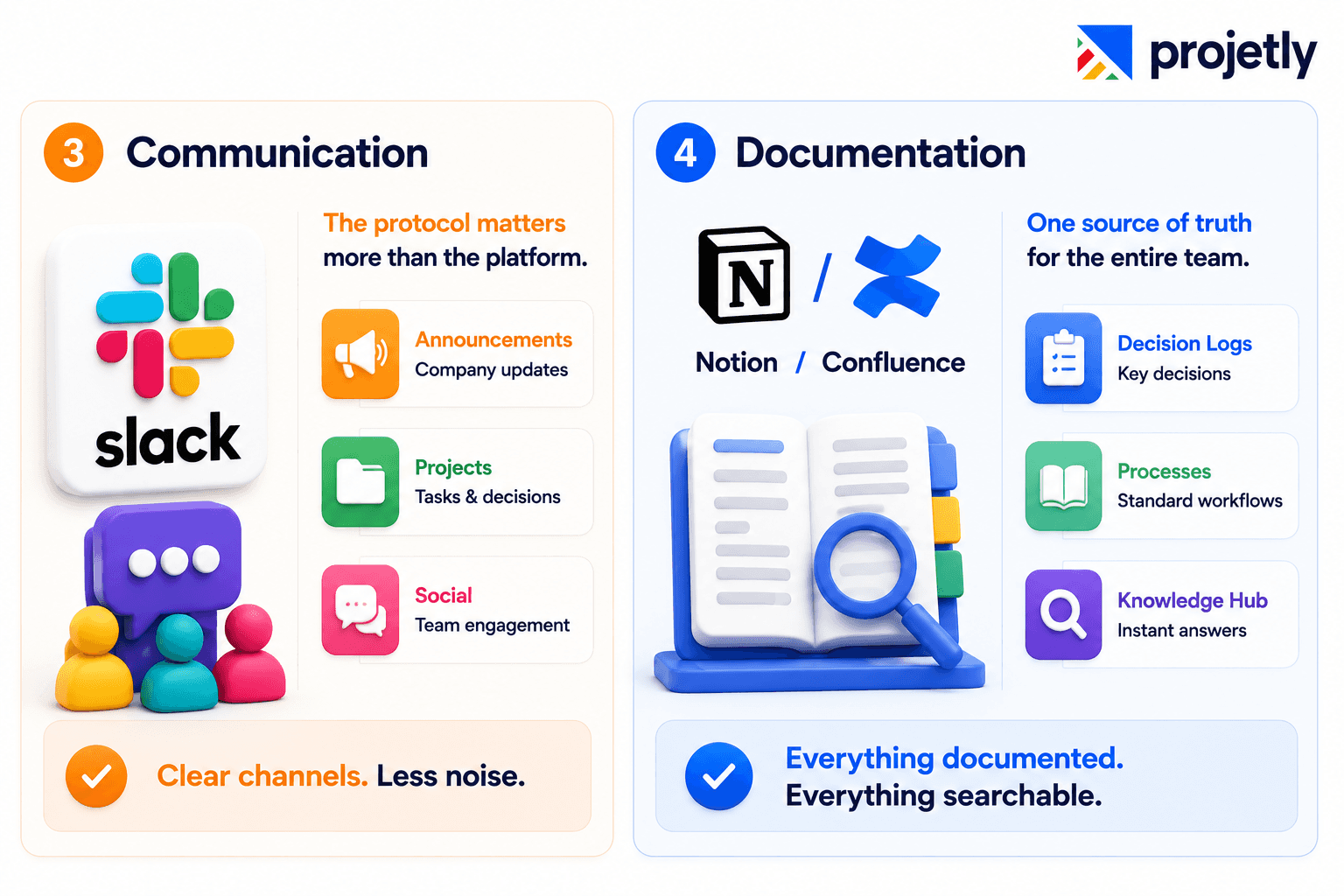
Communication: Slack with defined channel protocols. The protocol matters more than the platform. Project channels, announcement channels, and social channels should have distinct, documented purposes so messages land in the right place the first time.
Documentation Notion or Confluence: A central knowledge hub where every decision is logged, every process is documented, and every update is searchable. If your team regularly asks, "Where do I find X?", this layer needs work.
🎯 Ready to consolidate your distributed team's stack?
How Do You Prevent Burnout in Always-On Distributed Environments?
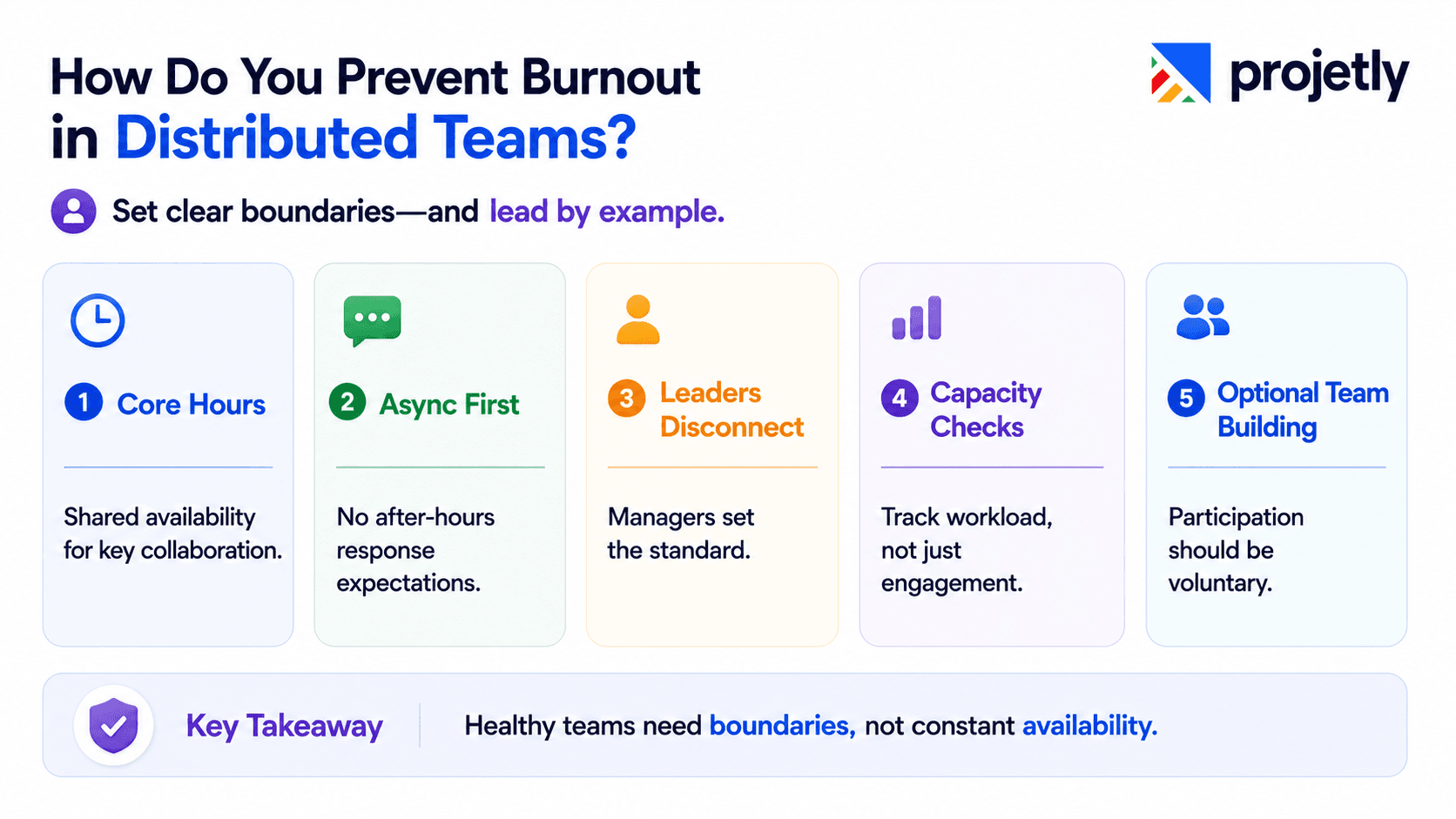
Set explicit boundaries, then model them at the leadership level.
Remote work blurs the line between work and life in ways that office work doesn't. When your Berlin developer sees a Slack message at 9 PM from their New York manager, the implicit expectation of a response can undermine every stated "we respect work-life balance" policy.
Burnout prevention requires structural design, not just encouragement:
Core hours policy: Define the 3–4 hours per day when team members across overlapping zones are expected to be available. Outside those hours, asynchronous is the default, not a workaround.
No overnight message expectations: Messages sent outside working hours should carry no implied urgency. Build this into your communication norms document, not just your all-hands talking points.
Vacation policies people actually use: Teams where managers visibly disconnect see 23% higher vacation utilization among direct reports (Gallup, 2024). Leadership behavior sets the ceiling.
Pulse surveys on workload, not just engagement. Ask specifically: Do you feel you have reasonable capacity this week? Generic engagement surveys miss the early signals of creeping burnout.
Virtual team building works when it's optional, varied, and genuinely interesting, not when it's mandatory icebreakers at the end of a long week.
Peer recognition programs, optional gaming sessions, and coffee chat pairings between people who don't normally interact all show meaningful uptake when participation is genuinely self-directed.
What Metrics Should You Track for Distributed Project Success?
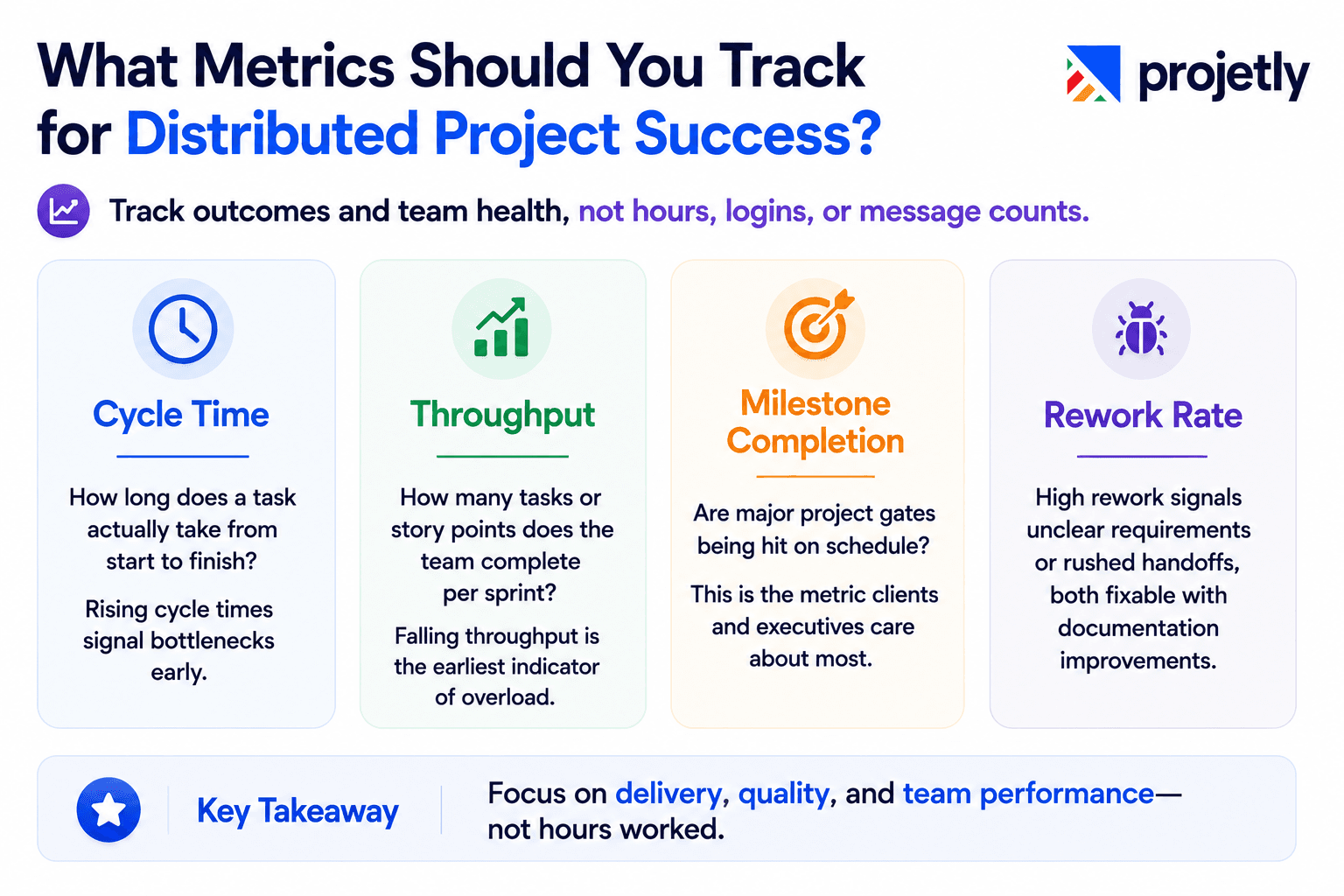
Track outputs and team health, not hours, logins, or message counts.
Delivery Metrics
Cycle time: How long does a task actually take from start to finish? Rising cycle times signal bottlenecks before they become crises.
Throughput: How many tasks or story points does the team complete per sprint? Falling throughput is the earliest indicator of overload.
Milestone completion rate: Are major project gates being hit on schedule? This is the metric clients and executives care about most.
Bug/rework rate: High rework signals unclear requirements or rushed handoffs, both fixable with documentation improvements.
Collaboration Health Metrics
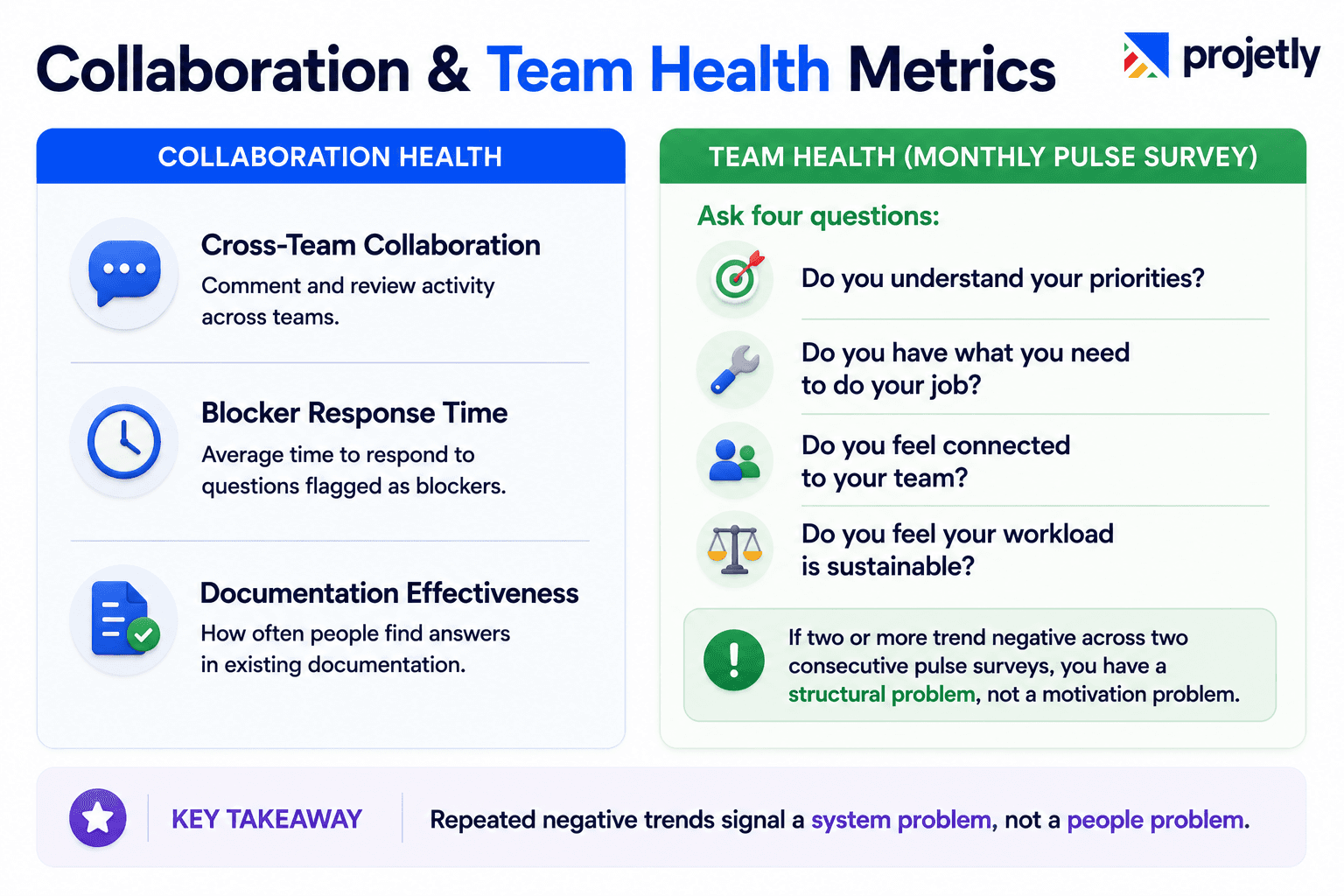
Cross-team comment and review activity in your project management tool
Average response time to questions flagged as blockers
Documentation quality, measured by how often people ask questions that are already answered somewhere
Team Health Indicators (Monthly Pulse Survey)
Ask four questions:
Do you understand your priorities?
Do you have what you need to do your job?
Do you feel connected to your team?
Do you feel your workload is sustainable?
If two or more of these trend negative across two consecutive pulse surveys, you have a structural problem, not a motivation problem.
Frequently Asked Questions
1. How do you align a team that spans five or more time zones?
Design for the time zone overlap that exists, not the one you wish you had. If your Berlin and Bangalore teams have a 30-minute window, protect it for decisions that require both parties. Everything else goes async. Use a shared project management platform as the single source of truth so team members in any time zone can pick up context without waiting for a call.
2. What's the right cadence for team check-ins on distributed projects?
Weekly asynchronous written updates plus biweekly 30-minute video calls work for most distributed teams. Daily standups tend to create meeting fatigue without proportionally improving alignment. Reserve synchronous time for actual decision points, not status reviews.
3. How do you handle conflict in a remote team?
Address it faster than you would in person, not slower. Without hallway conversations, small tensions compound in silence. A direct, private video call within 24 hours of identifying a conflict resolves most issues before they affect team dynamics. Document the resolution so both parties have a shared reference.
4. How do you onboard new remote team members effectively?
Onboarding is a documentation problem. New team members should be able to find their first 30 days of tasks, answers to common questions, and project context without needing to ask anyone. Build an onboarding project template in your PM tool with clear task ownership, due dates, and embedded documentation links. Assign one internal buddy, not their direct manager, for the first 90 days.
5. How do you run effective retrospectives for distributed teams?
Async-first retrospectives outperform synchronous ones for distributed teams. Use a shared board (Miro works well) where team members add their inputs, what worked, what didn't, and what to try, in their own timezone over 48 hours before the sync call. The call then focuses on discussion and decisions, not information gathering.
6. How do you ensure remote team members feel included in hybrid setups?
The single biggest inclusion failure in hybrid settings is organic in-office decision-making. When decisions happen in a conference room and are communicated to remote employees afterwards, those employees are contributors, not collaborators. Fix this structurally: every decision that affects the team must be documented before it's finalized, regardless of where the conversation starts.
7. What's the most common reason distributed projects miss deadlines?
Unclear ownership and undocumented handoffs. When a task has two owners, it effectively has none. When a handoff happens verbally on a call without documentation, the next person in the chain starts 12–24 hours behind. Solving both with a single-owner policy and a lightweight handoff template eliminates the majority of preventable delays.
TL;DR
74% of companies now span at least three time zones (Gartner, 2025), making async-first workflow design a competitive necessity, not a preference.
Outcome-based management, tracking deliverables and milestones instead of hours, consistently outperforms activity monitoring for distributed team performance.
AI-powered project management tools deliver up to 15% productivity improvement (KPMG) through better risk prediction and resource allocation, not harder work.
47% of companies still lack real-time project KPI visibility (Wrike, 2026), which creates the cascading delays that cause most missed deadlines.
A single-owner policy plus handoff documentation eliminates the majority of inter-timezone delays; five minutes of documentation at task close saves hours of clarification the next day.
64% of employees in distributed environments cite communication tools as essential to job satisfaction (Forbes), but the protocol governing those tools matters more than the platform itself.
You may also like

A Guide to Project Management Professional Certification

Laugh Your Way to Productivity: 50 Workplace Quotes

50 Funny Workplace Memes That’ll Brighten Your Workday.
What Does a Customer-First Mindset Mean? Explained in 2025

What It Takes to be a Great Customer Success Manager in 2025